54
9. Operation
To Begin Using the Console
Unpack Console and Accessories
Before you can use the console, unpack it and its accessories from the shipping carton.
Note: Before connecting any accessories to the Chimp Lighting Control Console, the console must be
located on a sturdy and flat surface in a dry, dust free environment.
Connect Console to Any Accessories and Power
Connect all optional accessories such as USB keyboard, mouse, touchscreen, etc. to the console.
Connect DMX cables to the console’s DMX output ports.
If you are using ArtNet for data output, also connect the network cable to the consoles network port.
Use the supplied AC power cable to connect the console to a grounded, AC power source. The console
operates on an AC voltage of 100 to 240VAC.
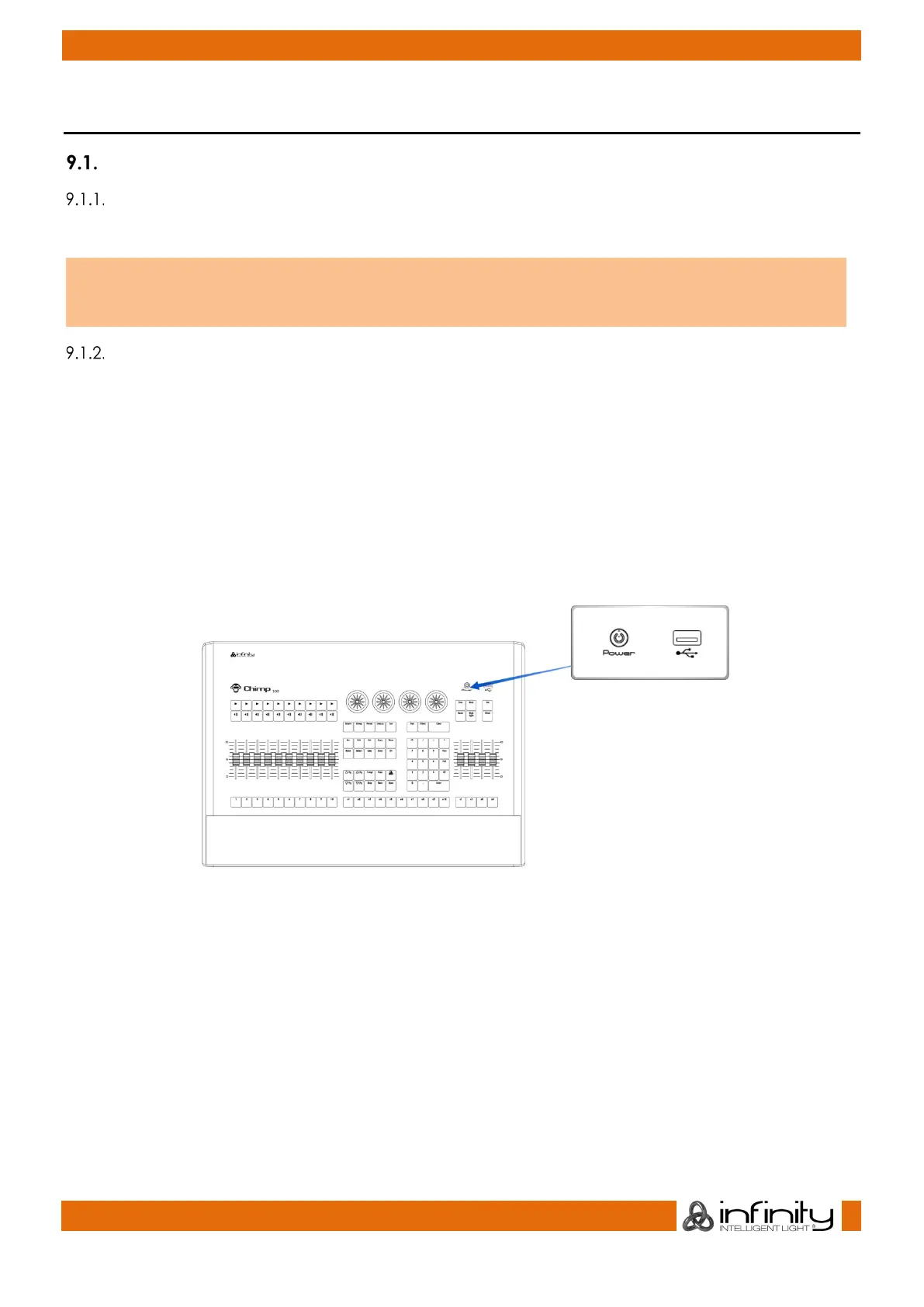
Press the power button on the right hand side of the console, above the special faders to boot up the
console.
During the boot process a boot menu will be shown. This boot screen provides several maintenance
utilities; however, it will continue to automatically boot the Console OS without user intervention.
The Chimp Lighting Control Console will perform a system check during boot up.



 To Next Page