126
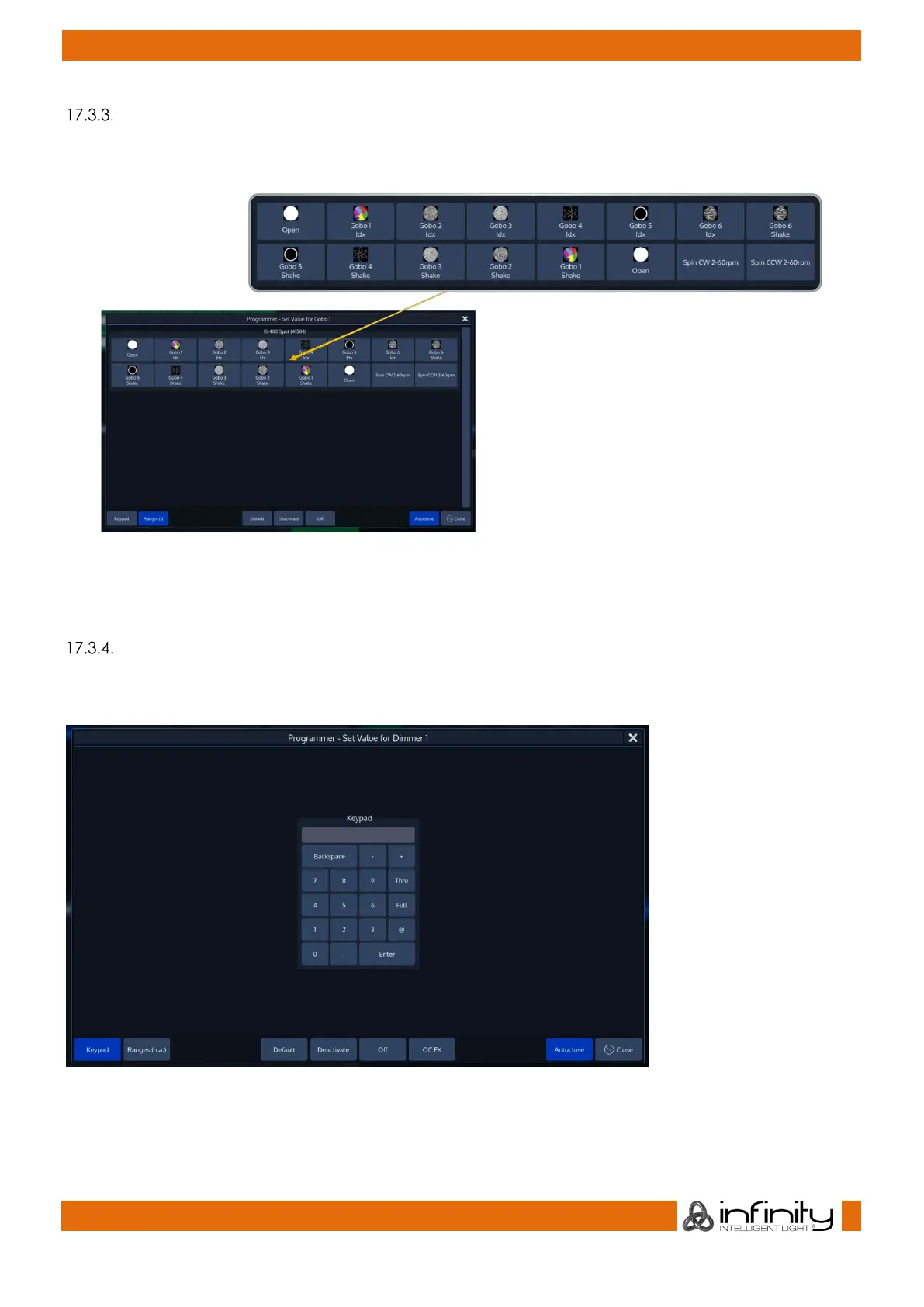
Alter Parameters using the ranges / slots defined in the Fixture Library
To select values directly from the library, press on the Encoder Label or the Encoder and select a value
from the screen that popped up:
Fig. 95: Select Range Dialog
Note: When the Autoclose bottom found in the lower right corner is enabled, this window will
automatically close after selecting one of the items.
Alter Parameters using the Keypad PopUp
To type in values directly from the library, press on the Encoder Label or the Encoder, switch to the
Keypad on the by pressing the Keypad Button on the bottom left of the dialog and enter a value:
Fig. 96: Select Range Dialog
Note: Values entered here alre always entered in Percent. If you want to enter DMX Values, press the [.]
Button before entering the Value, for Example .255



 To Next Page