84
Cue Timing
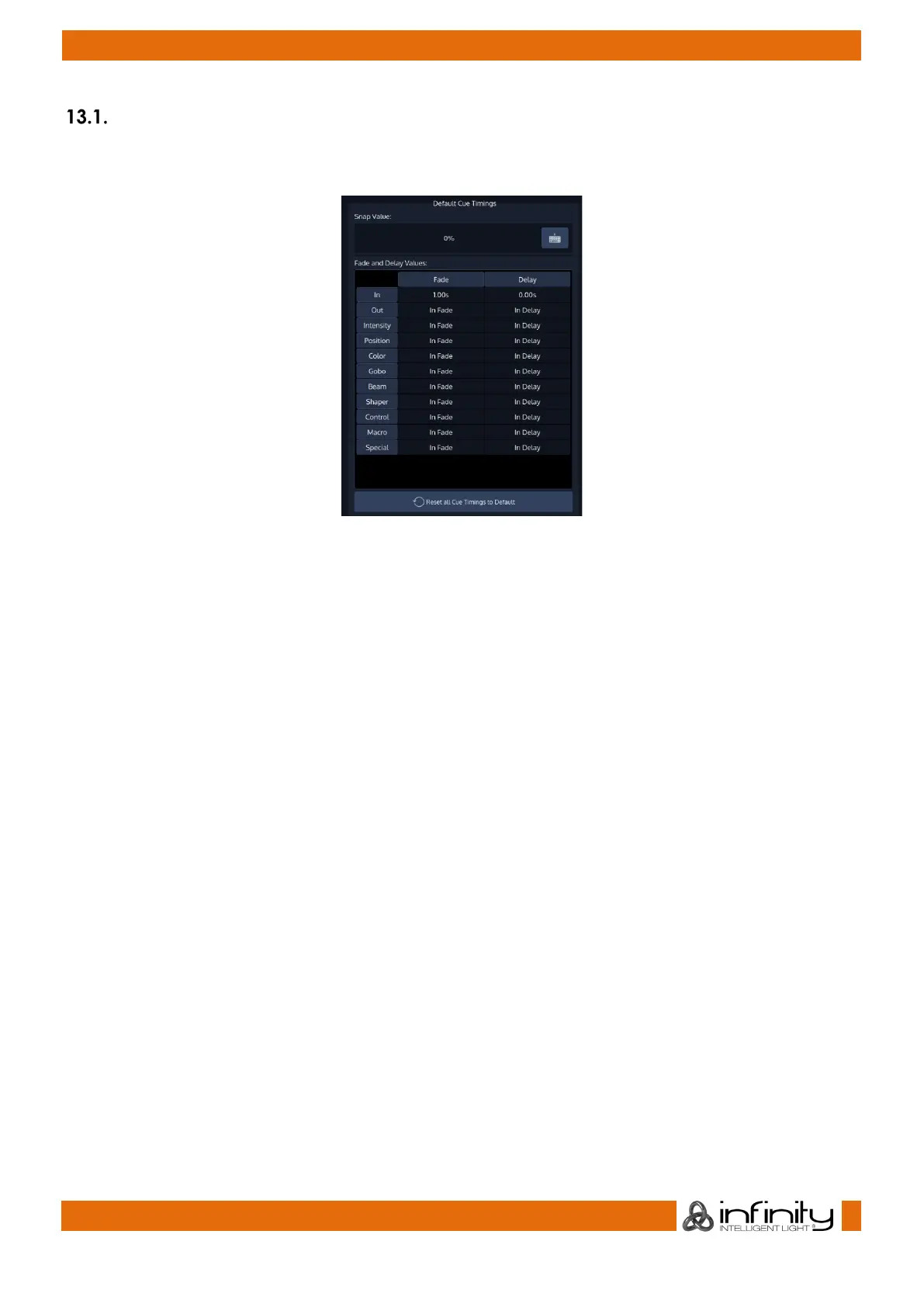
The Cue Default Timings may be altered on the left-hand side of the screen. These timings will be used for
all new Cues that are recorded afterwards.
Fig. 68: Default Cue Timing
The Cue Default Timings will be stored as part of the Showfile. Cue Default Timings may be overridden by
temporary Timings which can be set using the [Time] button prior to recording a Cue.
These temporary Programmer Timings will be reset whenever the Programmer is cleared or when the Cue
Timings for the Show are being edited.
Selecting a Cell and hitting the [Set] Button or double-clicking a cell will open a Keypad dialog to
configure each timing.
The Default Snap Value can be edited using the Keyboard Button in the top right corner.



 To Next Page