45
Executor Labels
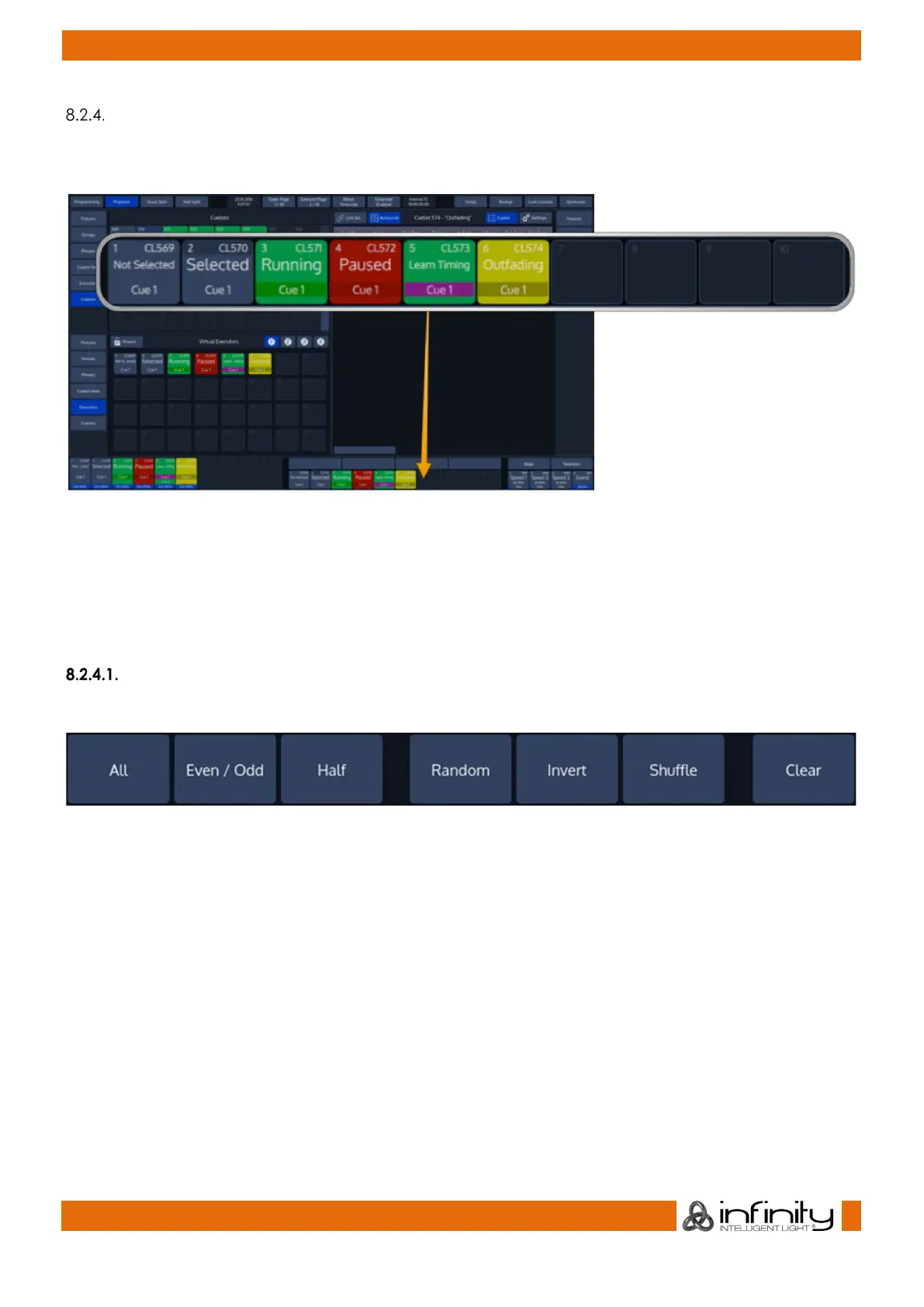
Executor labels give you a quick overview of executor assignments, current cuelist states and much
more. The look of the executor labels varies a little depending on the executors contents.
Fig. 21: Executor Labels
Toolbars
Toolbars are context sensitive aid and provide quick access to multiple different functions. They are
shown in the same position as the Executor Labels, when applicable.
Here is a quick overview over the available toolbars.
“Selection” Toolbar
The “Fixture Selection” Toolbar provides quick access to fixture sub selection.
Fig. 22: Selection Toolbar
For more Information on the Select Toolbar, please see section 15.3 Fixture Sub-Selection using the
Selection Toolbar on page 105.



 To Next Page