67
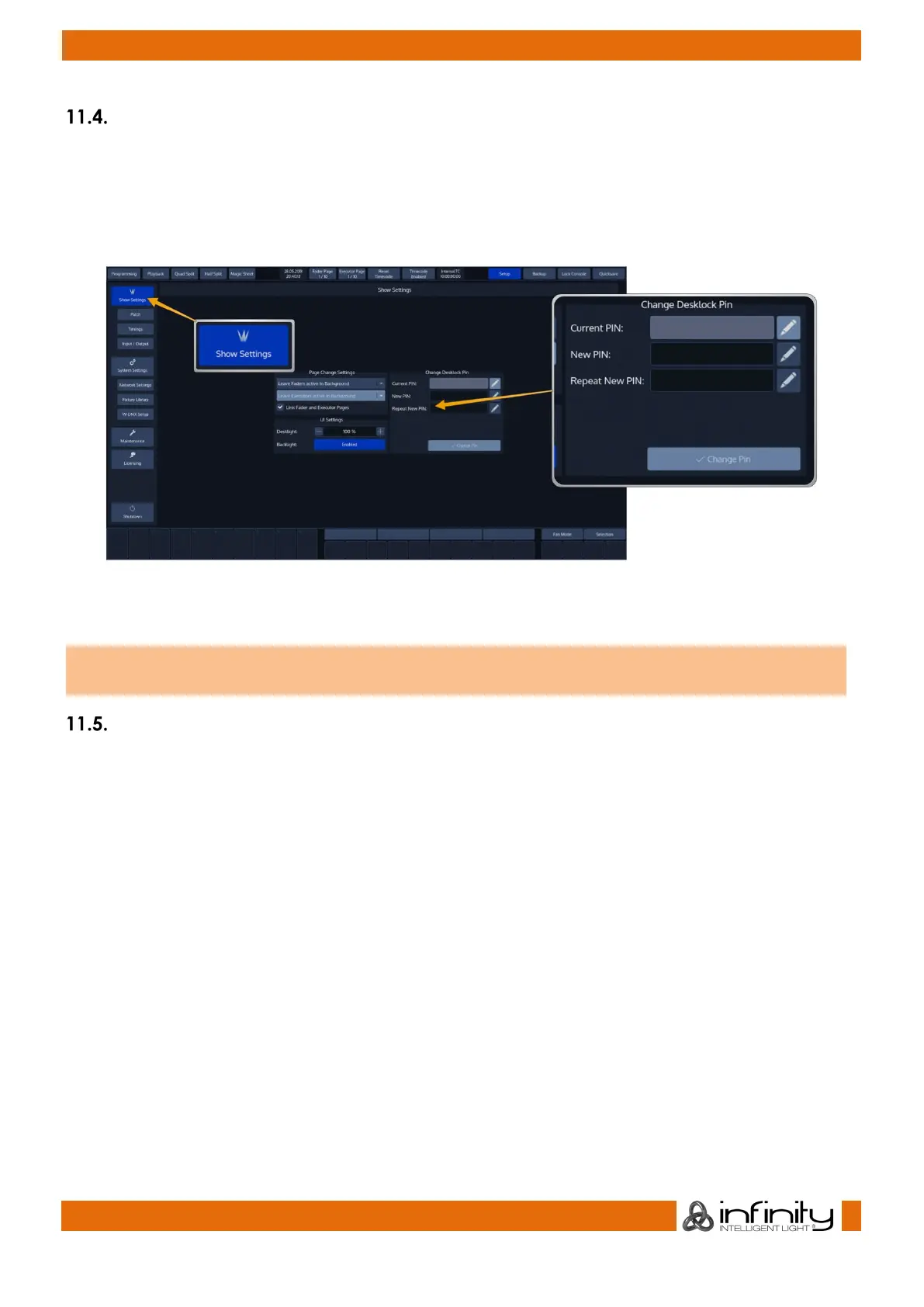
Change Desklock PIN
To change the PIN Code requested to unlock the console, head over to the Show Settings screen and fill
in the current PIN code (If you already changed it).
Enter the new PIN in the New PIN and Repeat New PIN fextfields. And click on Change PIN.
The Pin Code may be any Numeric Number.
Fig. 49: Show Settings - Desklock Pin
The default PIN Code is “0000” – four times zero.
Locking the Console
To lock / unlock the console, simply select the Lock Console button from the top Menu Bars right hand
side.



 To Next Page