72
Configuring existing Fixtures
All options in the Patch screen will be applied to the selected fixtures only. Fixtures may either be selected
by using the standard methods of fixture selection (see Selecting Fixtures) Or by selecting the rows of
fixtures within the Patch screen.
You may edit each of the cells directly by selecting it and double, right or long-clicking or by pressing the
[Set]-key.
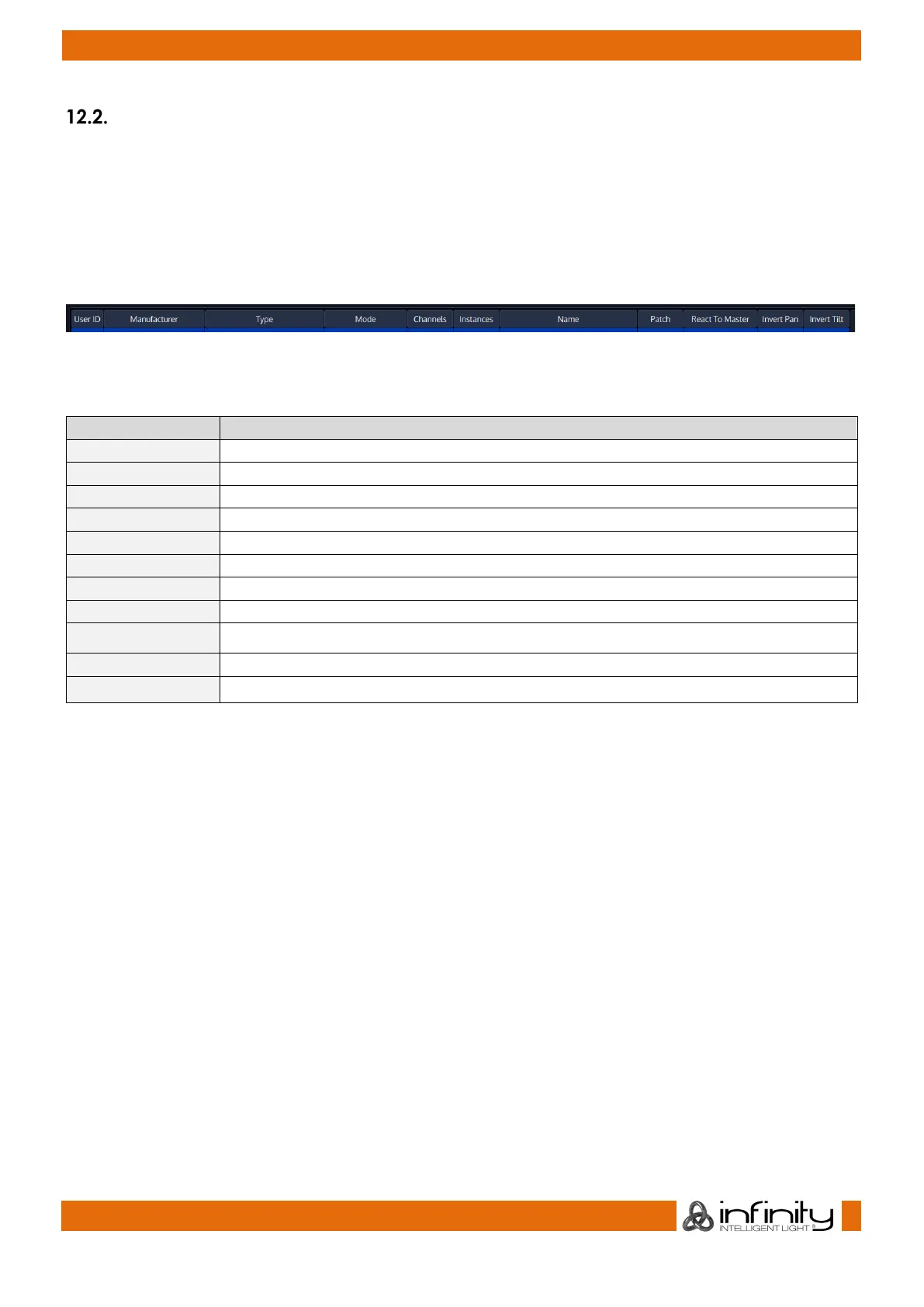
The header of the Patch screen table shows the following information:
Fig. 56: Patch Table – Header
Caption Description
Indicates and sets the User ID of the fixture
This is the Manufacturer of the Fixture Type
This column displays the Fixture Type
Indicates and sets User given Name of the Fixture within the showfile
Displays the number of channels of the fixture
Displays the number of instances
Indicates and sets the fixtures DMX Address (Universe – Channel)
React To Master Indicates and sets if the Fixture will react to the Grandmaster Fader
Indicates and sets if Tilt is inverted
Indicates and sets if Pan Inverted



 To Next Page