136
Right
The last fixture in the selection order remains unchanged, while the first fixture's value changes the most:
Before Fanning: 50 % 50 % 50 % 50 % 50 %
After Fanning: 90 % 80 % 70 % 60% 50%
Fig. 109: Fan Example – Fan Right
Fanning with Groupings
Grouping allows you to control the way that attributes are fanned to make complex patterns.
Grouping defines the number of fixtures that are fanned before the fan is repeated.
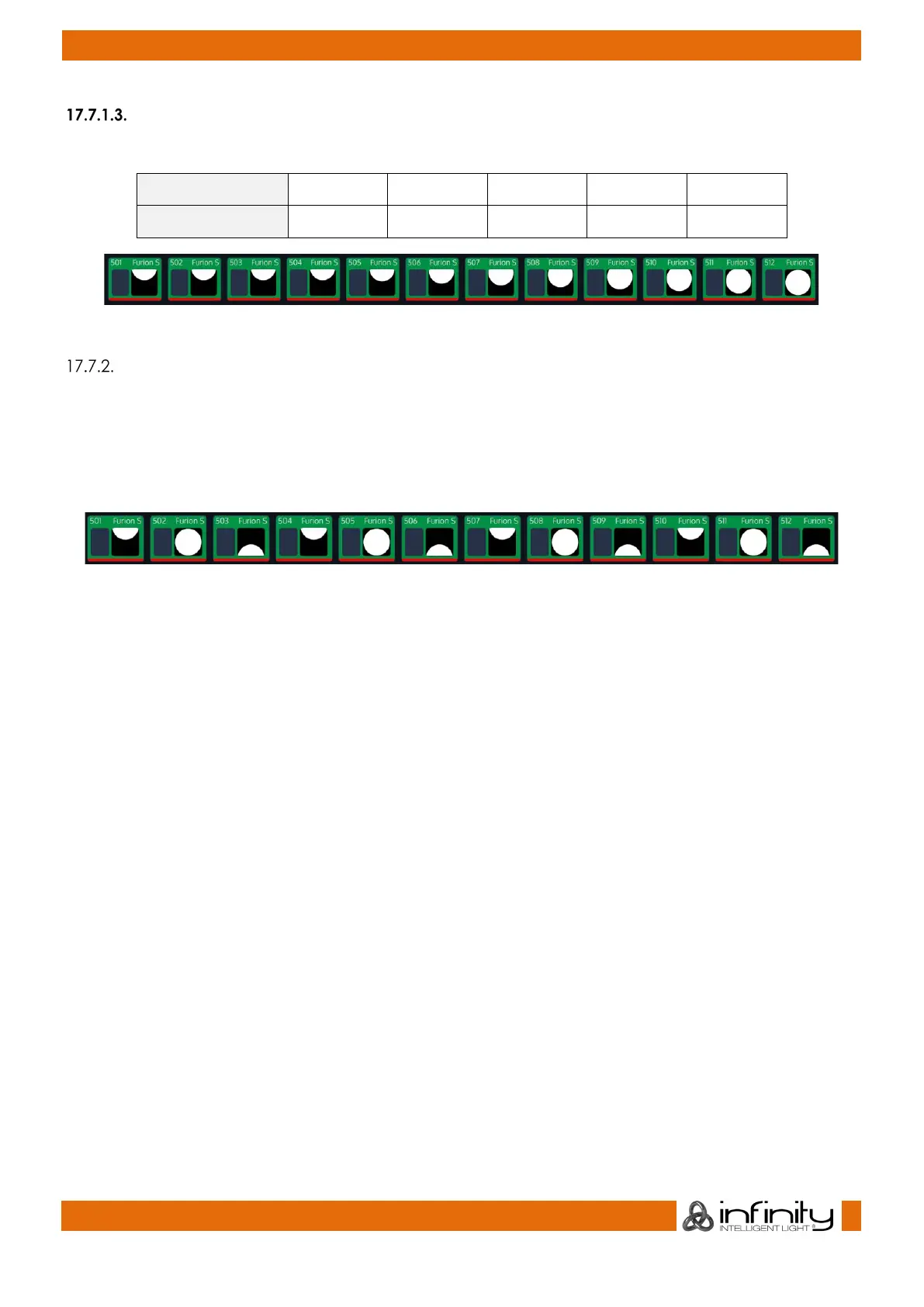
For example, fanning a selection of twelve fixtures with Grouping set to three will generate four identical
fan patterns, with three fixtures each:
Fig. 110: Fan Example - Grouping



 To Next Page