39
The different Split Widgets
Lets call any of the split items in the Content Area a “Split Widget”.
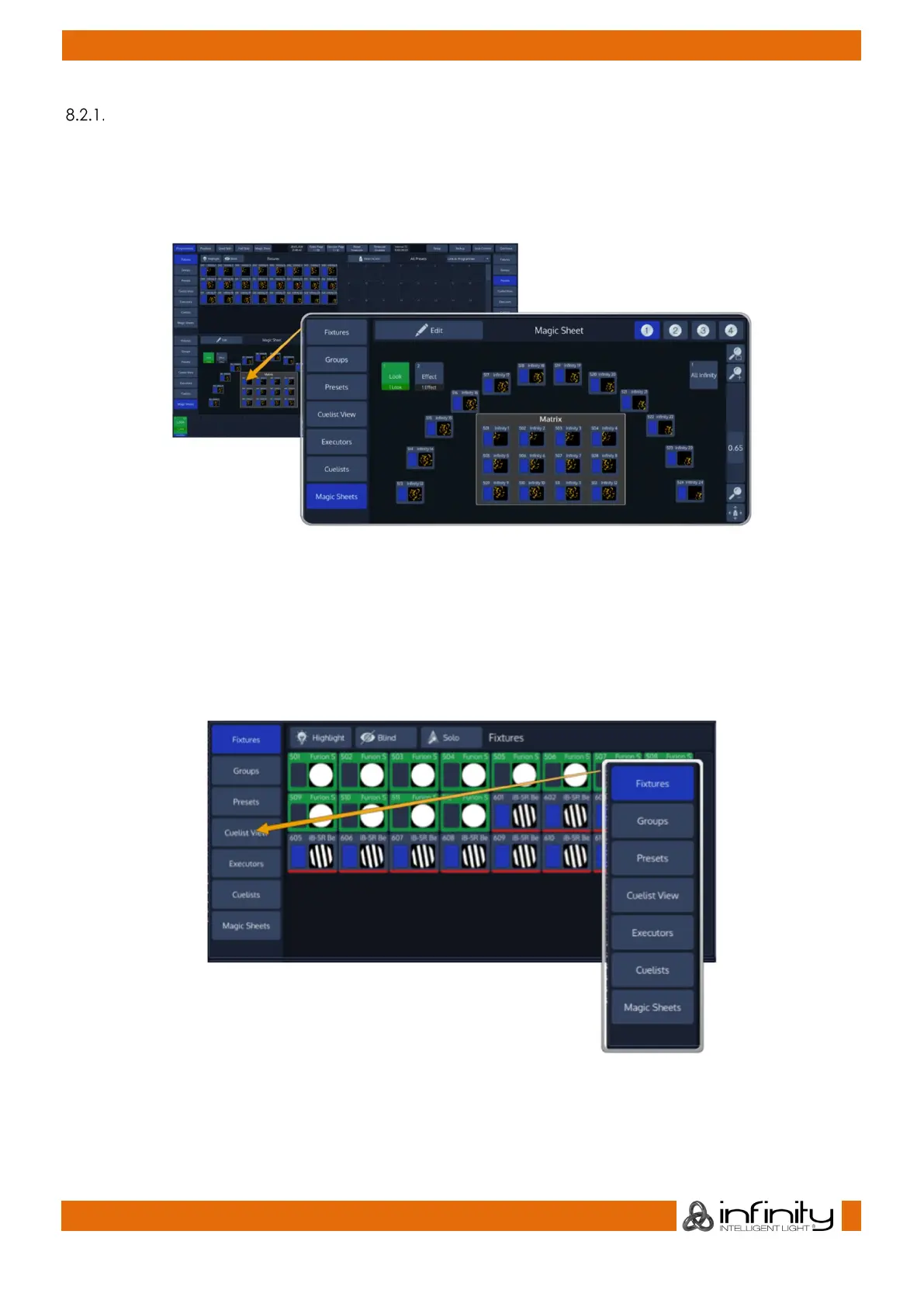
Each of the Split Widgets behaves in the same way. They do have a Menu bar on the left (or right,
dependant on the position of the widget).
The Menu on the left (or right) is used to switch the type of that particular Split Widget to a different type.
Different Types are, for example: Fixtures, Groups, Presets, a Cuelist View Widget, Virtual Executors and
Magic Sheets as well as Cuelists, an Output View and a DMX Output View displaying DMX Values.
In some cases you may notice a Button that says x/y, for example 1/2. Pressing that button will open the
second level of the menu. If that button is missing – there is no second level for that menu.
Fig. 15: Side Menu Example



 To Next Page