193
Loading Options from Default
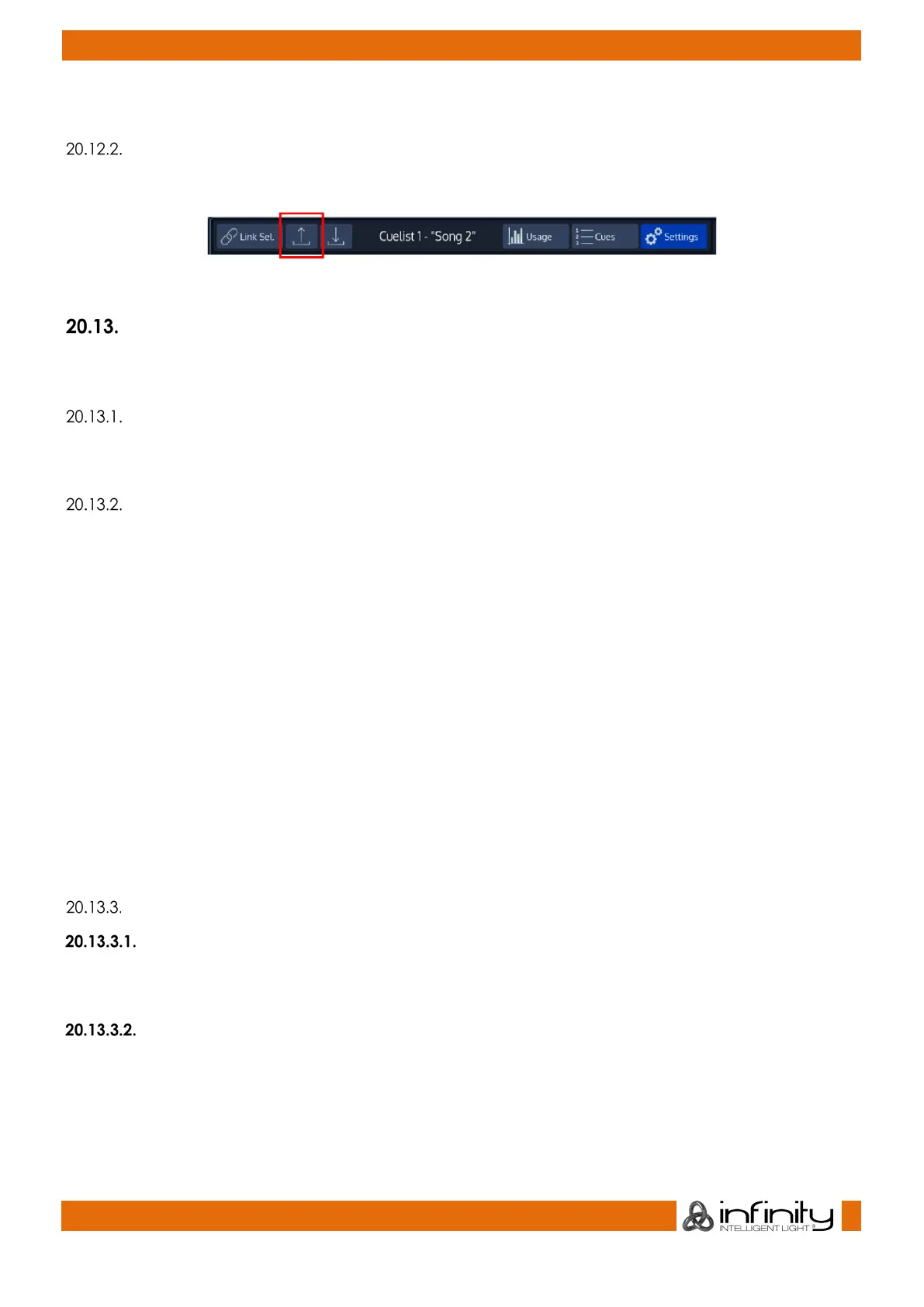
Cuelist Options may be loaded from the default state by clicking onto the Load Default button.
Fig. 163: Load Default Button
Altering Cuelist Options
In order to alter Cuelist settings like Off-Time, Priority, Playback order, etc, you need to open the “Edit
Cuelist” window as described in “Edit Cuelist Window”.
Renumbering all Cues in the Cuelist to whole numbers
You may rename all Cue numbers in a Cuelist to full numbers (1,2,3, etc) by clicking on the Renumber
button.
Setting the Cuelist Playback Mode
Cuelists may be set to two different modes, Cuelist or Chase which may be selected by the appropriate
buttons from within the Edit Cuelist Window.
Chasers offer a reduced functionality and behave differently in some several cases compared to Cuelist.
A Chaser will:
• Disable Cue Timings such as In/Out Fade and Delay Timings. All timings will be replaced with
global Fade and Snap Timings which are part of the Chaser configuration options.
• Disable Cue Trigger configuration. Instead global Chaser Trigger Options from the Edit Menu will
be used.
• Ignore Timecode and Learn Timing Functions and hide Timecode Options for the Cuelist.
• Enable Chase Master Trigger Selection and Sync Functions
• Enable Chase Fade and Snap Settings
• Enable different options for Chase Playback Order
Settings shared between Cuelists and Chases
Tracking
This dropdown menu allows you to enable or disable tracking for this cuelist. You may also enable the
Cuelist to track from the last to the first cue. By default, tracking is set to Enabled.
Priority
The priority setting will change the playback priority as to your setting. The default setting if nothing else is
selected is LTP.
For more information on priorities, please see “Priority Overview”.
The other different priority settings are:



 To Next Page