118
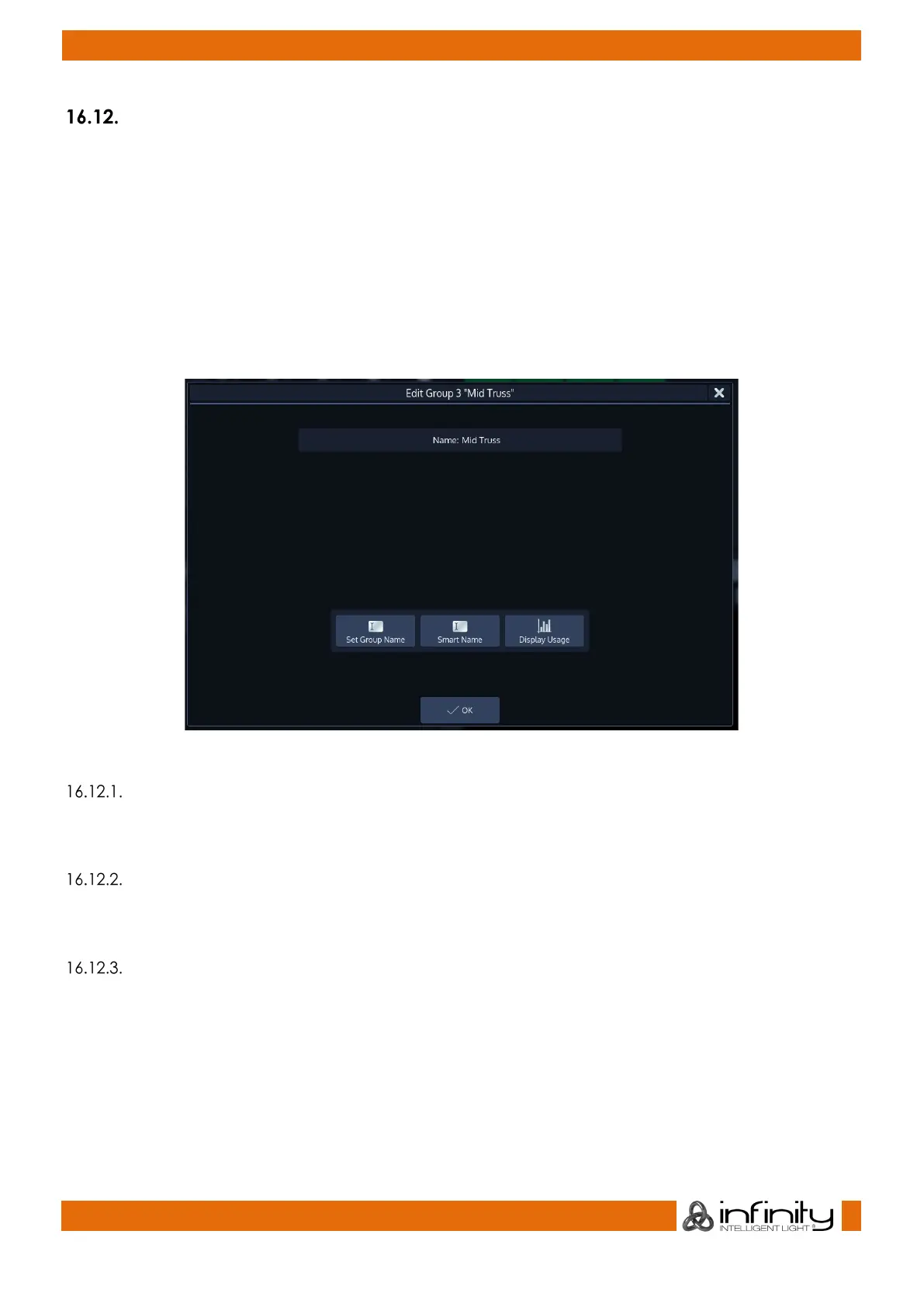
Edit Group Window
The “Edit Group” –Window may be used as a quick way to rename a group and all the contained
fixtures.
To open the Edit Group Window:
● Press the [Edit] –key
● Select the Group you would like to edit.
Or, using the Command Line Interface, type [Edit] [Group], followed by the ID of the group you
would like to edit, eg. [31].
Finish the command by pressing [Enter].
Fig. 90: Edit Group Window
Set Group Name
Clicking on the Set Group Name button will open an on-screen keyboard allowing you to rename this
Group.
Smart Name
Clicking on the Smart Name button will open an on-screen keyboard asking for a new group name.
Smart Name will also rename contained fixtures using the same name that you enter for the group.
Display Usage
Clicking on the Display Usage button will open a dialog which indicates where and how this group is
used throughout the showfile.



 To Next Page