162
Selecting Presets
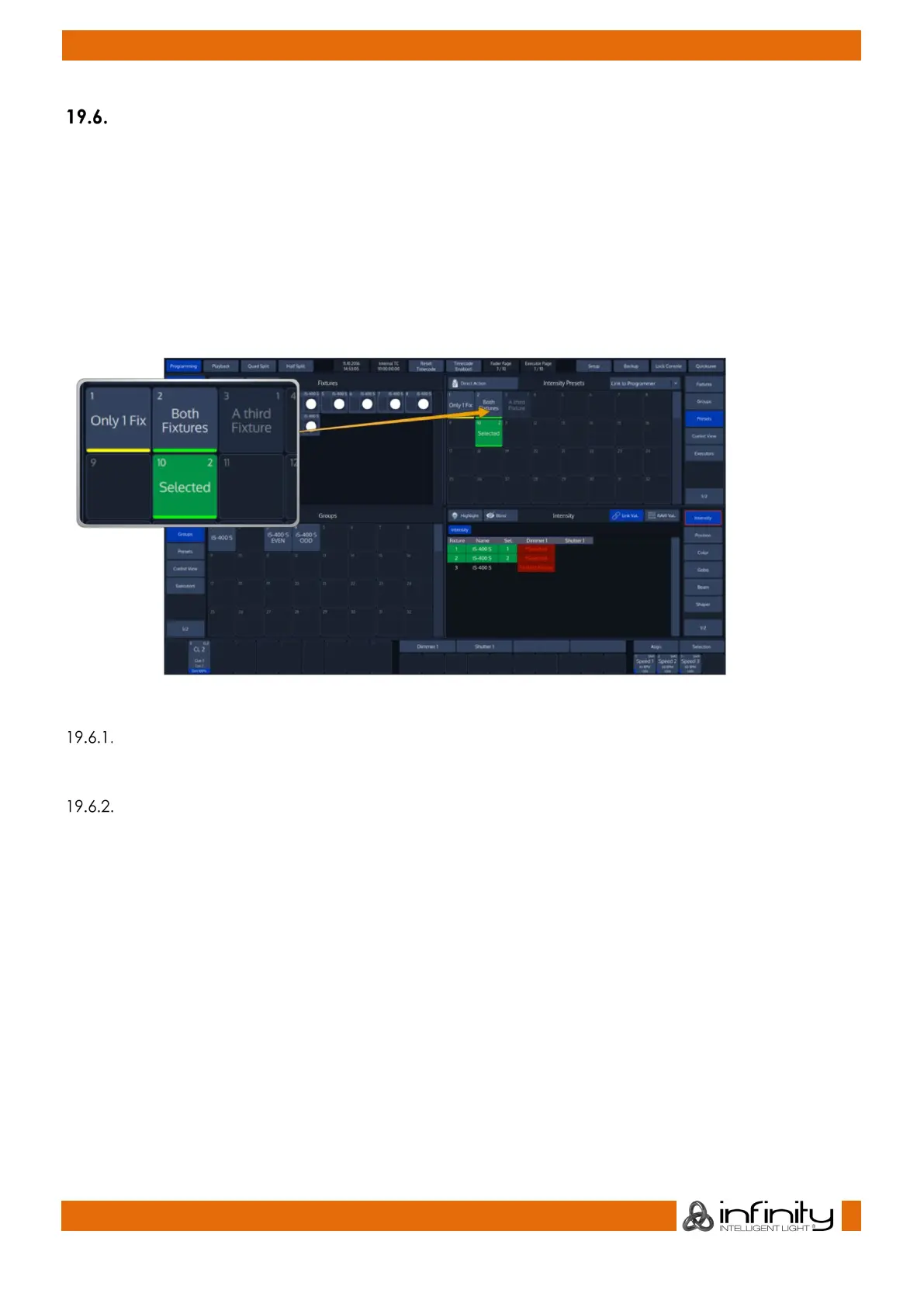
As soon as you select fiixtures, Chimp will figure out which of your presets can be applied to all or only
some of your fixtures, and which can not be applied as well. This will be presented by the preset pool in
an appealing way.
Presets that can not be applied at all will fade into the background. Those who can only be applied to a
part of your selection will have a little yellow bar at the bottom. And presets that may be applied to all of
your selected fixtures will show a green bar.
If this preset has been applied to fixtures in the programmer, it will show how many fixtures it is applied to
in the top right corner.
Fig. 142: Preset Split Widget - Different States of Items
Selecting Presets as a Reference
After making sure you have fixtures selected, you may select and deselect presets by clicking on them.
Recalling a Preset as a ‘Hard Value’
If you select Presets this way, they will be recorded into Cues as a ‘hard’ value, rather than being
referenced by the Cue.
To select a Presets “Hard Value”, press and hold the [Infinity] button while selecting the preset.



 To Next Page