153
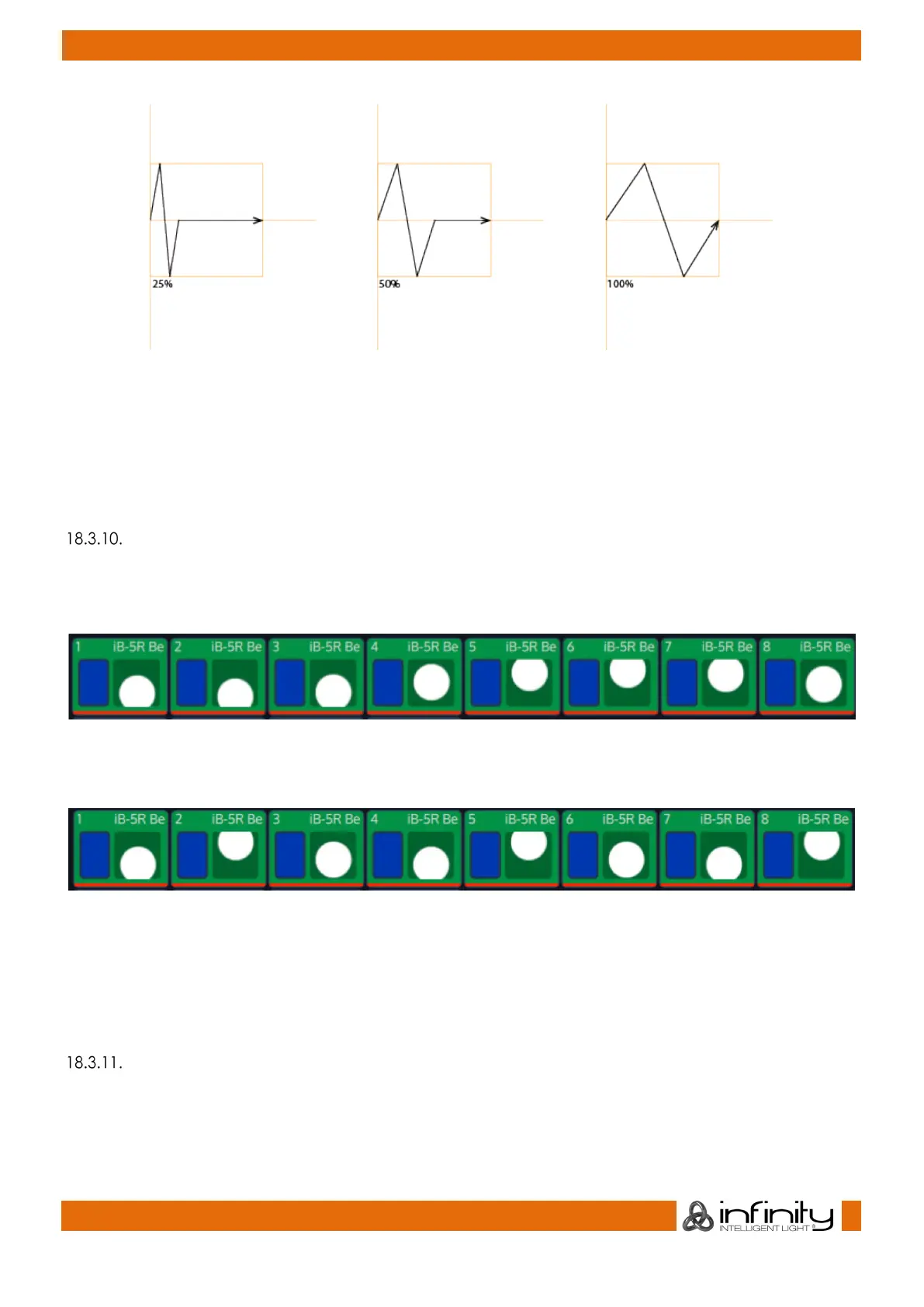
Fig. 130: Duty Cycle Effect Attribute
It may be used to build chases and more. Best way to see how it works is to select a few lights, add the
Dimmer Wave predefined effect and play with the duty cycle.
Selecting the Duty Cycle Cell and pressing the [Set] key will open the Set Effect Duty Cycle Parameter
Dialog window, which can be used to further alter values of the duty cycle, for example to randomize or
fan values.
“Gouping” Effect Attribute
The “Grouping” attribute divides all fixtures running the effect into a specified number of groups.
For example, a tilt wave across 10 fixtures without grouping may look like this:
Fig. 131: Grouping Atrribute - No Grouping
With Grouping set to a value of three, the effect will look like this:
Fig. 132: Grouping Attribute - Value of 3
As you can see, Fixtures 1, 4, 7 are being output with the same values, Fixtures 2, 5, 8 are as well, and so
on.
Selecting the Grouping Cell and double, right or long clicking – or pressing the [Set] key will open the
Set Effect Grouping Parameter Dialog window, which can be used to define a Grouping.
“Buddying” Effect Attribute
The “Buddying” attribute treats a given number of fixtures as if they were the same fixture.
For example, a tilt wave across 10 fixtures without buddying may look like this:



 To Next Page