145
The Effects Programmer
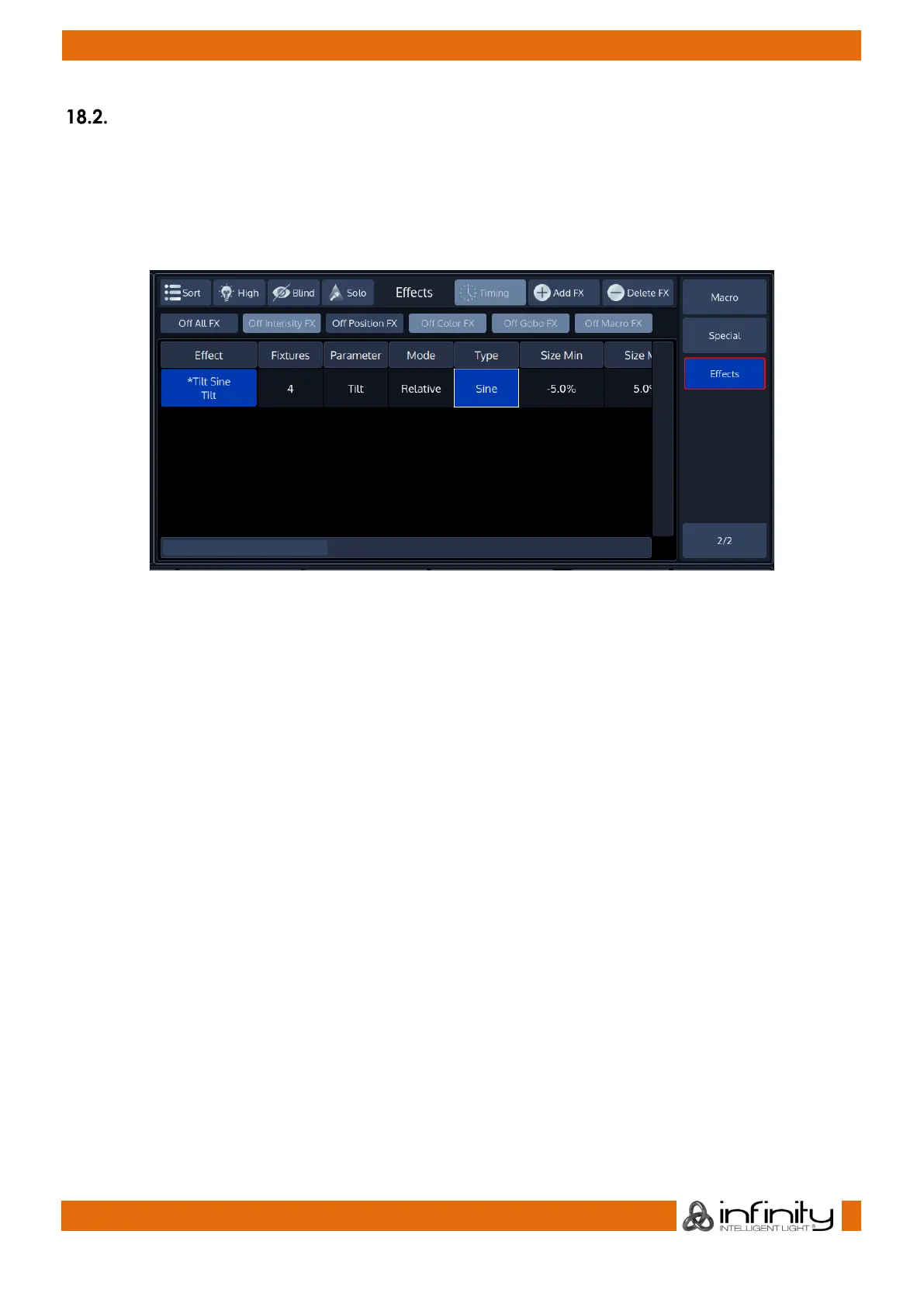
To create, add or modify an effect, select the Effects button from within the Programmer Split Widgets
side menu. Alternatively, you may press the [FX] Button on the console’s faceplate.
Repeatedly pressing the Effects button will cycle through the different horizontal scroll positions in the
effect programmer to change parameters easily. While scrolling, the encoders will also change to be
able to adjust each of the parameters using the encoders.
Fig. 119: FX Programmer Table
Please note that the effects Programmer will not show any effects that are being played back by cuelists.



 To Next Page