58
Saving the Showfile
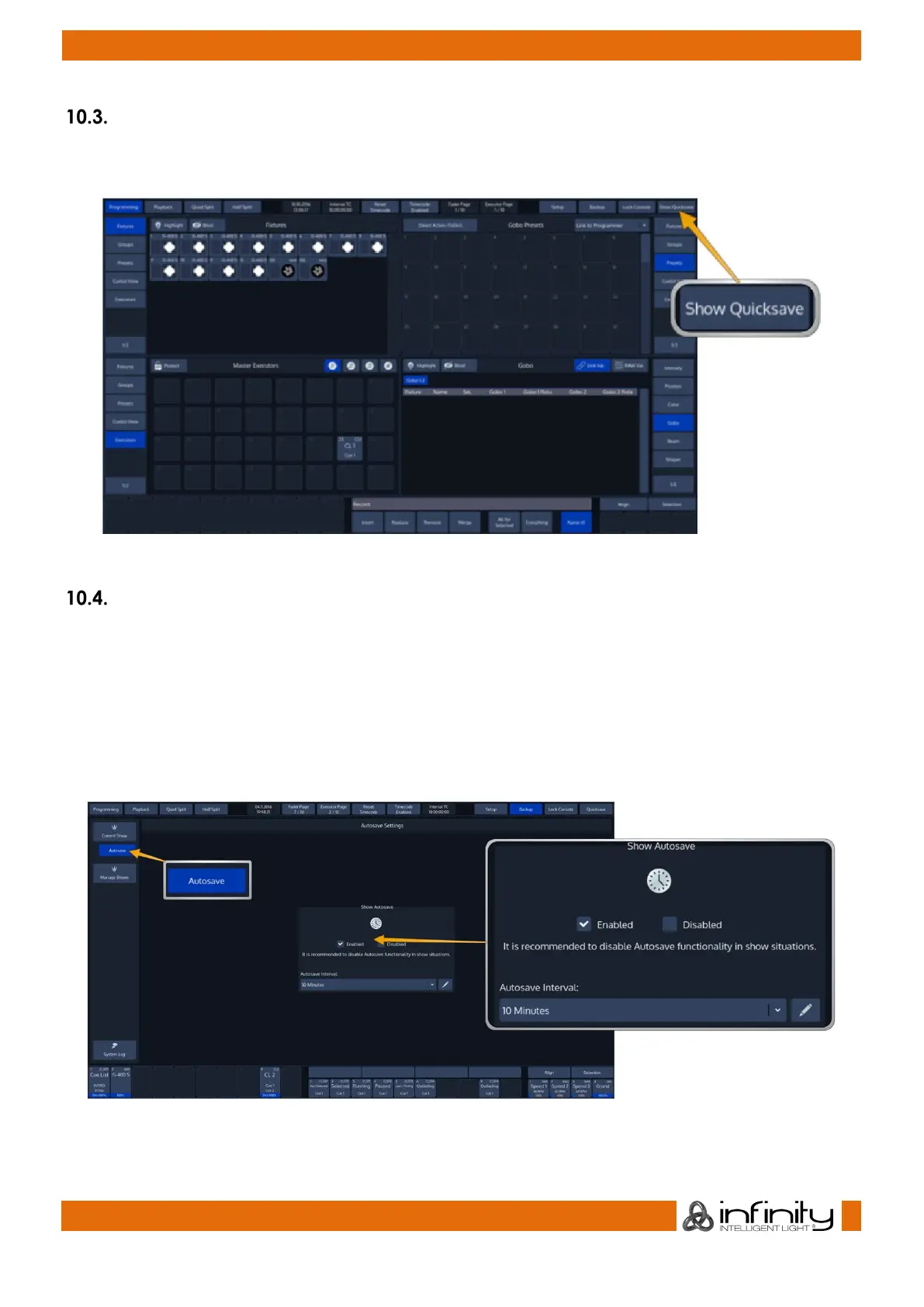
We recommend saving your show every once in a while. You may do this from within a show by hitting
the Show Quicksave button on the Top-Toolbar.
Fig. 39: Show Quicksave Button
Enable / Disable the “Autosave” -function
For added convenience, you may enable the „Autosave“ function which will make sure your showfile is
periodically saved to disk automatically.
To setup the autosave function, head over the Backup Menu by pressing the Backup Button on the Top
Toolbar.
Switch to the Autosave menu by pressing the button in the Side Menu.
Enable or disable Autosave and set the interval in the Show Autosave groupbox.
Fig. 40: Show Autosave



 To Next Page