34
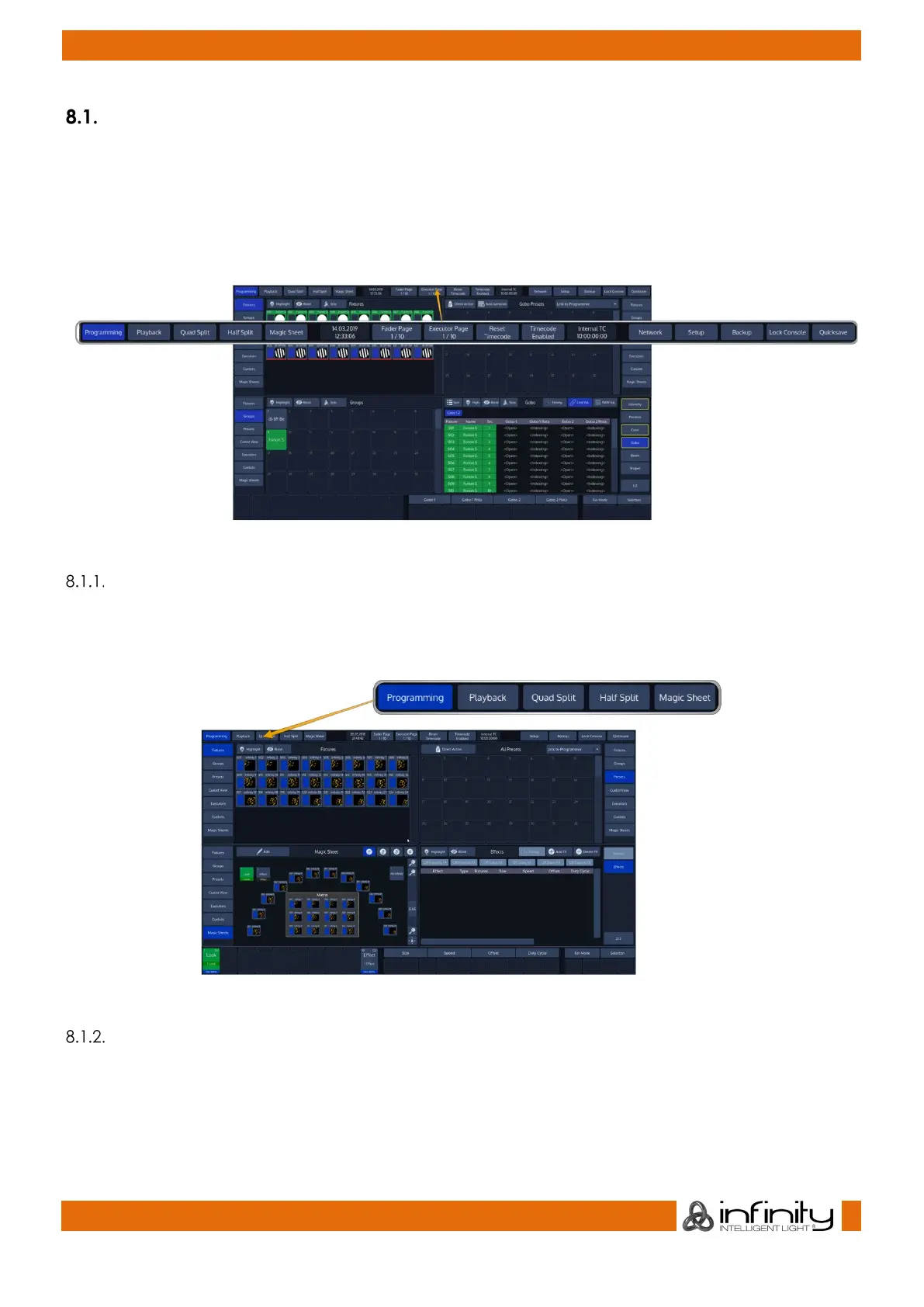
The “Top Toolbar”
The Top Toolbar is divided into three parts. The left part shows the views that are used for programming
and during playback. The center part shows status information like the current date and time, current
Timecode and the active fader and executor pages.
The right part shows buttons to enter the Setup and Backup screens, and buttons to lock the consoler
and to save the show.
Main View Buttons
The Main View buttons provided in the top toolbar switches the Content Areas contents between various
predefined views. Please note the programming interface (the programmer) is only available in
“Programming”.
Fig. 10: Main View Buttons
Status Buttons
The time and date label provides quick information about the current date and time.
The Fader Page and Executor Page Buttons are used to display the current Fader or Executor Page, or to
open the Page Directory for quickly changing between pages, or to move, delete and naming them.



 To Next Page