150
Relative Effects apply a mathematical function around the current base value of the selected attribute.
For example: An effect on the Dimmer channel that has a value of 50% and a size of -25% and +25% will
alternate between 25% and 75% value.
If the base value in the Values View or the Output is at 75%, the effect will alternate between 50% and
100%.
Absolute
Absolute Effects apply a mathematical function from the Size Min value to the Size Max value. In this
case, it is also possible to use Presets for Size Min and Max values. For example:
Size Min is set to 25% and Size Max to 25% - then the effect will appear “frozen” at 25%.
If the Size min is set to 25% and Size Max is set to 75%, then the effect will alternate between 25% and 75%.
“Type” Effect Attribute
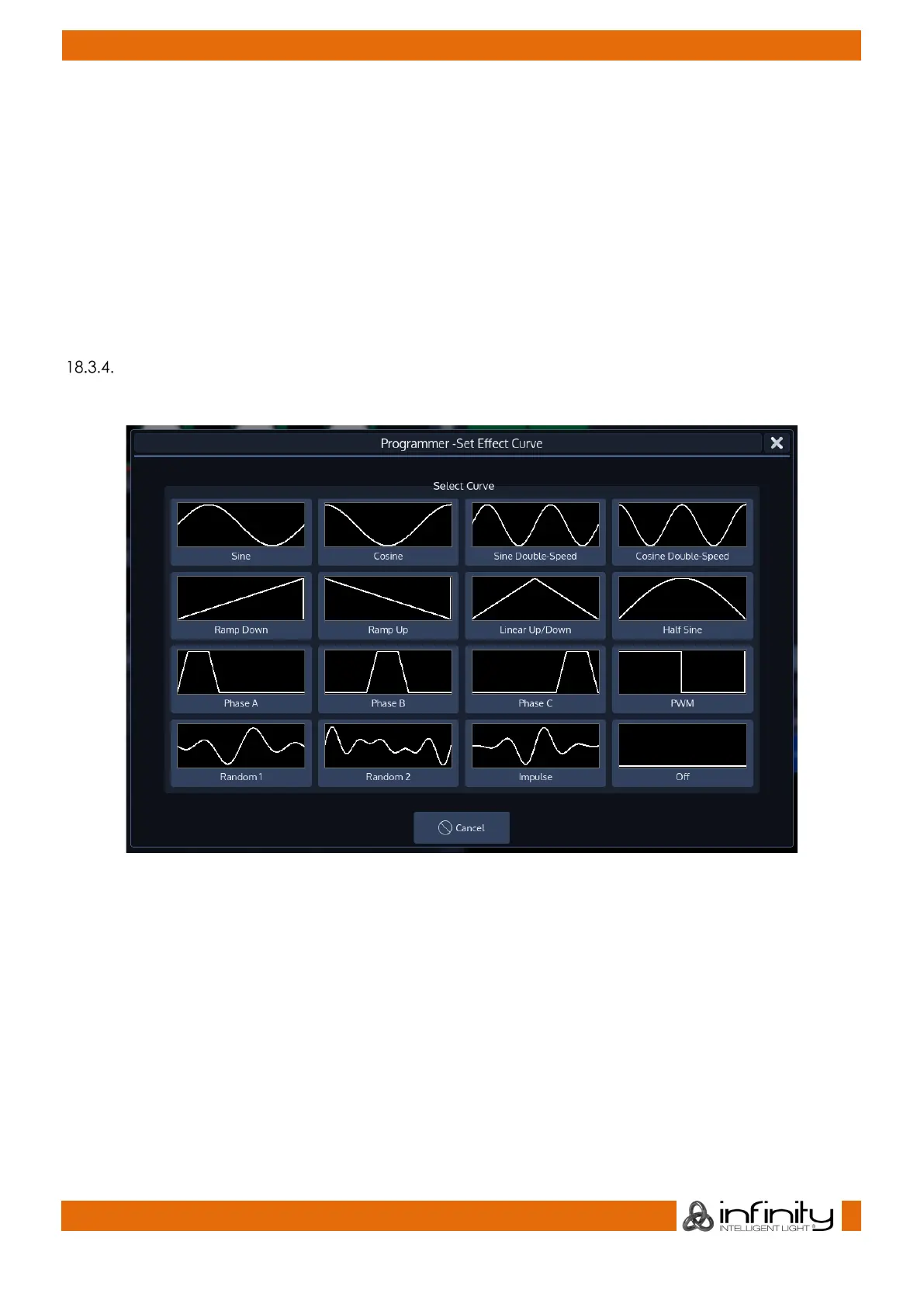
Listed below are all supported different effect shapes:
Fig. 128: Different Effect Forms



 To Next Page