170
20. Working with Cuelists
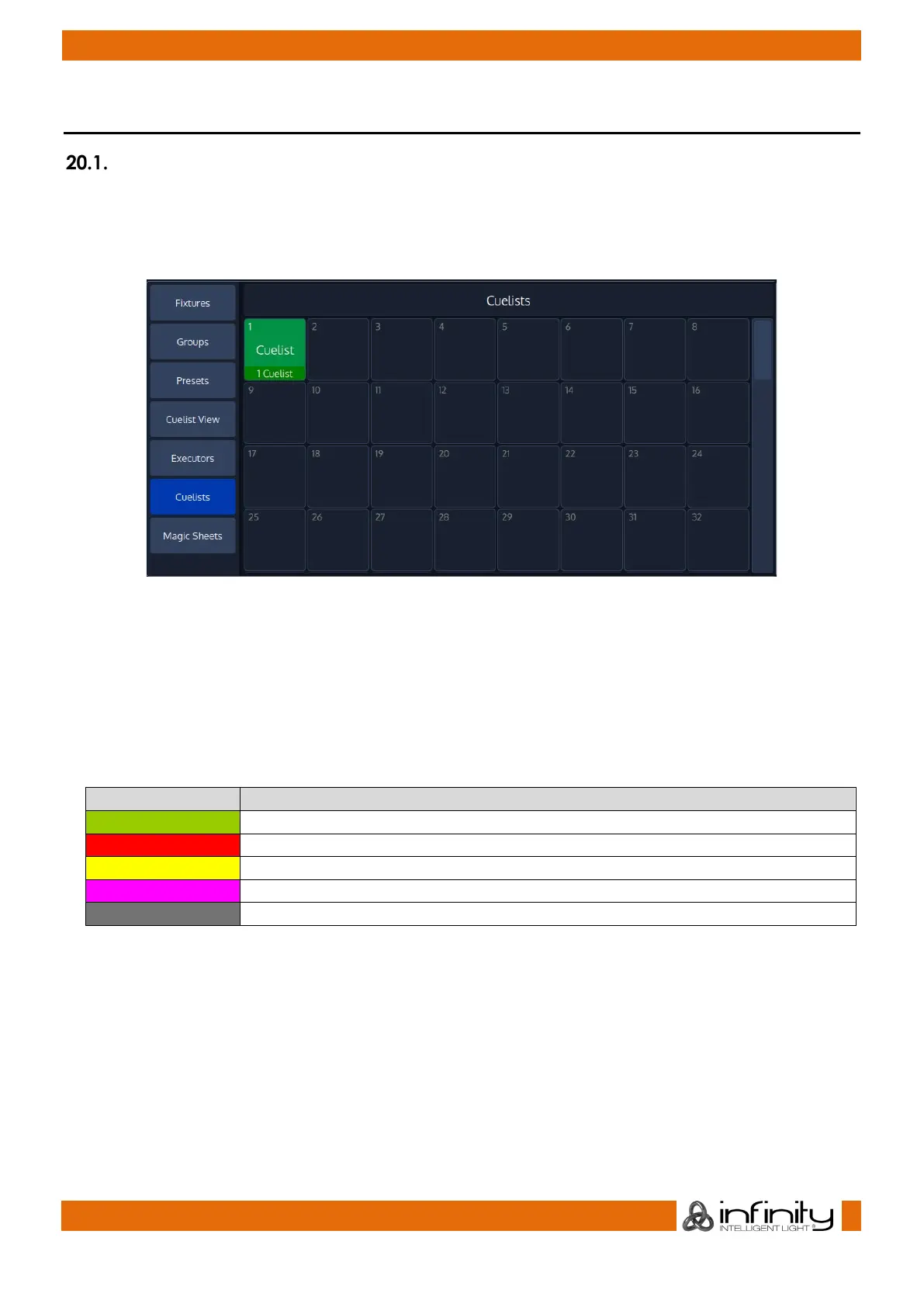
The Cuelist Pool Split Widget
The cuelist pool split widget may be opened from within the side menu in any split widget. Cuelist Pool
Items have a status indicator that shows the current Cue (or, if the Cuelist is not running, the Cue that
would be started) and status of the Cuelist. Also, the current crossfade status of the cues is be displayed
in the status indicator.
Fig. 148: Cuelist Pool
Cuelist Items of cuelists that are played back are displayed using a green background color, items for
paused cuelists are displayed with a red background color and cuelist items which are switched off and
outfading are displayed with a yellow background color.
If a cuelist is used in the showfile (it is displayed in a magic sheet or linked to a fader) the number in the
top left of a cuelist item is shown in red.
The color of the status indicator indicates the different cuelist states:
The cuelist is in a paused state
The cuelist has been switched off and is outfading
The cuelist is in learn Timing / Timecode mode or Manual X-Fade.
The cuelist is not running.



 To Next Page