119
17. Working with Fixture Values
Altering fixture parameter values is only possible from within the Programming Window.
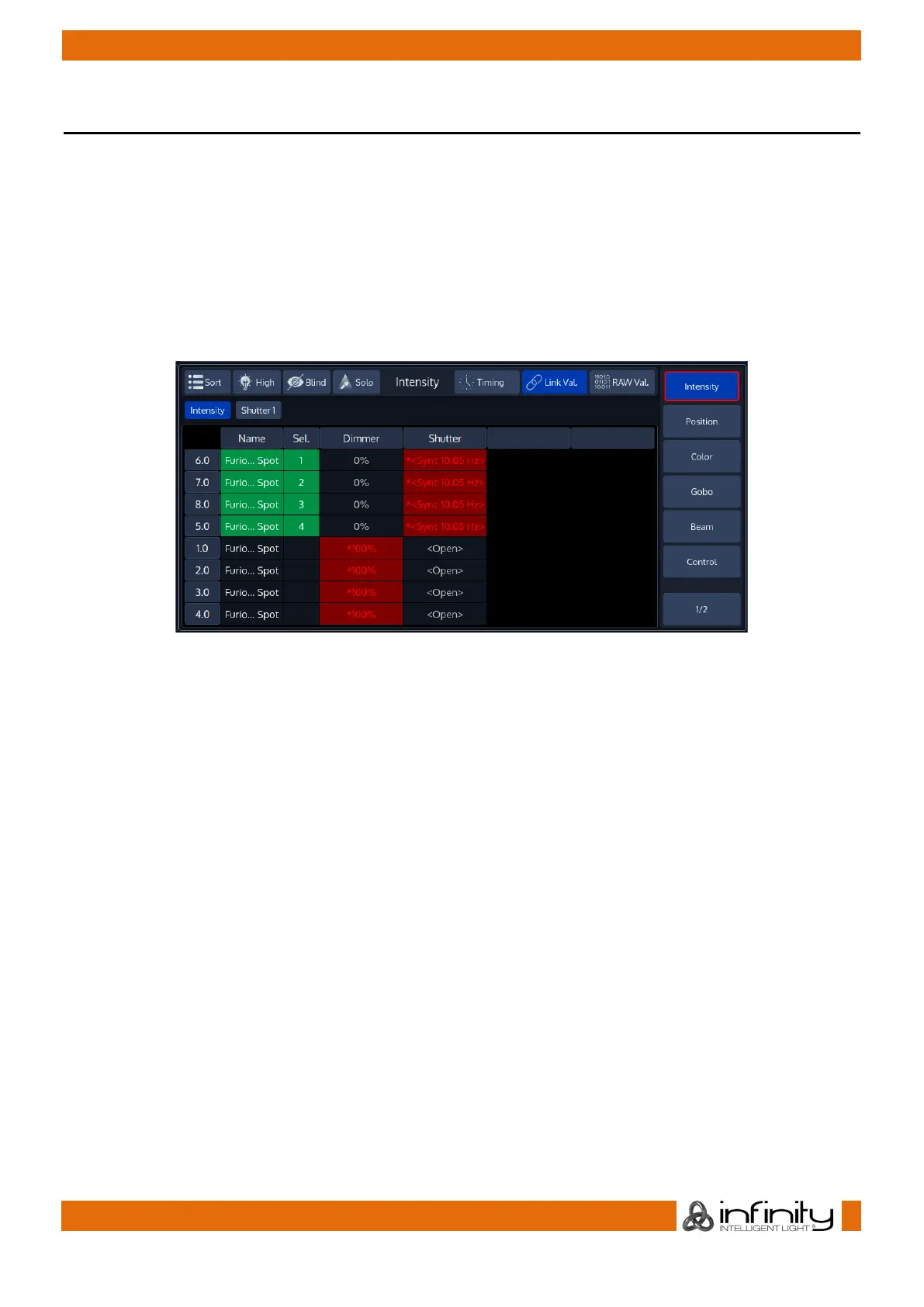
The programmer is shown in the bottom right part of the screen. It behaves very similar to the group split
widgets – it has buttons in the title bar and features a side menu for parameter selection.
The Chimp groups fixture parameters in a sense full way by dividing them into seperate groups like
Intensity, Position, Color, Gobo, Beam, Shaper (Blades or Knifes in Profile Lights), Control, Macro and
Special.
You’ll see one more group called Effects, which is used to open the Shape Generator / FX Engine.



 To Next Page