166
Coloring Preset Items
Applying a colored border to a Preset Item
You may color code Presets, which will be displayed by a thicker and colored border around the Preset
item in pools and magic sheets.
● Press the [Name]-key twice.
● The commandline will read Appearance.
● Now select the Preset Item using the touchscreen or by using the numberblock.
● Complete the numberblock command by pressing the [Enter]-key.
If you use the numberblock you may also color multiple Items at once using the [+], [-] and [thru]
keys.
For example: [Appearance][Preset][1][.][1][thru][1][10] [Enter]
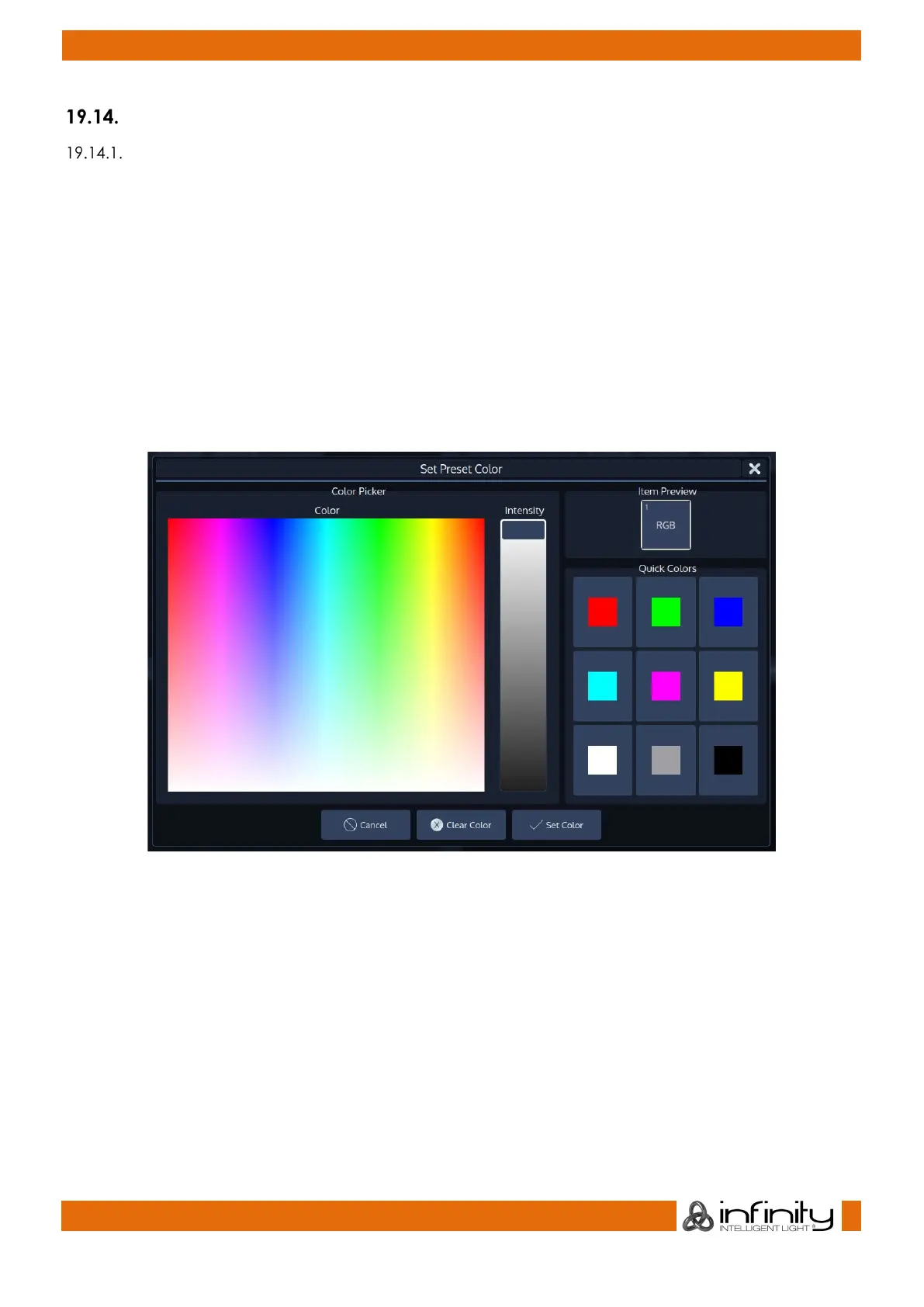
A dialog window asking for the color will be opened. Click on Set Color when done.
Fig. 144: Set Preset Color Dialog



 To Next Page