190
Adding a Command
To add a command to the list, click on the Append Line button. Alternatively, to insert a Command in
front of an existing one, select the existing command and click on Insert Line.
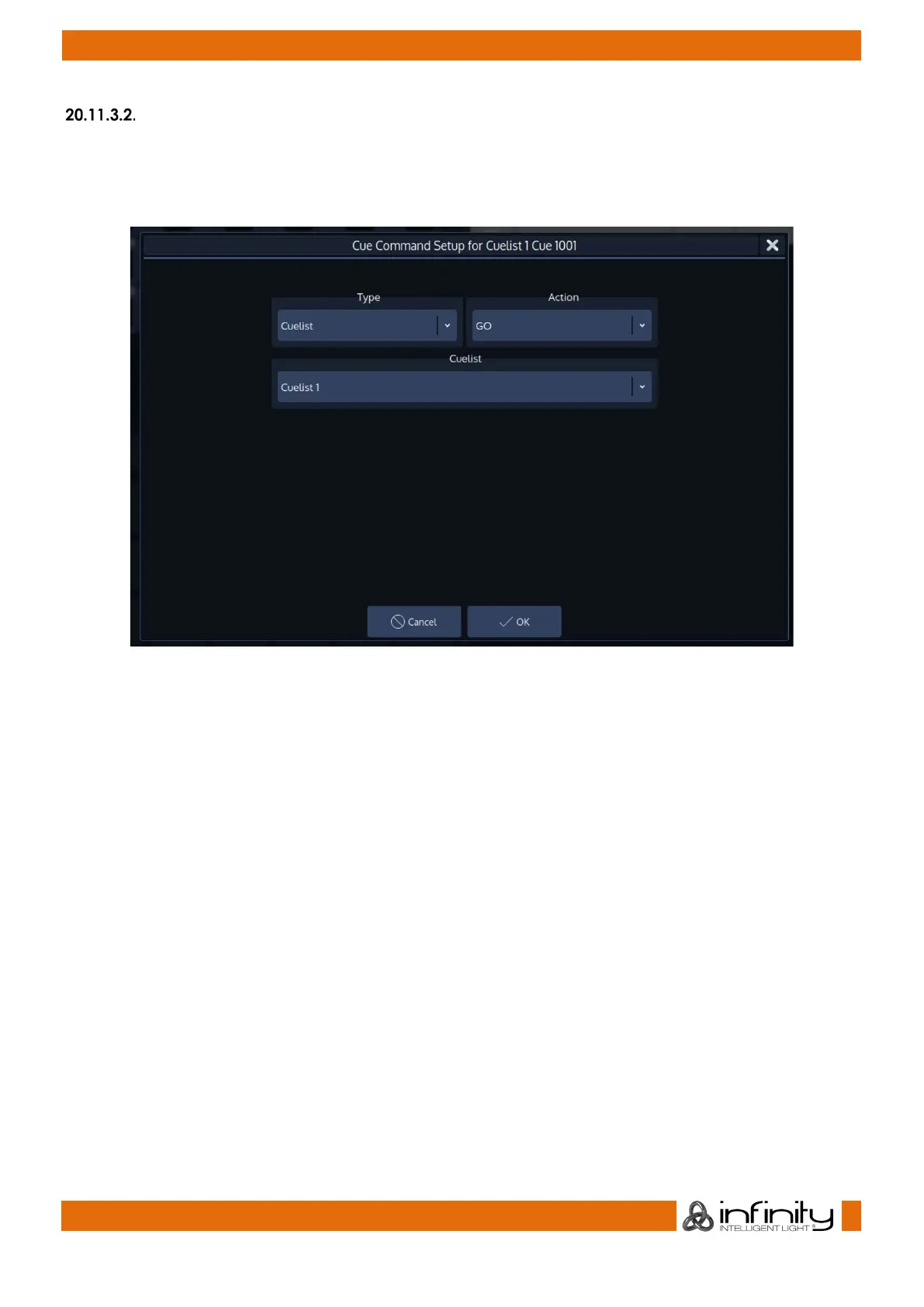
An editor window will be shown. The different types and actions are explained below.
Fig. 160: Cue Command Setup Dialog
Editing an existing Command
In order to modify an existing command, select it from the list of commands and click on the Edit Line
Button. The editor window (described in the “Add a Command” section) will be shown.
Deleting a Command
To delete a command from the list, simply select it and click on the Delete Line button.
Order in which Commands are executed
Commands will be executed in the order shown in the window, with the first command in the list being
executed first. To change the position of an item in the list, select it and click on the Move Down and
Move Up buttons accordingly.



 To Next Page