168
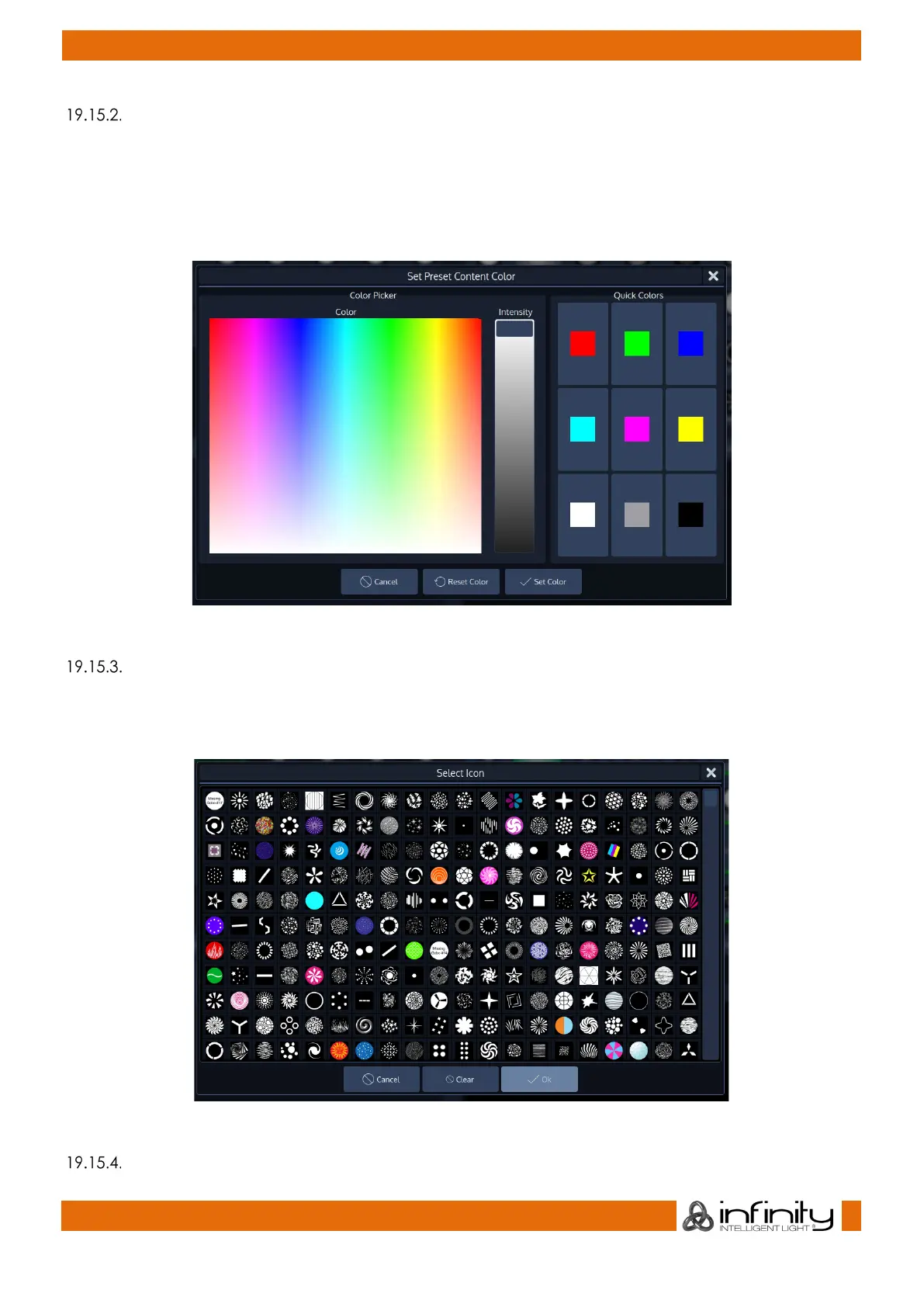
Set Item Color
Clicking on the Set Item Color button will open up a dialog allowing you to set a color Icon or color a
Gobo Icon for this preset.
Click on Set Color when done.
To reset the Item Color click on Reset Color.
Fig. 146: Set Preset Icon Color
Set Item Icon
Clicking on the Set Item Icon button will open a dialog allowing you to set an Icon for this preset.
To reset the Item Icon, click on Clear.
Fig. 147: Set Preset Icon Color
Display Usage



 To Next Page