212
You may move Items around by simply clicking on them and dragging them to the desired position.
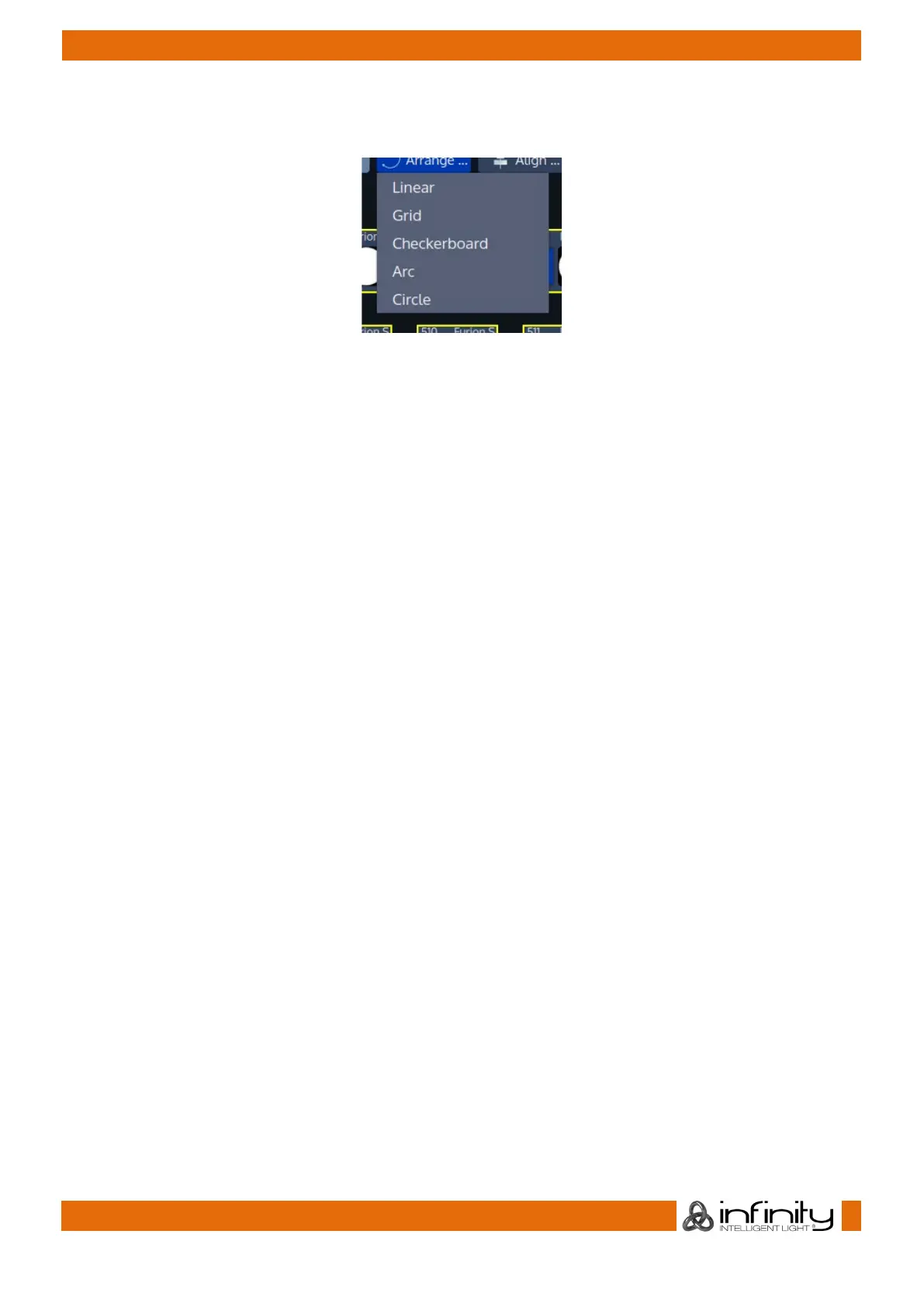
Alternatively, you may use the Arrange and Align functions provided in the Edit Mode toolbar.
Fig. 182: Arrange Items Menu
When arranging Items, the handles will snap to multiples of 45 degrees when dragging a handle. Holding
[Infinity] while dragging the handles disables the snap function.



 To Next Page