225
Backup Console Operation Modes
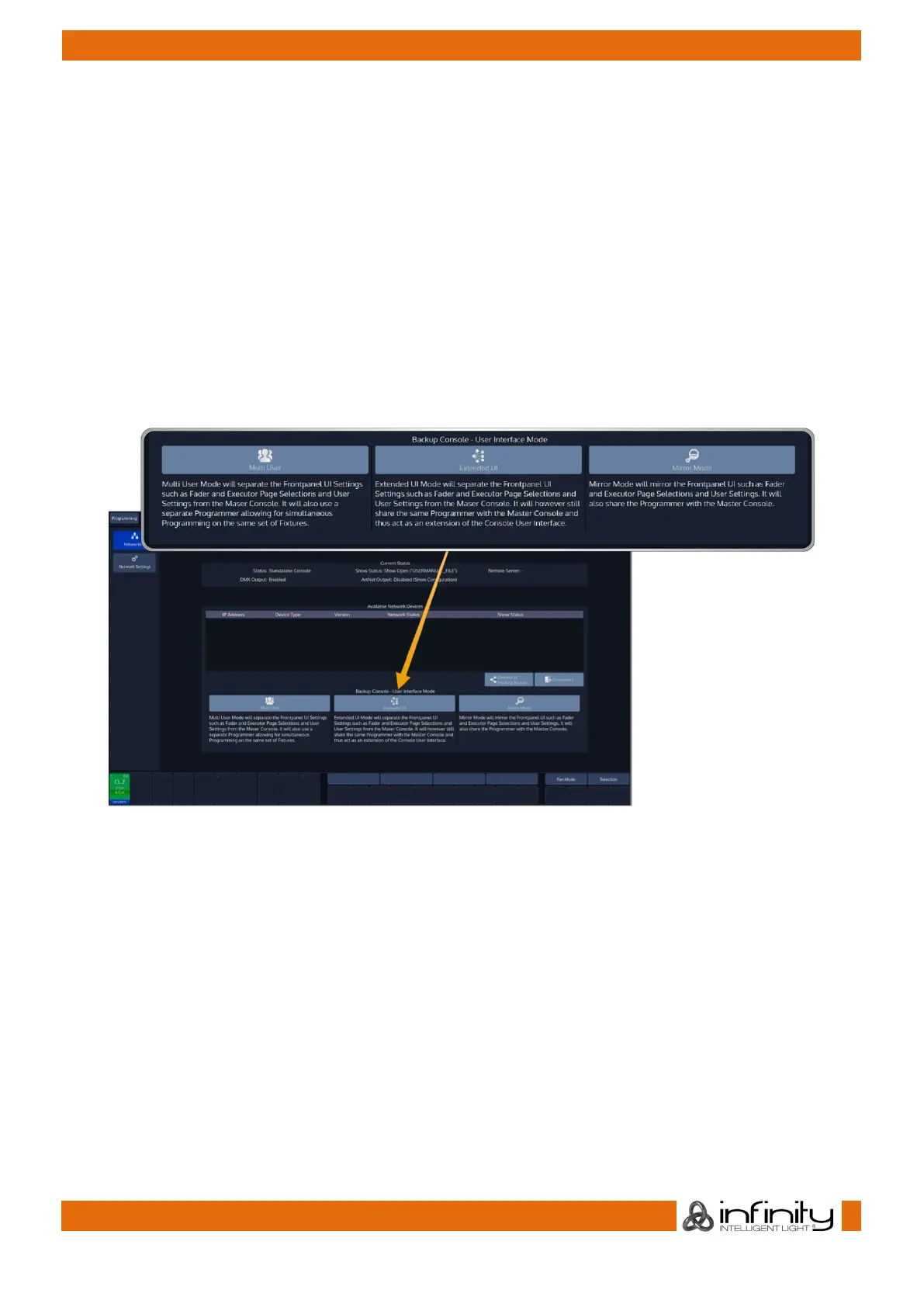
While in a tracking backup session the the Backup console can be running in one of the following 3 User
Interface modes:
Multi User seperates both consoles User Interfaces. The Backup console can be on a different Fader or
Executor Page and has a seperate programmer, meaning you may program a show with more than one
user.
Mirror Mode will cause the Backup Console to mimic the Master Console.
Extended UI will still share programmer with the Master, but Page Selection and other show settings are
independent. Thus, Extended UI is extendending the consoles physical user interface with double the
amount of faders and executors.
To select the desired mode, change to the Network Screen on the Backup Console and select it from the
User Interface Mode groupbox on the bottom of the screen.
Fig. 200: Network Screen –Backup Console User Interface Mode



 To Next Page