37
Multi Console Networking” on Page 222.
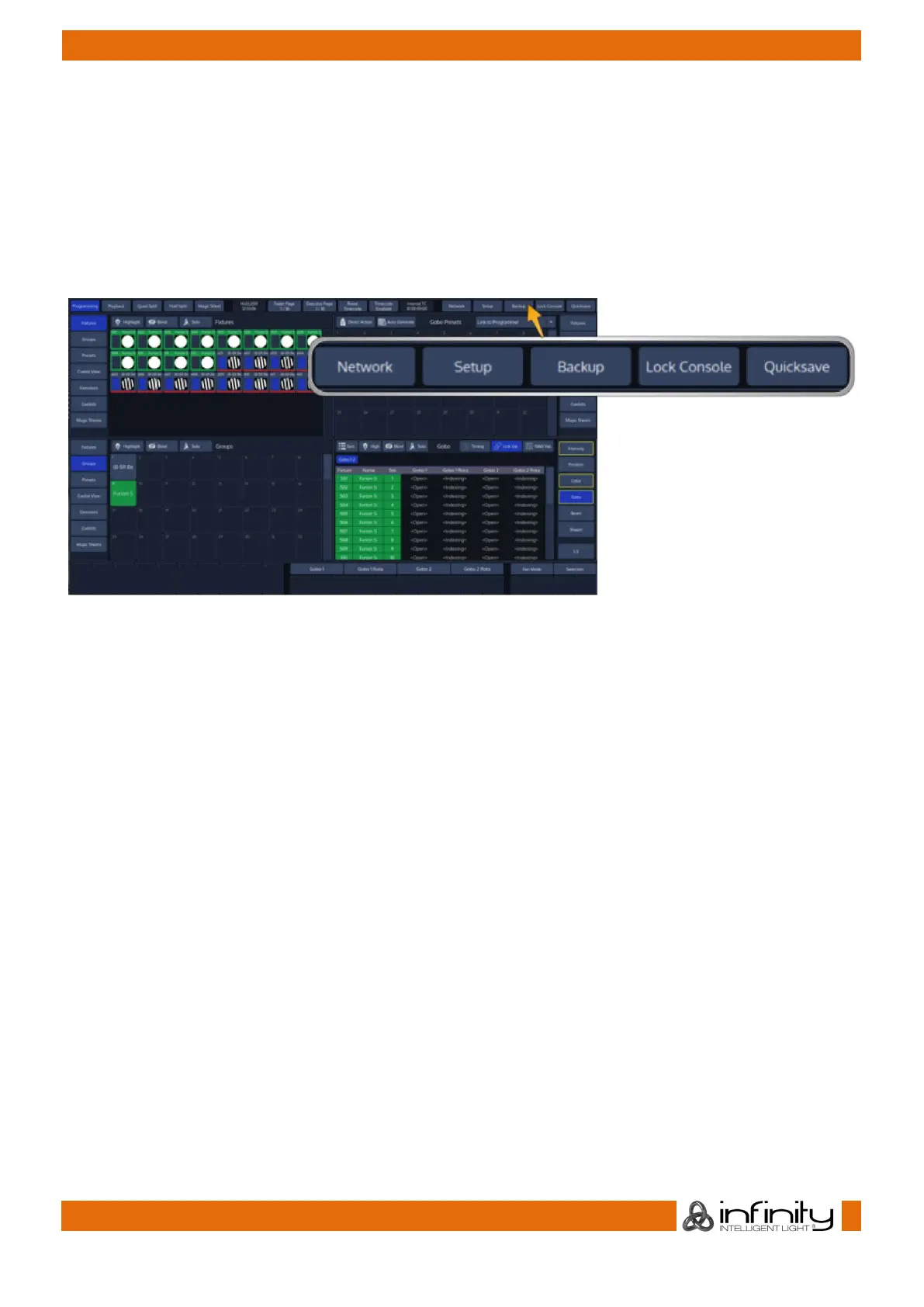
The Setup and Backup buttons show the corresponding menus to patch fixtures, setup preferences or to
back up your show to an USB key.
To lock the userinterface of the console to unauthorized personell, click on the Lock Console button.
The default pin for the desklock is “0000”.
The Quicksave button will save your showfile on the internal disk.
Fig. 12: Network – Setup – Backup – Lock Console – Quicksave Buttons



 To Next Page