70
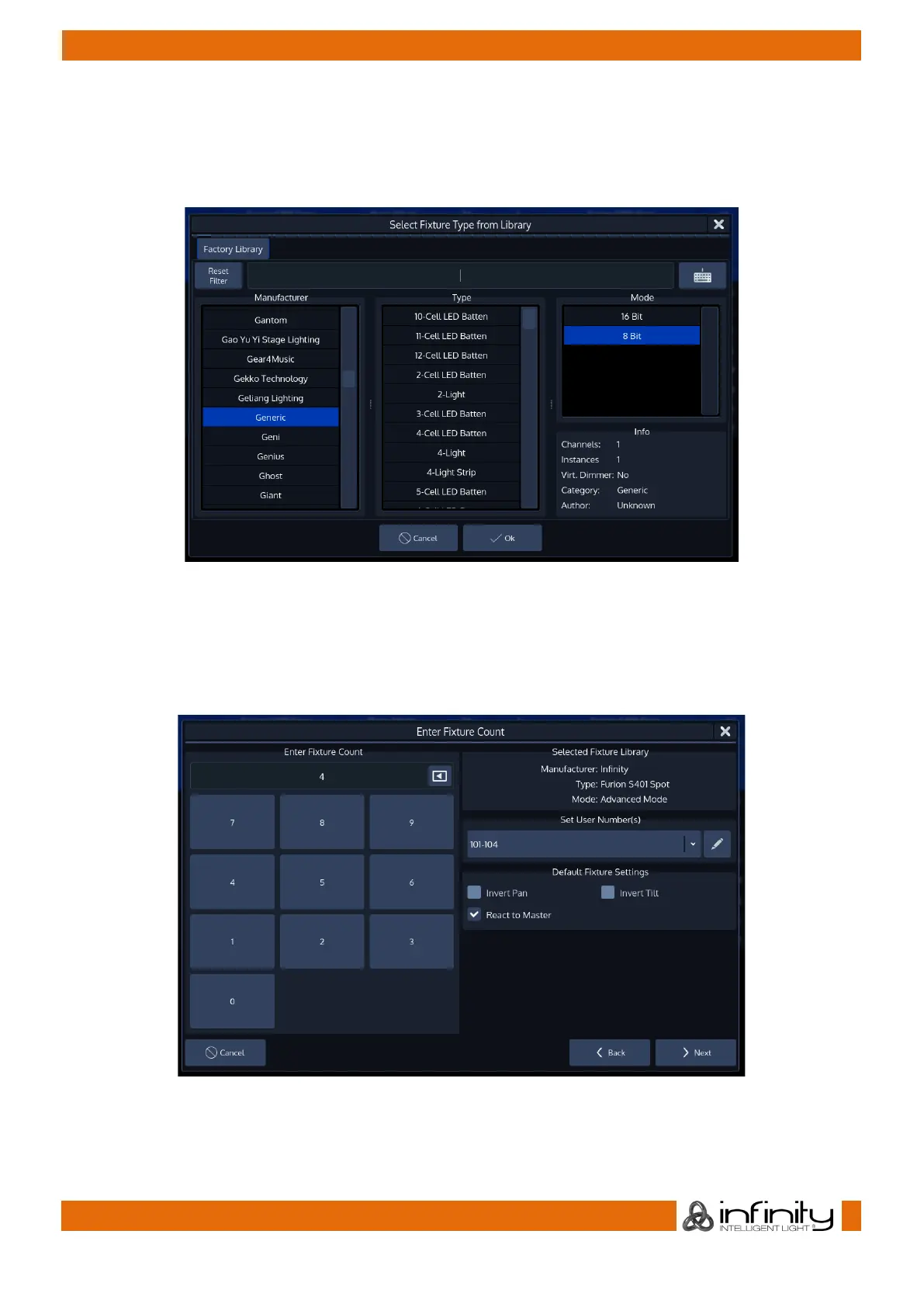
Select the fixture type you would like to add from the built-in library. You may also use the full text search
provided.
Hit the Ok button as soon as you are done.
Fig. 53: Select Fixture from Library
You are asked to enter the fixture count, and more importantly, set a user number which will be the
“identifier” that is used to select these fixtures using the numberblock.
When you have done so, click on Next.
Fig. 54: Enter Fixture Count



 To Next Page