76
Configuring existing Fixtures.
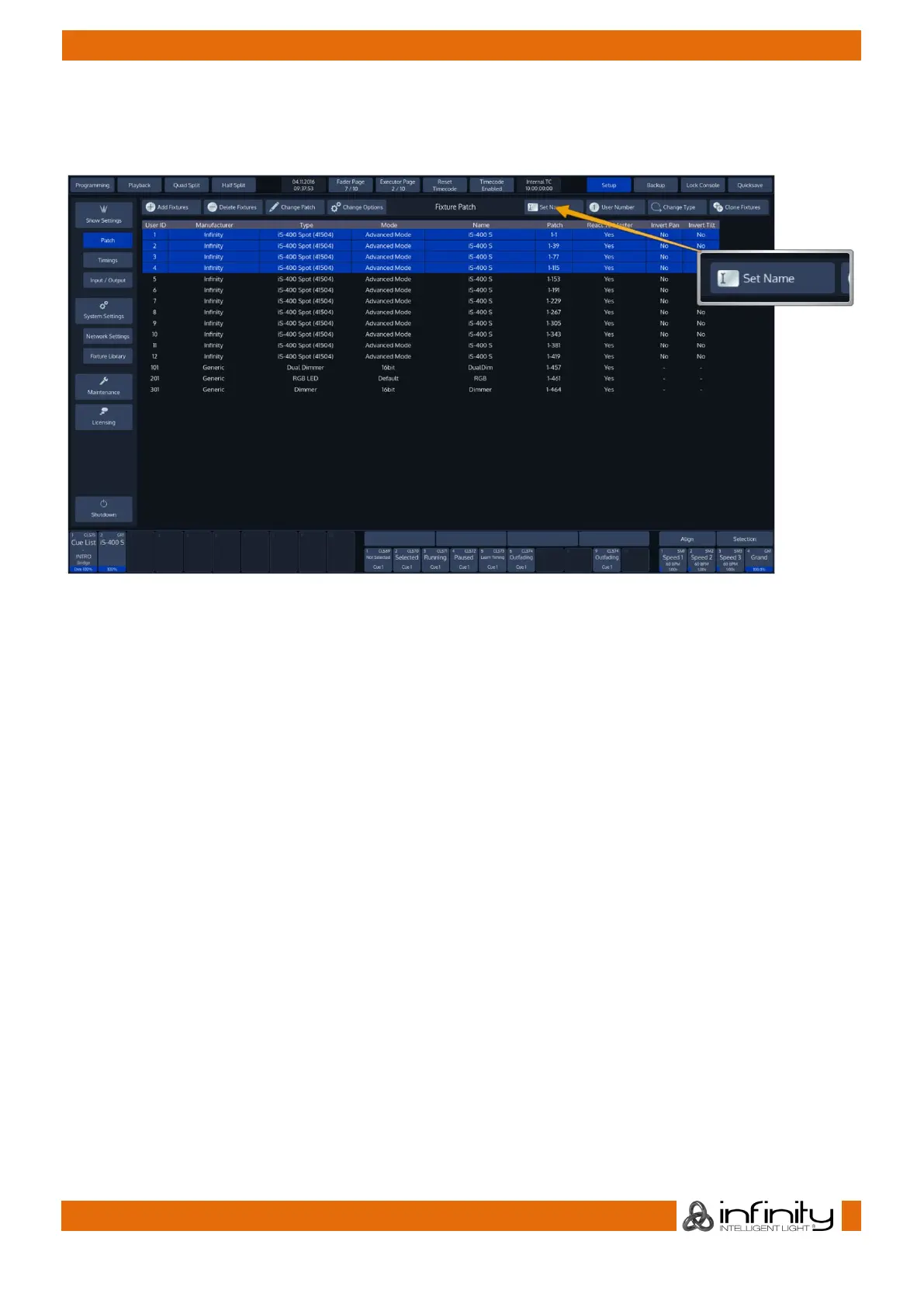
Select the fixtures in question and hit the Set Name button from the Patch Screens title bar.
Fig. 58: Set Fixture Name Button
An on-screen keyboard will be shown.
Notice the Auto Number button next to the Fixture Name Textfield
If Auto Number is active, Chimp will automatically append numbers to the fixture name based on the
selection order.
Click Enter when done.



 To Next Page