VIsualEyes 515/525 - Additional Information Page 5
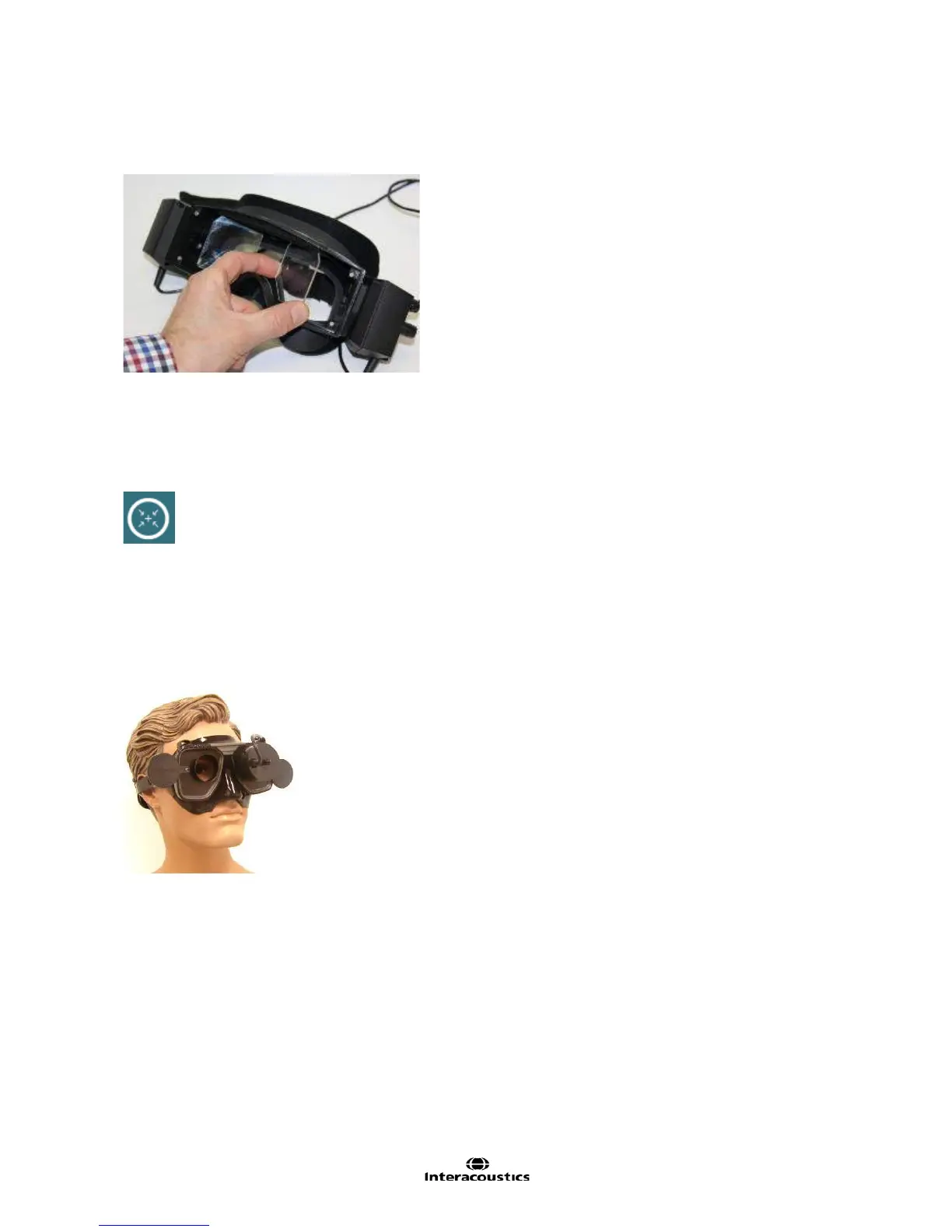
The mirrors can also be rotated inward by holding the mirror edges and rotating inward to adjust for smaller
faces and narrow inner-canthal spaces (e.g. with children). When the mirrors are rotated, the image will need
to be re-centered and may need focus adjustment. (Figure 1.3.5)
Figure 1.3.5 Mirror adjustment for smaller faces
Top mounted cameras
The top mount camera goggle eye image is centered in the viewing area by clicking on or touching the
center eyes button (Figure 1.3.6), which will appear in the top center of the image viewing area when
touching the eye images or hovering over with the mouse. Once this button is clicked or touched, the eye
will be centered in the viewing area.
Figure 1.3.6 Center eyes button
Front mounted cameras
Position the front mounted camera unit on the viewport with the fixation light at the top center. Use the ball
and socket mechanism on the camera unit to aim the camera and center the eye image approximately in the
software. Next, with one hand on the back of the patient’s head, push in gently on the camera to lock it in
place. Lock the cable in the clip on top of the goggles.
Figure 1.3.7 Placement of Front Mount Camera in Goggles














 To Next Page