VIsualEyes 515/525 - Additional Information Page 96
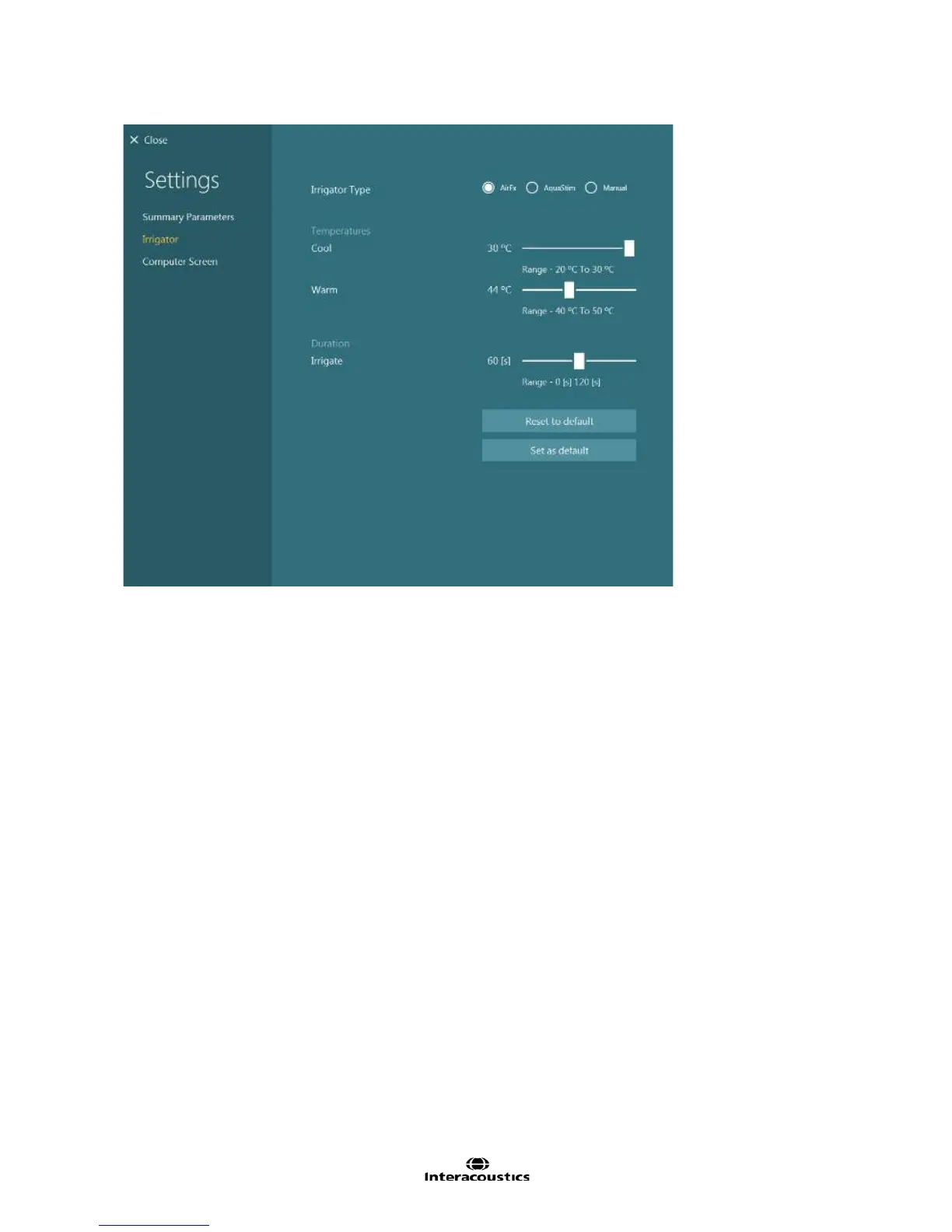
Figure 8.3.8 Caloric Summary Irrigator settings
1. VisualEyes™ system is compatible with Interacoustics and Micromedical water (Aqua Stim) and air
(AirFx) Caloric irrigators. These irrigators interact with the software allowing for automatic
temperature adjustment and activation of the test via the irrigator handle push button. Selecting the
Manual option allows using any third-party caloric irrigator, however the software will not directly
communicate with the irrigator.
2. Enter the temperature of the cold and warm irrigations (Figure 8.3.8). If set with the Air Fx or Aqua
Stim, the irrigator will operate with these settings. If using a third-party irrigator, these values only
provide a note to the desired temperature and shown in the caloric result graphs.
3. The duration to irrigate can be set to stop the flow of the air or water at the time desired.for time of
irrigation. This is useful when there is a compatible irrigator. Selecting a time will allow the irrigator to
perform the irrigation for the set time, automatically turn on and off.














 To Next Page