VIsualEyes 515/525 - Additional Information Page 102
Stable Time: Length of time the chair will be rotating at the Velocity value past the time required to reach the
Velocity value using the Acceleration rate.
Deceleration: Defines the rate the chair decelerates (in deg/sec
2
).
Stop Time: Length of time (in seconds) the test will continue recording after the chair has stopped.
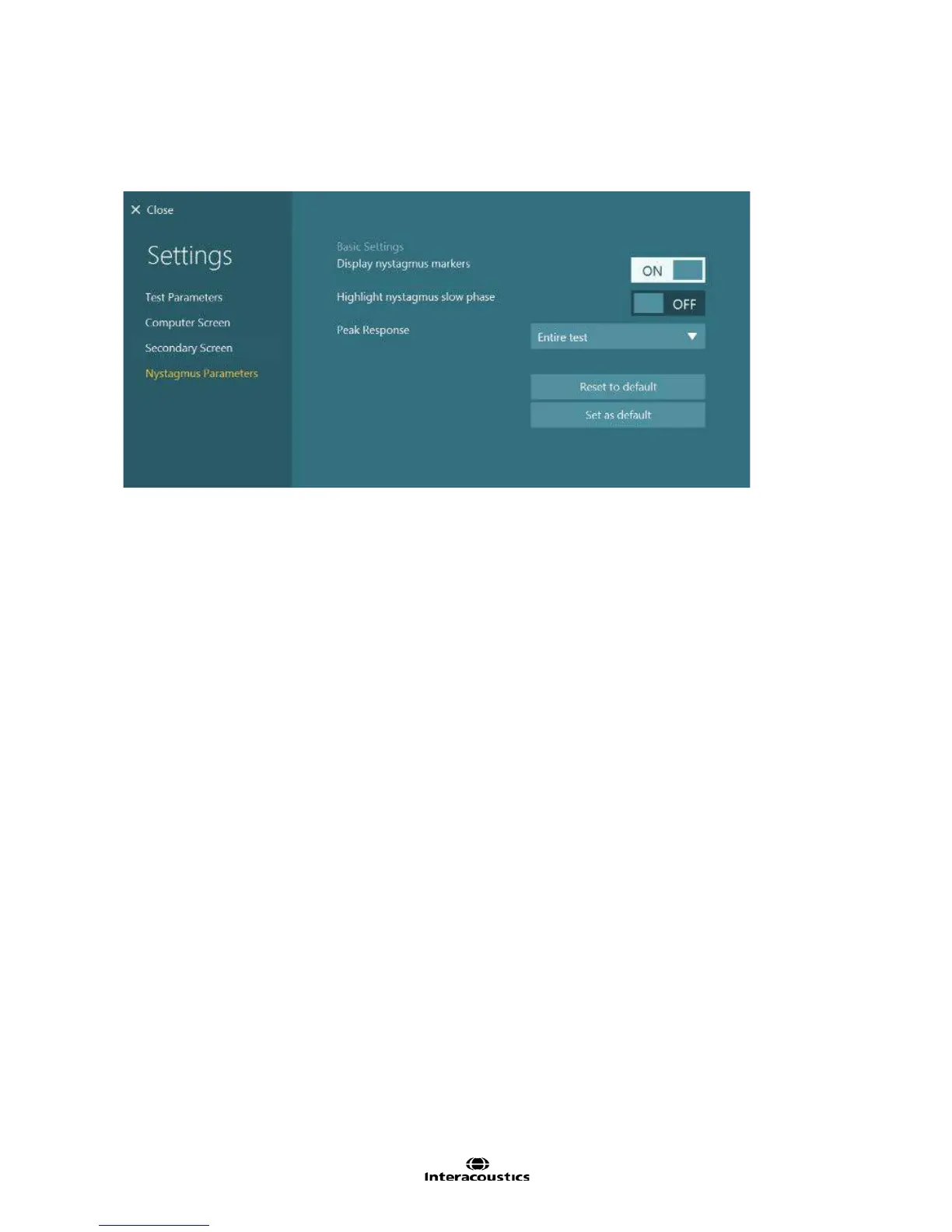
Figure 8.4.7 Step Rotation subtest Nystagmus Parameters
Display nystagmus markers: Enabling this feature will display a marker i.e. triangle above the nystagmus
fast phase slope to assist identification of a nystagmus beat. The triangle may face upwards (referring to
right/up beating nystagmus) and downwards referring to left/ down beat nystagmus. Nystagmus markers will
be enabled by default.
Highlight nystagmus slow phase: By default, the slow phases are the same color as the rest of the trace.
However should the user want to differentiate the slow phases amongst the trace data, enabling this feature
will mark the slow phases in green.
Peak response: Selecting the drop down menu presents several options to define the length of time for the
analysis of the peak response. By default, the entire test will be included in the peak response for accuracy
purposes.














 To Next Page