VIsualEyes 515/525 - Additional Information Page 40
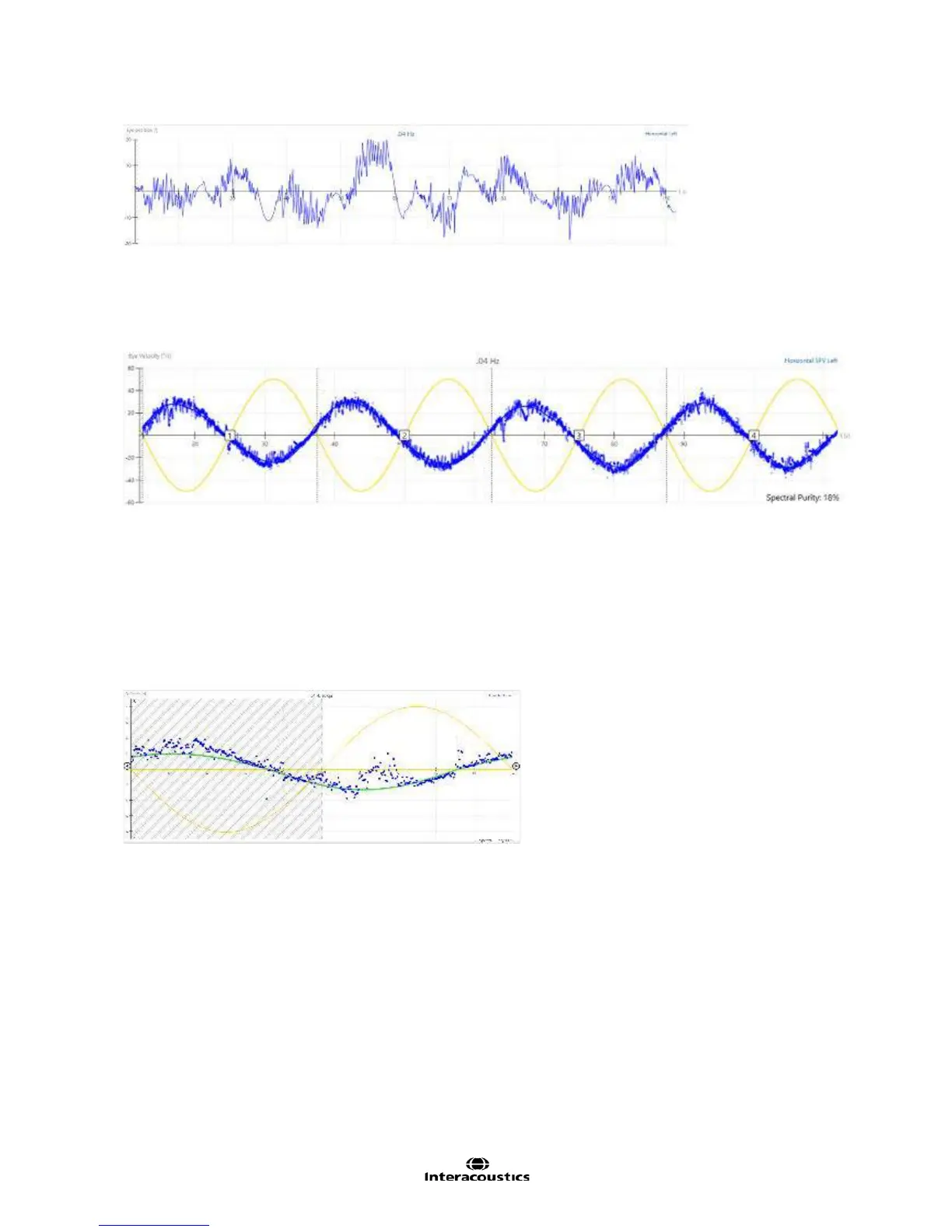
Figure 3.6.12 Eye position trace
Eye velocity display
The eye velocity in °/s (blue) relative to stimulus chair velocity (yellow) is displayed beneath the eye position
tracing (Figure 3.6.13).
Figure 3.6.13 Display showing detailed individual cycles for eye velocity vs. stimulus velocity
This graphical display provides a detailed individual cycle view for the examiner to see the patient’s results in
relation to the stimulus. The user can also view the cycle numbers in this display. VisualEyes™ software
may display the stimulus and eye movement data opposite one another (as shown above) or overlapping
each other, depending on user preference. This preference can be selected within the Sinusoidal Harmonic
Acceleration protocol setup. Both viewing methods are designed to provide the user with an easy way to
analyze results and cross check gain, phase and symmetry.
Alternatively, a concise combined cycles view can also be selected (Figure 3.6.14). When this view is
selected, the eye position tracing is not available. This view can be selected within protocol setup.
Figure 3.6.14 Concise Combined Cycles view
When further details for review are needed, the examiner can select an individual frequency from the left side
menu to see both eyes displayed together for the selected frequency. This view allows the examiner to add
notes, review or delete eye video recordings, print the screen, and edit the results for a specific frequency.














 To Next Page