VIsualEyes 515/525 - Additional Information Page 42
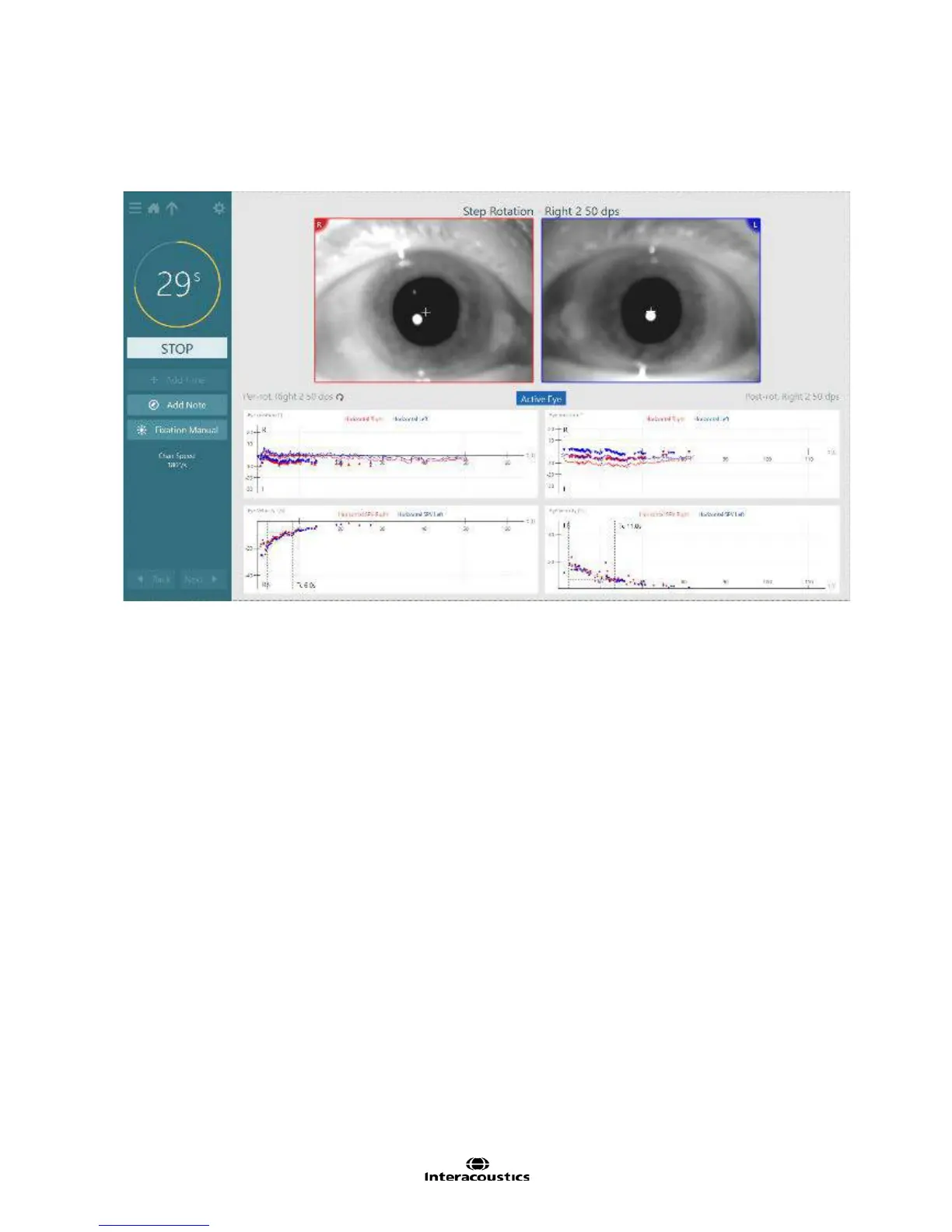
Eye movements are recorded with VisualEyes™ VNG cameras and the responses are displayed in real-time.
The patient’s eyes, along with both eye position tracings (°) and eye velocity tracings (°/s) are visible during
the testing procedure. The chair velocity information can be viewed in the left menu panel, as well as above
the patient’s eyes (Figure 3.6.17).
Figure 3.6.17 Step rotation testing
To begin the testing procedure select ‘Begin Testing’ from the main VisualEyes™ menu.
The Step Rotation test will be available within the protocol or may be selected directly from the side menu
panel by tapping the ‘hamburger’ icon in the upper left corner of the test screen to view the test battery list.
Select Step Rotation to begin testing. Alternatively, if the examiner chooses to perform the Step Rotation
test velocities/directions out of sequence, tap the plus sign to the left of Step Rotation which will expand to
show all subtests and select the desired velocity and direction (Figure 3.6.18).














 To Next Page