VIsualEyes 515/525 - Additional Information Page 43
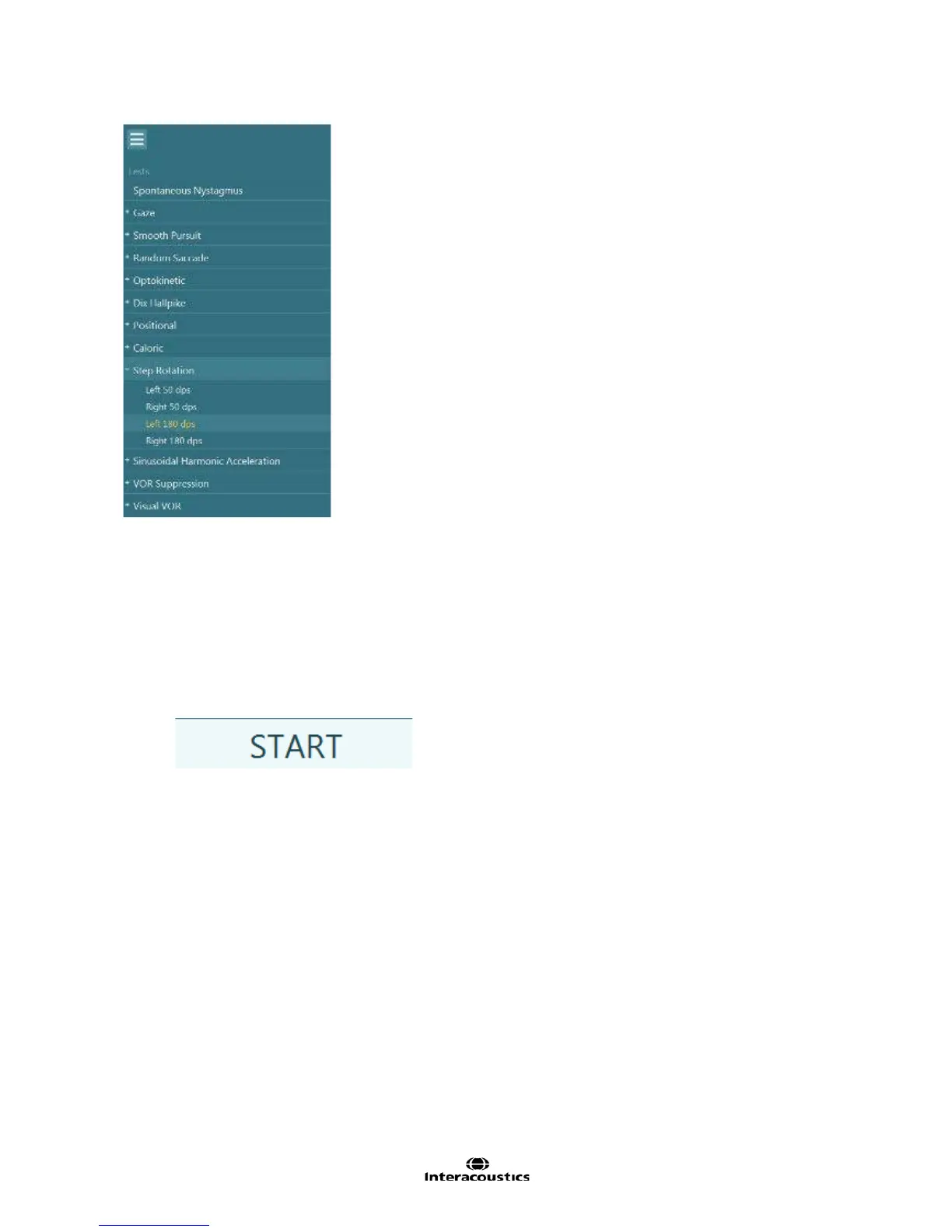
Figure 3.6.18 Expanded test battery view
Example Instructions for the Patient:
“You will feel yourself rotating in one direction for several seconds. During the rotation, I will be asking you
several questions to keep you alert. As you are rotating, you may feel as though you are slowing down.
When the chair stops, you will feel as though you are rotating in the opposite direction. There will be four
segments and each segment will take approximately 1 minute. Please keep your eyes open during the entire
test.”
To begin the test:
1. Select ‘Start’ from the left menu panel.
2. The timer will begin counting down. The amount of time is pre-defined by the test parameters.
The chair will activate and begin accelerating to a constant velocity in the selected direction.
Camera recordings will begin at the onset of chair movement.
The stimulus and eye movements will be displayed in real-time.
Once the per-rotary selected speed and direction has been completed the chair will automatically stop after a
pre-determined time. The recording will continue into the post-rotary segment. If the per-rotary segment in
the opposite direction has not yet been completed the software will automatically start the last per-rotary
segment in the opposite direction immediately following the pre-defined stop time for the post-rotary
segment. Again, after the final per-rotary condition has been completed the chair will automatically stop and
the final post-rotary segment will begin recording. Each segment is pre-defined to last 60 seconds. If the
examiner chooses to stop prior to 60 seconds, tap the “Stop” tab from the left menu panel to move into the
next test segment. Once the test is complete a summary test results page will appear (Figure 3.6.19).














 To Next Page