VIsualEyes 515/525 - Additional Information Page 50
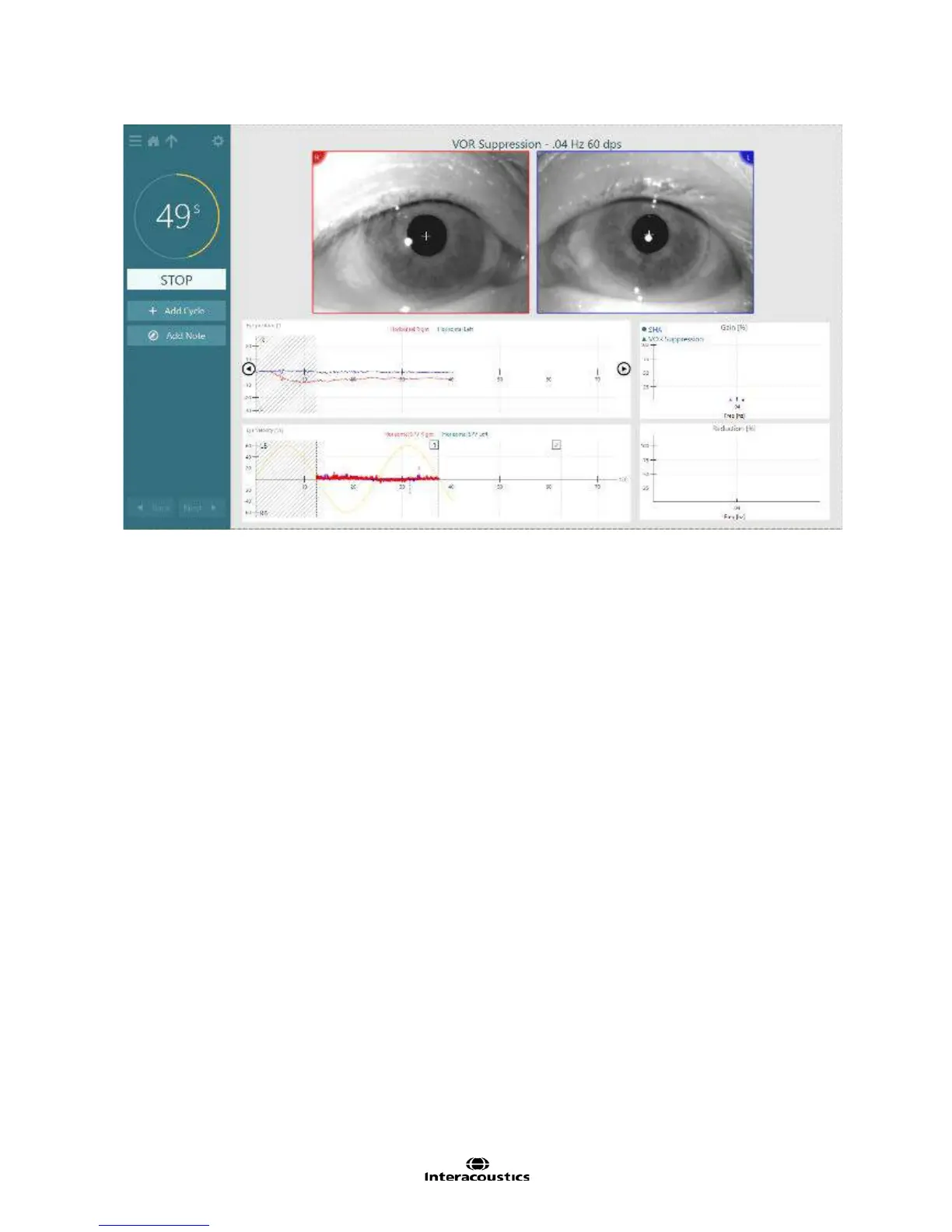
Figure 3.6.32 VOR Suppression testing
The VOR suppression test will be available within the protocol or may be selected directly from the side
menu panel by tapping the ‘hamburger’ icon in the upper left corner of the test screen to view the test battery
list.
Example instructions for the patient:
“You will feel yourself rotating back and forth slowly in the chair. During the rotation, you will see a small light
appear within the mask. Please keep your eyes open and focused on the light during the entire test. Try to
prevent the light from ‘bouncing’ around in your view.”
To begin the test:
1. Select ‘Start’ from the left menu panel.
2. The timer will begin counting down. The test time is pre-defined by the number of cycles selected for
the test frequency.
The chair will activate and begin moving in a sinusoidal pattern.
Camera recordings will begin at the onset of chair movement.
The fixation light will also appear within the goggles.
The stimulus and eye movements will be displayed in real time (Figure 3.6.33).
Once the test is complete a summary test results screen will appear.














 To Next Page