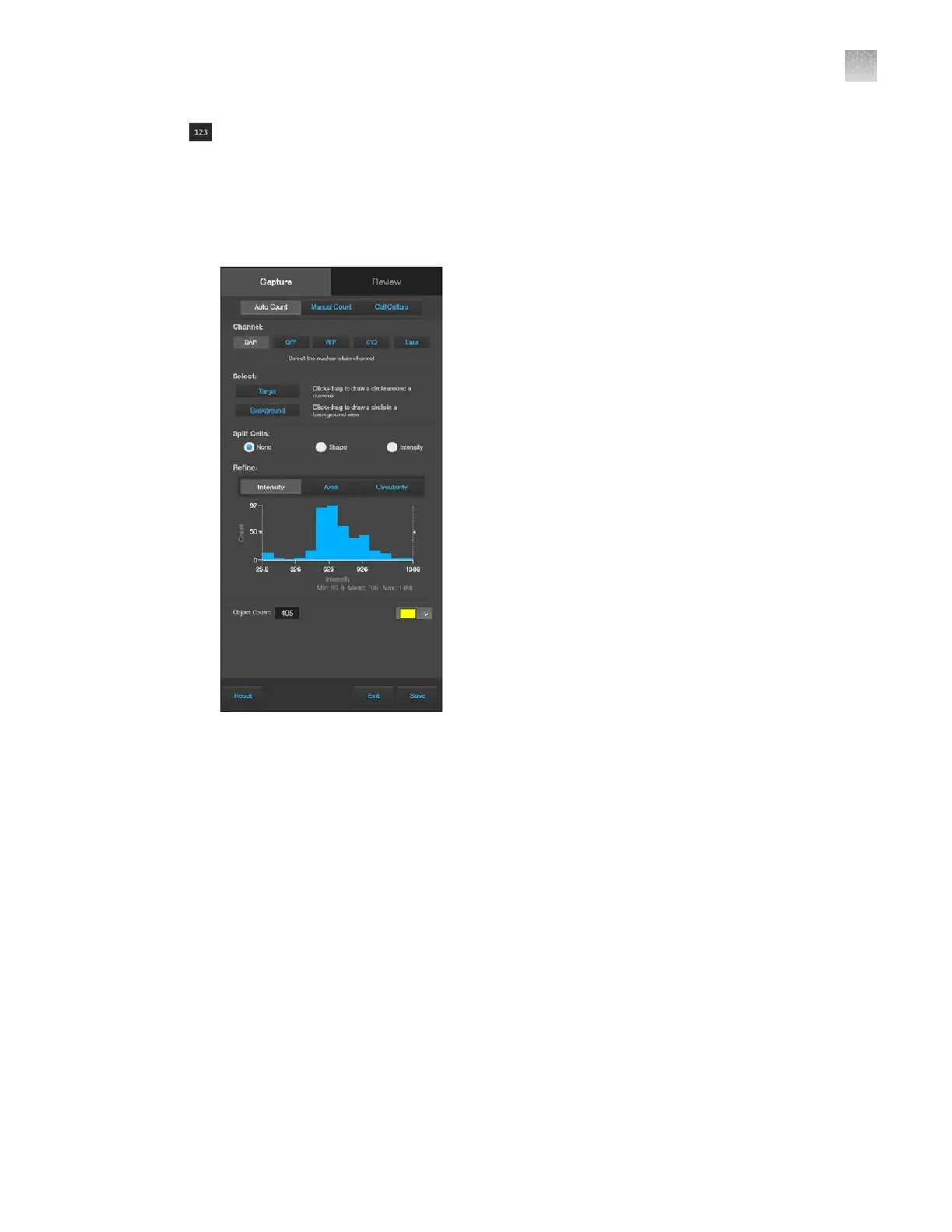
(Show Cell Count): Allows you to perform cell counts using the Auto Count or Manual Count
tools and to measure the confluence and transfection eciency of your culture from the captured
image using the Cell Culture tools.
•
Auto Count: Allows you to define auto count parameters by selecting representative target
objects, then count the objects by intensity, area, and circularity. See “Auto count controls” on
page128 for Auto Count controls.
AppendixBGraphical user interface (GUI)
Capture tab
B
EVOS
™
M5000 Imaging System User Guide
123



 To Next Page