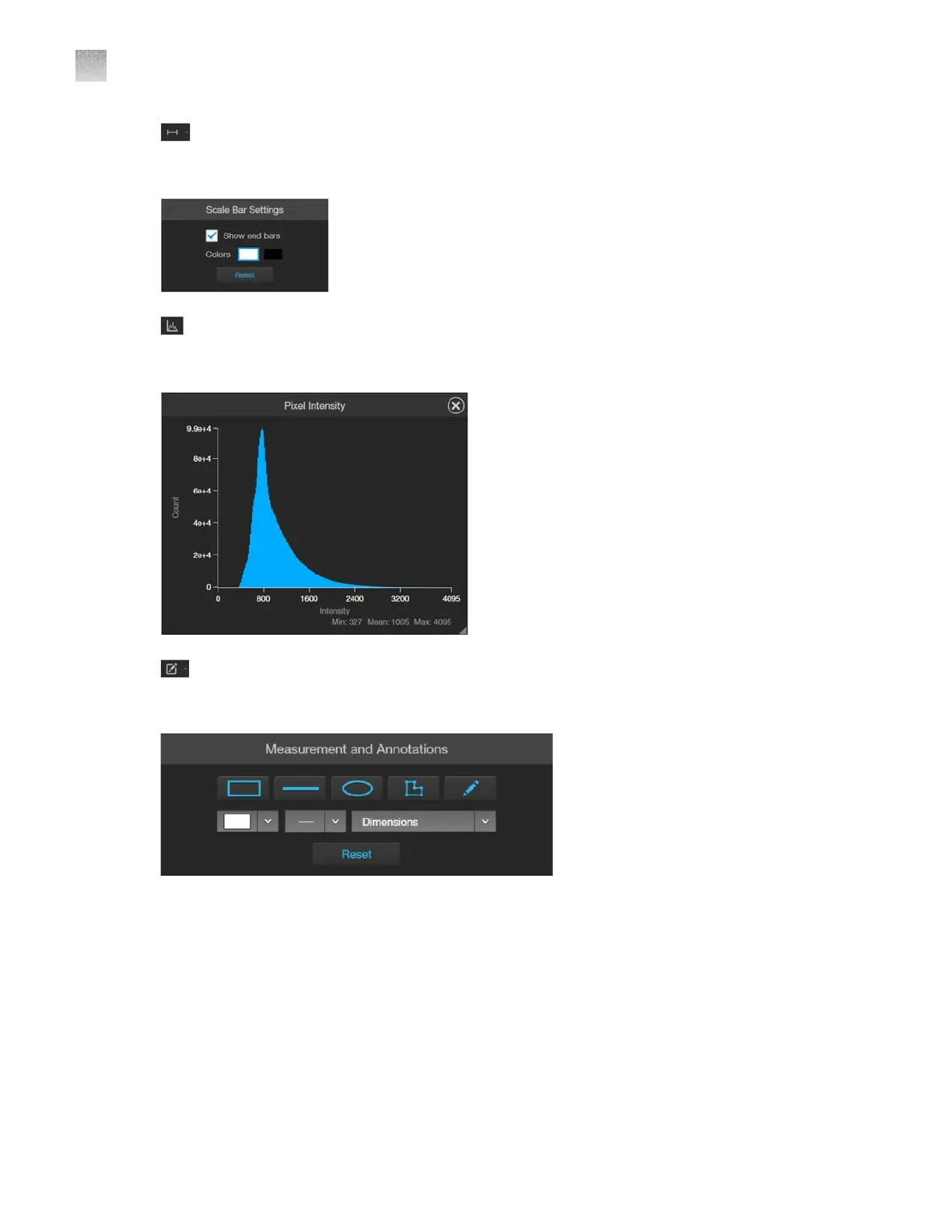
(Display Scale Bar/Scale Bar Settings): Display Scale Bar button switches the display of
the scale bar in the Viewing area on and o. Scale Bar Settings allows you to select scale bar
color and to display or hide end bars.
(Pixel Intensity)
: Opens the Pixel Intensity window, which displays the Pixel count vs.
Intensity histogram, where Intensity is linearly related to the number of photons detected by the
camera sensor.
Measurements and Annotations: Allows you to draw regions of interest (rectangle, ellipse,
polygon, line, or free-form) on the captured image and measure dimensions, area, or perimeter of
the drawn region.
AppendixBGraphical user interface (GUI)
Capture tab
B
122
EVOS
™
M5000 Imaging System User Guide



 To Next Page