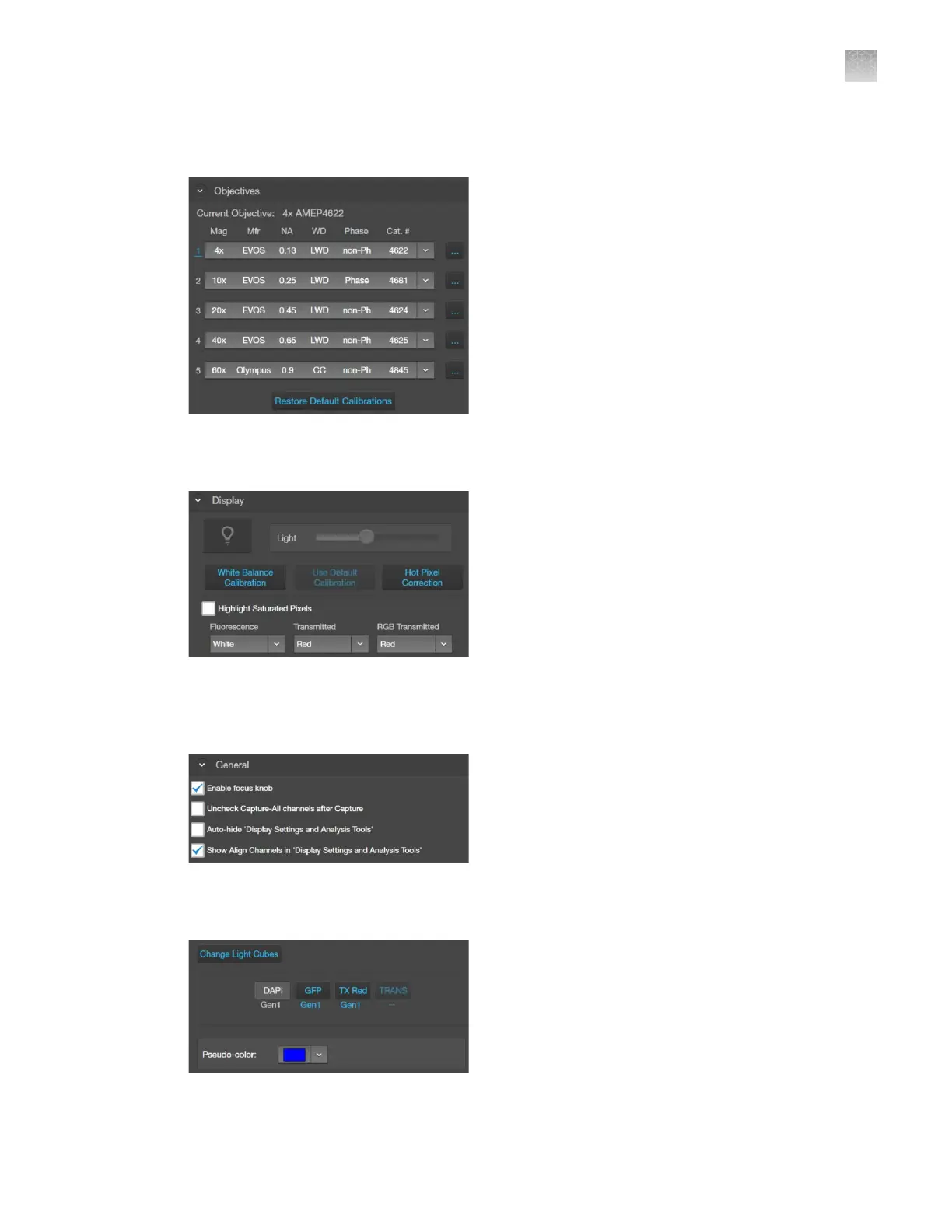
1.
Objectives: Allows you to assign and unassign objectives on the objective turret, and to calibrate
objective magnification.
2.
Display
: Allows you to calibrate color channel lighting (White Balance Calibration) and to assign
saturated pixel colors in the Fluorescence, Transmitted, and RGB Transmitted channels.
3.
General
: Allows you to define general instrument options such as save options for TIFF files, focus
wheel action, Saved Settings, Capture All Channels, and Align Channels options, and to clear
cached settings.
4.
Light Cubes
: Allows you to add or remove EVOS
™
LED light cubes from the instrument and to
assign pseudocolors t
o specific channels.
AppendixBGraphical user interface (GUI)
Settings
B
EVOS
™
M5000 Imaging System User Guide
133



 To Next Page