5.
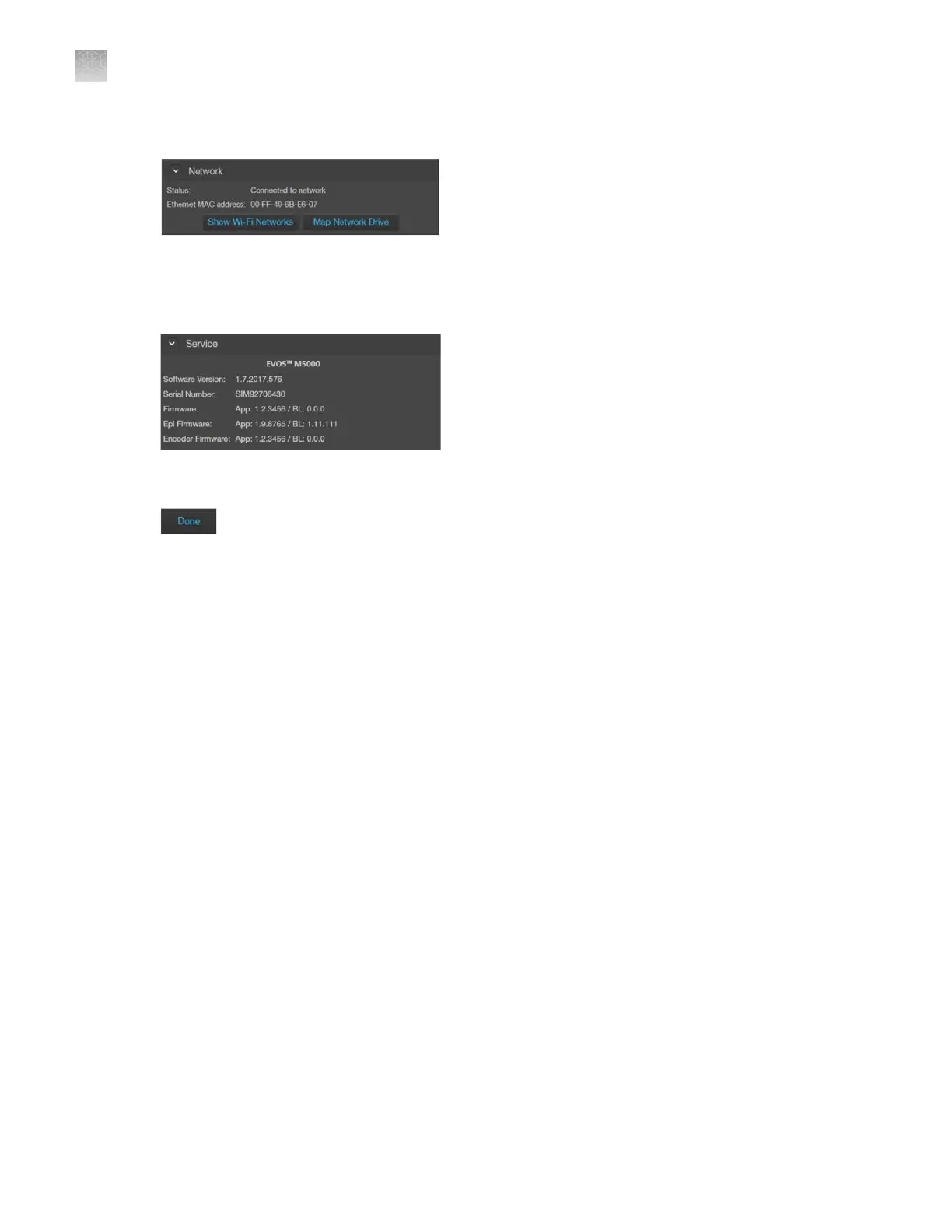
Network: Allows you to connect to a Wi-Fi network and to map network drives.
6.
Service: Displays the EVOS
™
M5000 hardware and software information, allows you to update
the EV
OS
™
M5000
firmware and software from Connect
, Connect-based platform, or using a USB
flash drive, and to copy the error logs.
7.
Done: Closes the Settings tabs and returns to the Capture tab.
AppendixBGraphical user interface (GUI)
Settings
B
134
EVOS
™
M5000 Imaging System User Guide



 To Next Page