2.
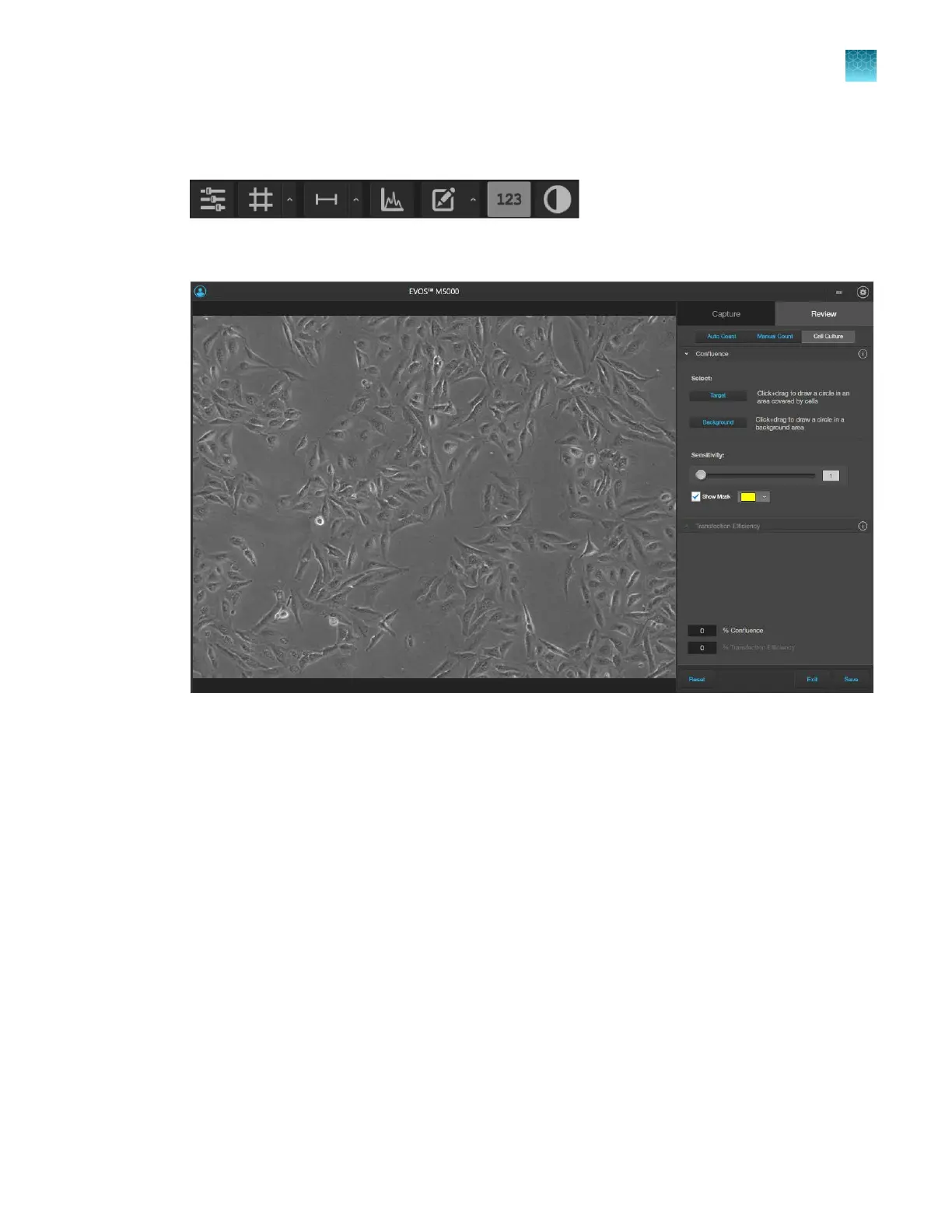
If not visible, hover the pointer over the Viewing area to reveal Display Settings and Analysis
Tools, then click the Show Cell Count (123) button.
3.
In the tabs area, select Cell Culture to display the Confluence tool.
4.
Click
Target, then click and drag on the image to draw a circle around an area that contains cells
(blue circle).
Chapter5Measure, annotate, and analyze captured images
Measure confluence
5
EVOS
™
M5000 Imaging System User Guide
55



 To Next Page