5.
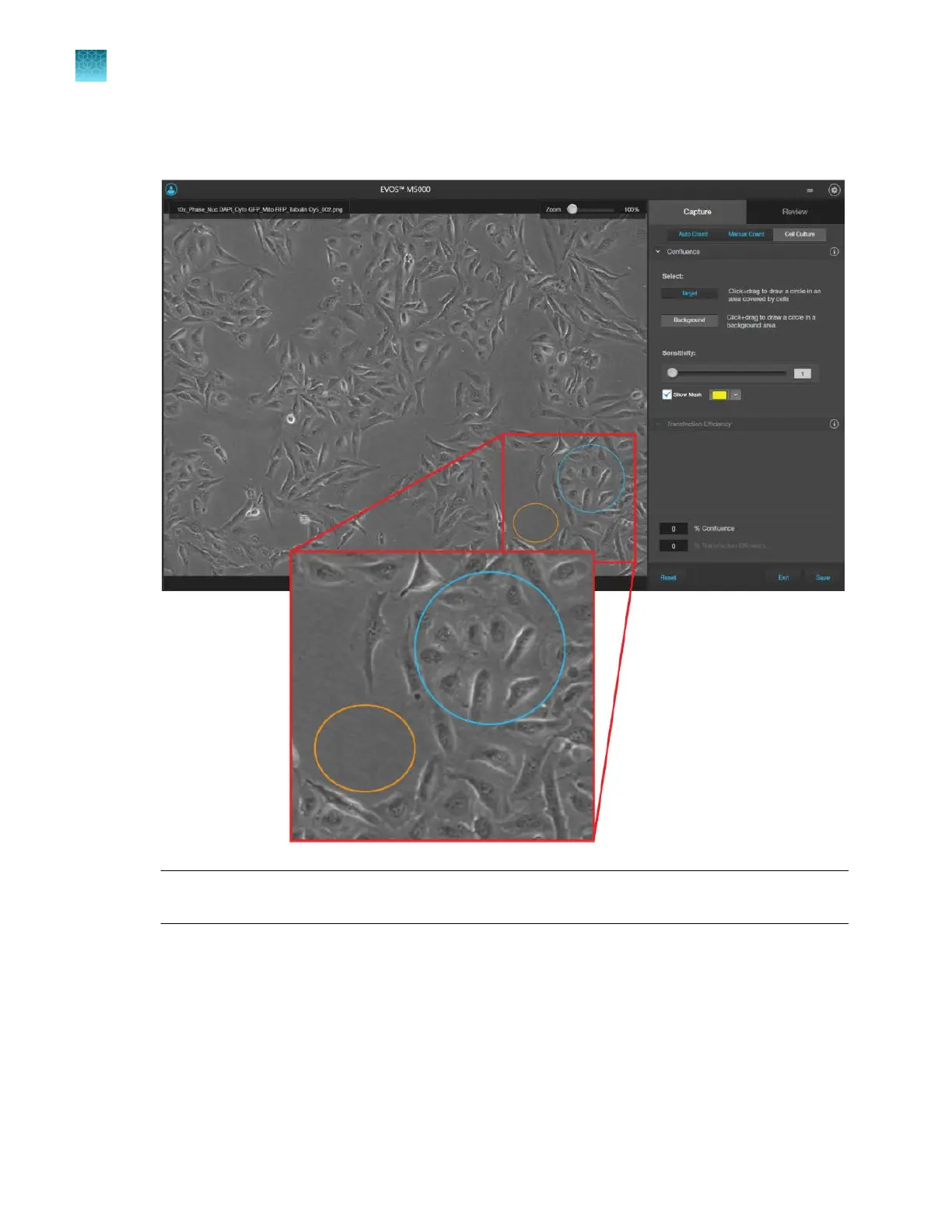
Click Background, then click and drag on the image to draw a circle around a background area
that does not contain any cells (orange circle).
Note: You can select up to 5 targets and 5 background areas. Increasing the number of targets
and backgr
ound areas improves the accuracy and reproducibility of the confluence measurements.
6.
The software automatically calculates the
confluence of your culture and displays the results as a
percentage.
Chapter5Measure, annotate, and analyze captured images
Measure confluence
5
56
EVOS
™
M5000 Imaging System User Guide



 To Next Page