5.
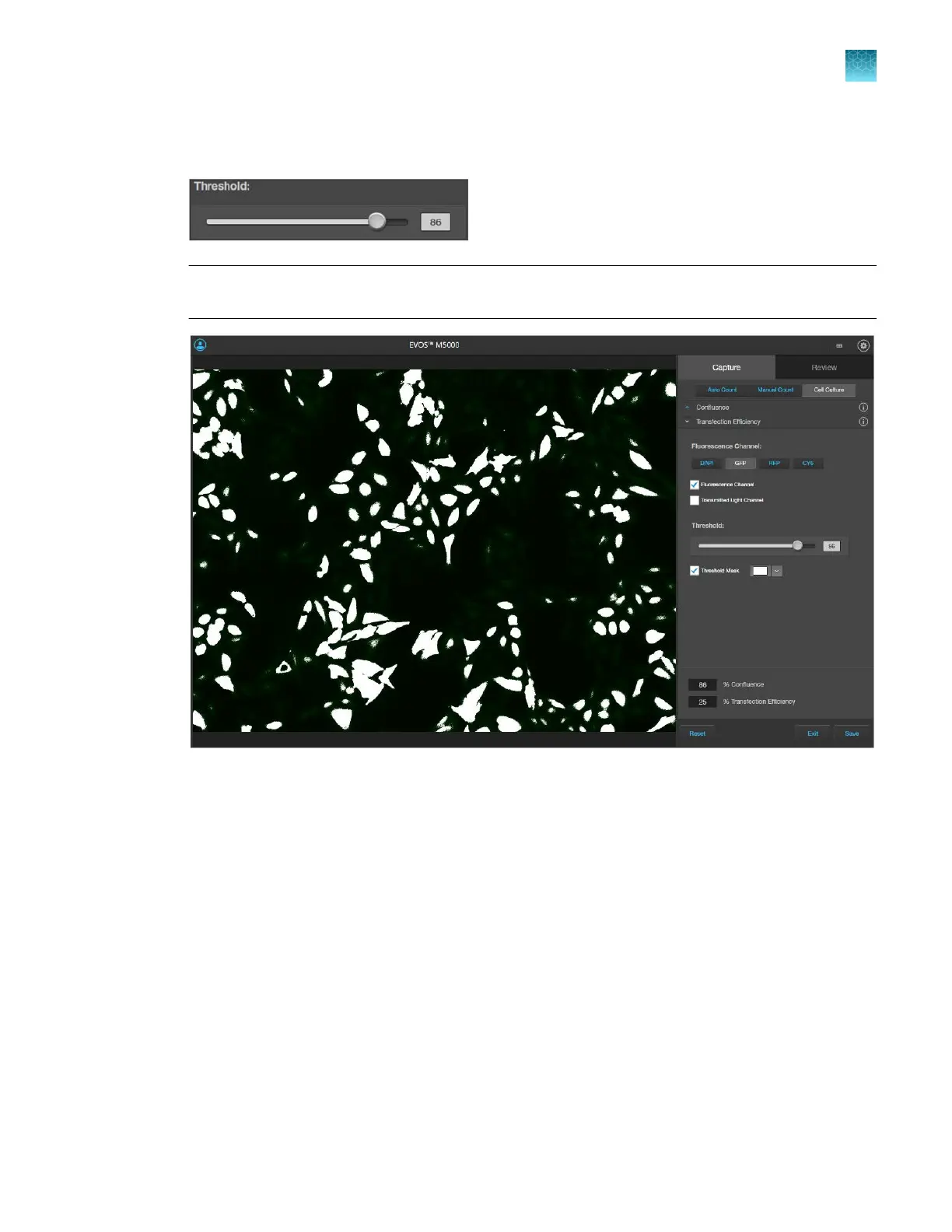
To refine the Transfection Eciency calculation, adjust the Threshold slider until all the cells that
express at the desired level are included in the calculation.
Note: Viewing the image only in the Fluorescence Channel
and toggling the Threshold Mask on
and o will help you determine the best Threshold value for your experiment.
As you adjust the Threshold, the software updates the calculation and displays the new
T
ransfection Eciency value.
6.
To save your Confluence and Transfection
Eciency results, go to “Save analysis results” on
page92.
Chapter5Measure, annotate, and analyze captured images
Measure confluence
5
EVOS
™
M5000 Imaging System User Guide
61



 To Next Page