7.
Click Set Origin. The stage is now initialized for tracking its position.
8.
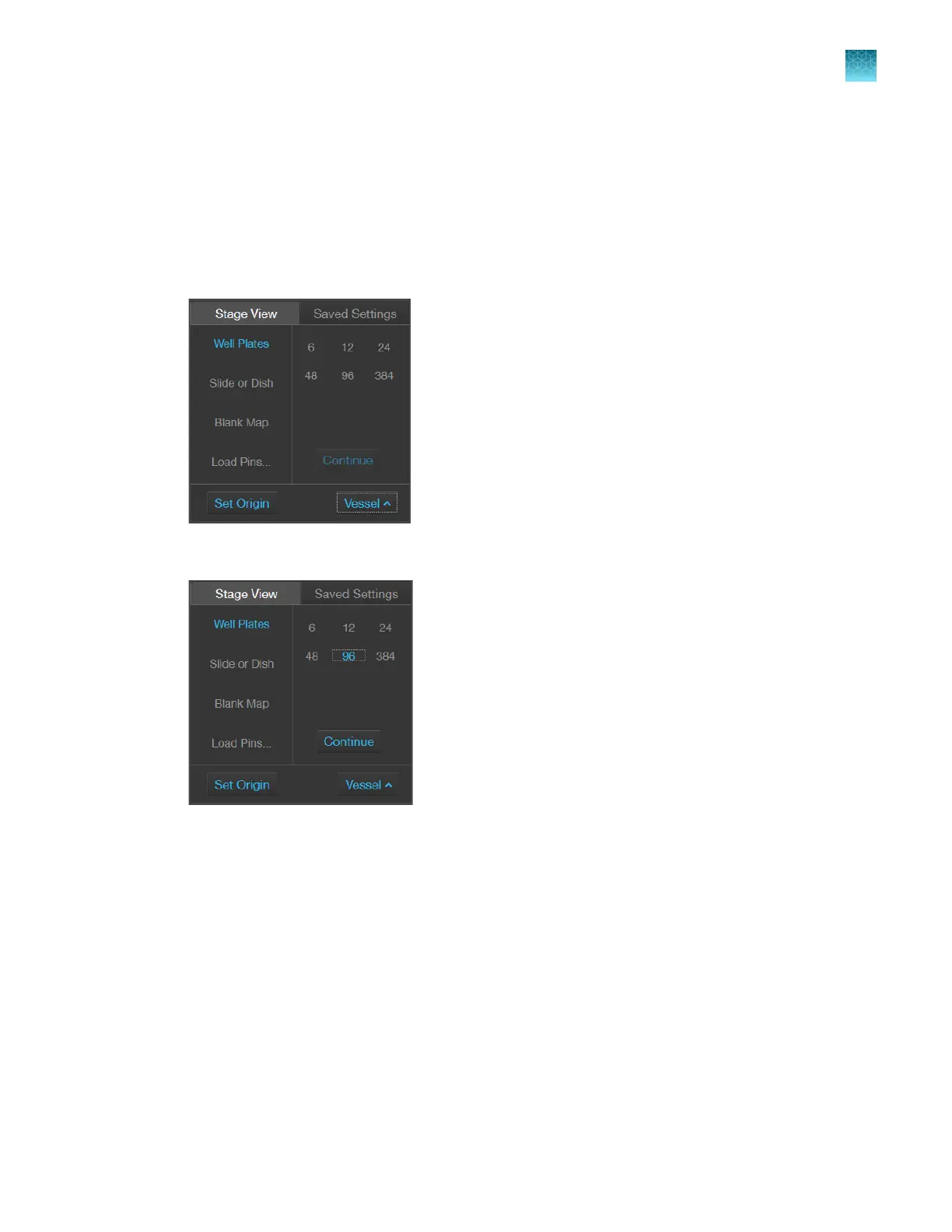
Click
Vessel to select a vessel type:
•
Well Plates
•
Slide or Dish
•
Blank Map
•
Load Pins
9.
Click the plate size or vessel size/type or load a pin map from the
Load Pin Map window:
•
Well Plates: 6, 12, 24, 48, 96, or 384 wells
•
Slide or Dish: 25 x 75 mm slide or 35 mm Petri dish
•
Blank Map: For all other vessels, such as a
T-flask, large Petri dish, and so on
Chapter9Stage View
Set Stage Origin
9
EVOS
™
M5000 Imaging System User Guide
79



 To Next Page