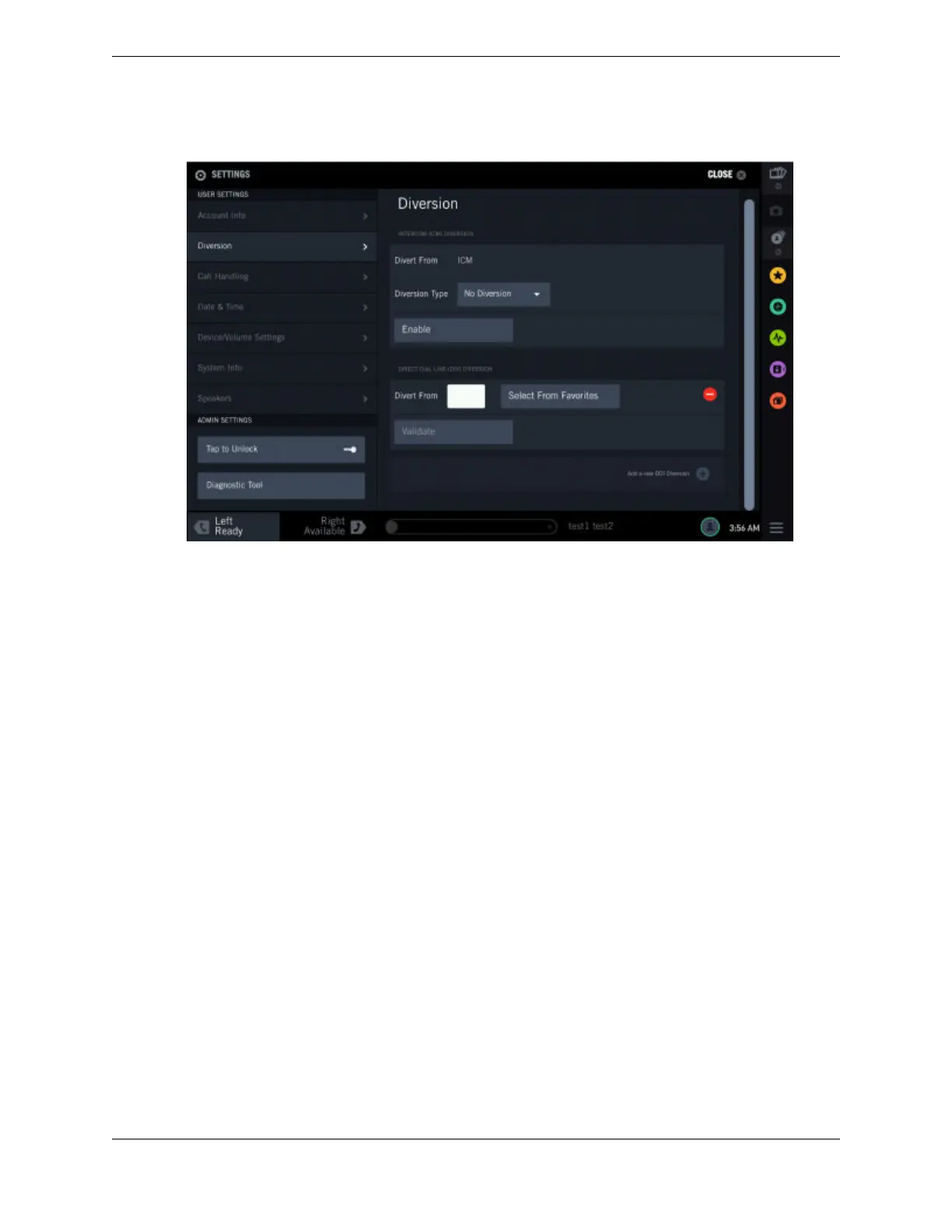
Figure 73: DDI Diversion
To enable Direct Dial Inward (DDI) diversion through Settings:
1. Tap the User Badge in the footer (located on the right side of the lower panel) of the main screen.
The list of options is displayed.
2. Tap Settings.
The SETTINGS screen is displayed.
3. Tap the Diversion option from the left panel to access the screen.
4. Tap Add a new DDI Diversion.
The Direct Dial Inward (DDI) diversion section expands.
5. The Divert From field displays the line from which the call should be diverted. Do one of the
following:
•
Enter the line number from the soft keyboard and tap the Validate button.
•
Tap Select From Favorites. The device displays the FAVORITES screen.
1. Tap a line to select it.
2. Tap Done.
The device displays the selected line in the Divert From field.
6. Select one of the diversion types from the Diversion Type drop-down list.
The device displays the appropriate fields based on the selected Diversion Type. If you select the
Immediate, Busy, Ring/No Answer or Busy/Ring/No Answer diversion type, the device displays the
Divert To field.
162 11.3: Diversion
August 26, 2019 IPC Proprietary



 To Next Page