MENU
• Tap on the PROGRAM CHANGE button to apply the filter. The filter is applied and the
PROGRAM CHANGE button will turn on.
• Press SAVE to save the changes.
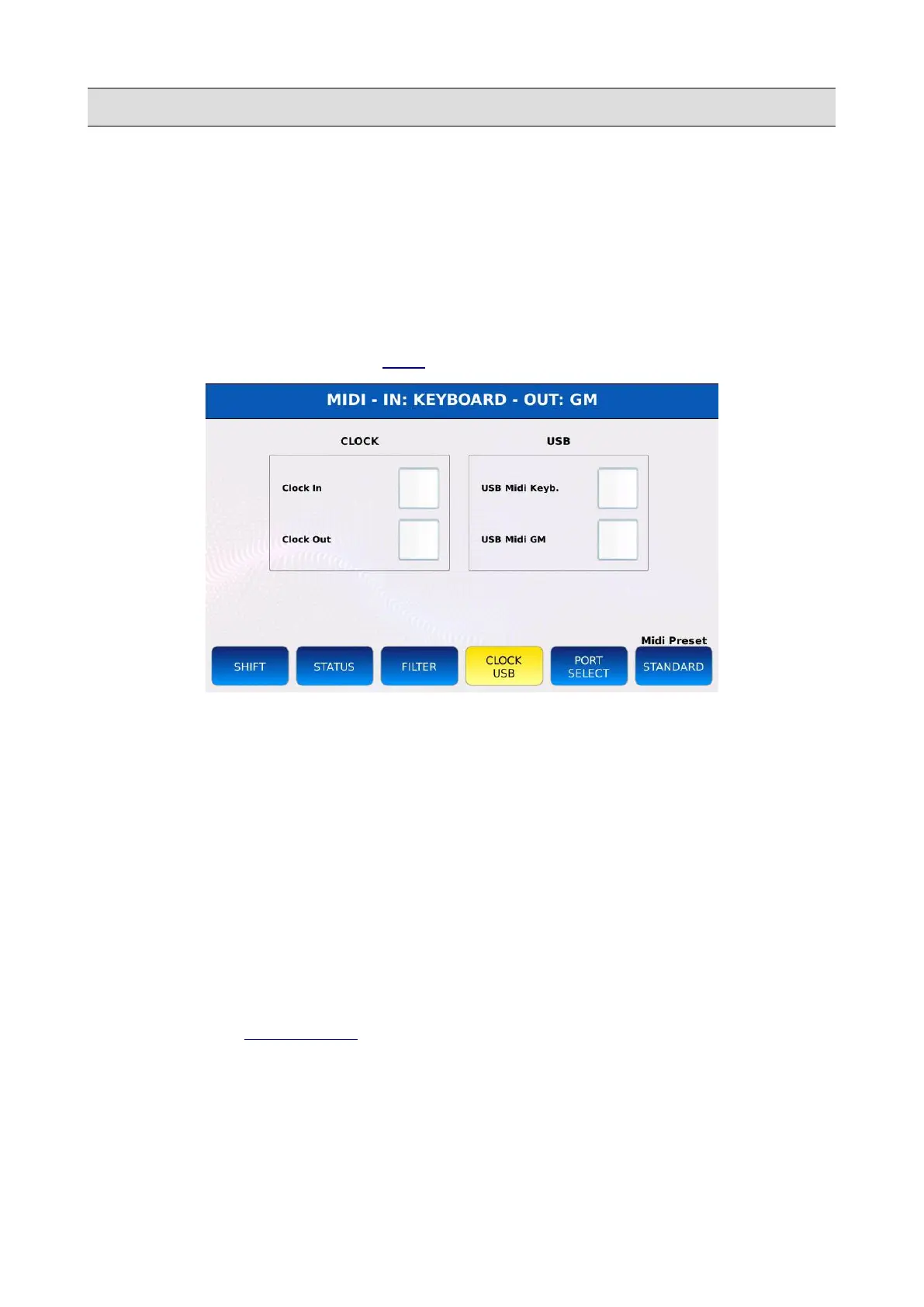
Clock / USB page
Within this page, you can manage the MIDI Clock settings and configure the USB port in the
FRONT PANEL as a MIDI IN/OUT port.
Tap on the CLOCK USB button on the MIDI page to display the CLOCK USB page.
• CLOCK IN: when checked, the instrument will accept the MIDI Clock data from external
MIDI devices and will synchronize to that signal.
• CLOCK OUT: when checked, the instrument will transmit the MIDI Clock data to external
MIDI devices.
• USB MIDI KEYB: turns the USB Device port on the FRONT PANEL into a MIDI port for
transmission and reception of MIDI messages on the KEYBOARD parts. In this mode the
MIDI connection to external sequencer software can be made directly using a USB cable
without the use of the MIDI IN/OUT ports and traditional MIDI cables.
• USB MIDI GM: turns the USB Device port on the FRONT PANEL into a MIDI port for
transmission and reception of MIDI messages on the GM parts.
NB: when used as MIDI port, the USB port cannot be used to transfer files between the instrument
and a computer (see PC CONNECT).
KETRON - LOUNGE 117



 To Next Page