MEDIA
• REFRESH: scans all connected memory devices. Useful when the instrument does not
immediately recognize a connected USB pen drive or hard disk.
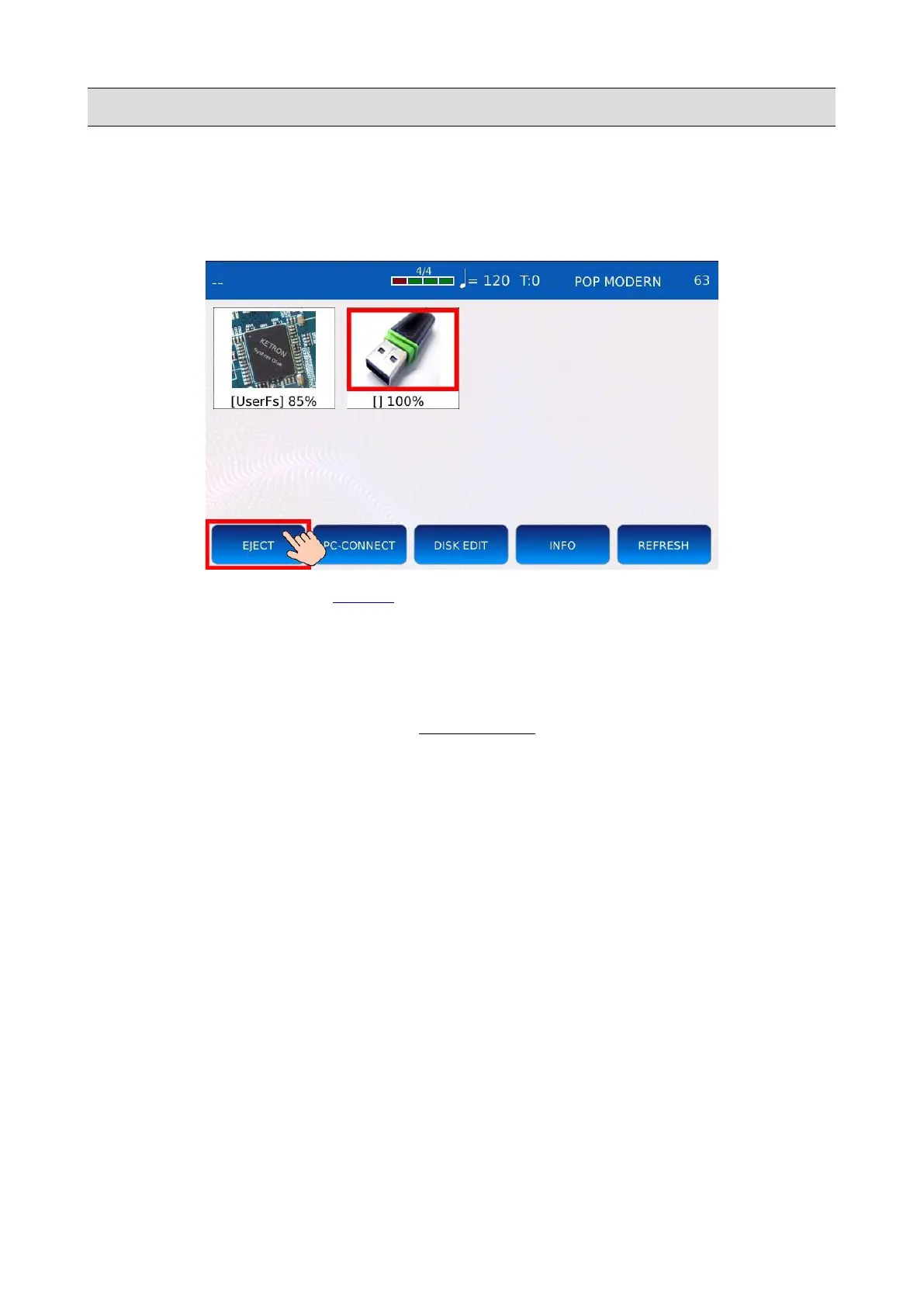
Safely remove a media device (eject)
• Press MEDIA to enter in MEDIA mode.
• Use the Value Dial to select the memory device you want to safely remove. The media
device will be highlighted in red.
• Tap on the EJECT button.
• Wait until the operation is complete. Do not remove the device until it is no more visible in
the MEDIA page.
• Disconnect the device from the USB port.
NB: the internal SSD (UserFS cannot be ejected).
KETRON - LOUNGE 63



 To Next Page