VOICE
Voice Edit
In VOICE EDIT mode you can edit and customize VOICE Presets. You can adjust the VOICE
parameters as you like and save the new Preset as a User Preset.
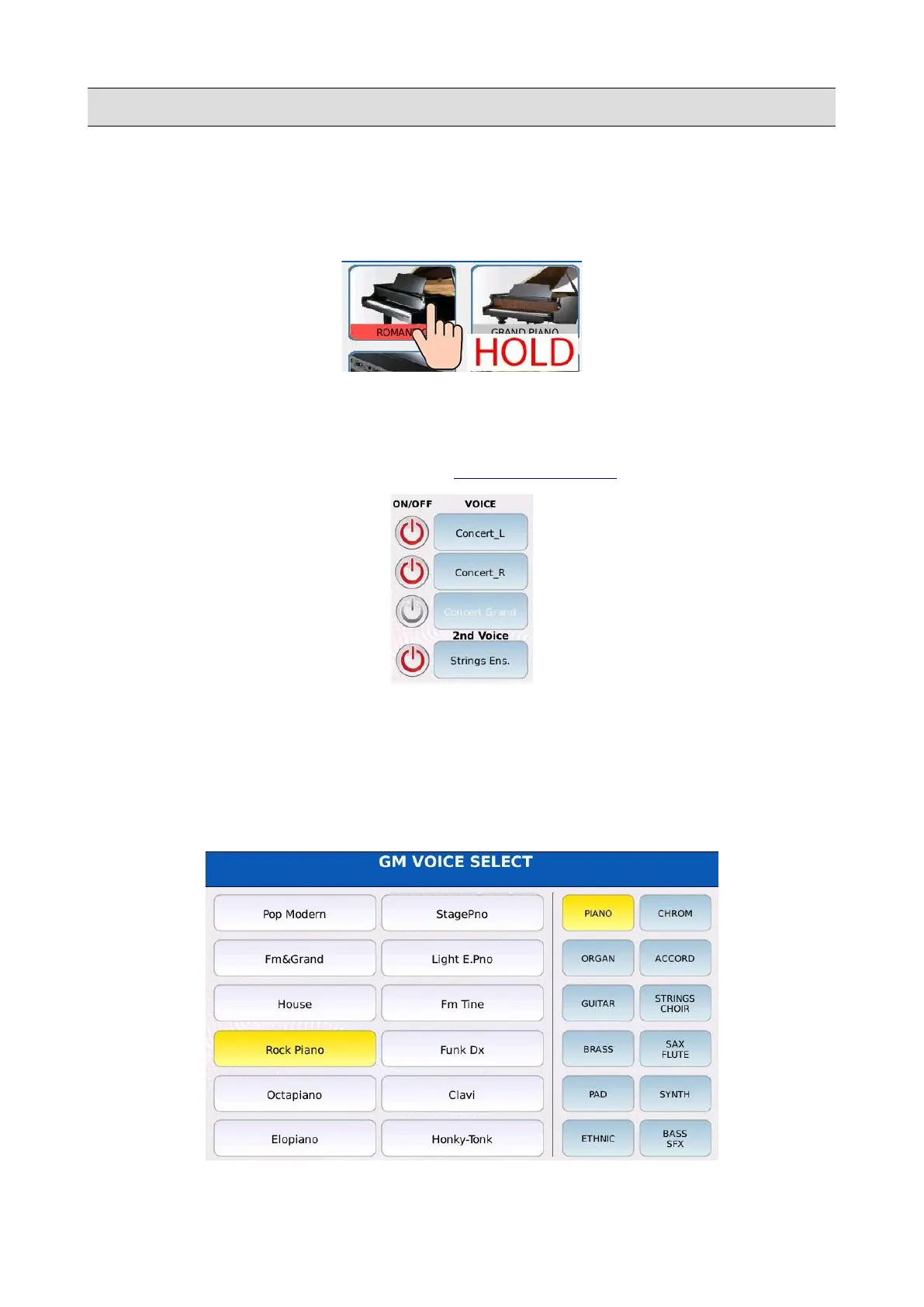
Tap on and keep pressed a Preset icon to enter in VOICE EDIT mode. The VOICE parameters are
displayed in several pages and that can be edited by tapping on the corresponding button and the
using the Value Dial to change the value. Tap on the >> and << buttons to switch between all the
VOICE EDIT pages. Press EXIT to return to the VOICE SELECTION page.
On the left side of the pages, there are 4 ON/OFF buttons and 4 VOICE buttons.
• ON/OFF: enables or disable the layer. A disabled layer is muted and will produce no sound.
• VOICE: opens the GM VOICE SELECT page to selects the GM sound to be played on that
layer. Tap on the family name on the right and then tap on the sound name on the left to load
the desired sound.
KETRON - LOUNGE 75



 To Next Page