MEDIA
PC connect
Allows you to connect the instrument to a computer as like an external USB disk. You can see all
the memory devices connected to or installed on the instrument and easily access their content from
the computer.
• Connect an USB cable to the USB DEVICE port at the front of the instrument and to a free
USB port of a computer.
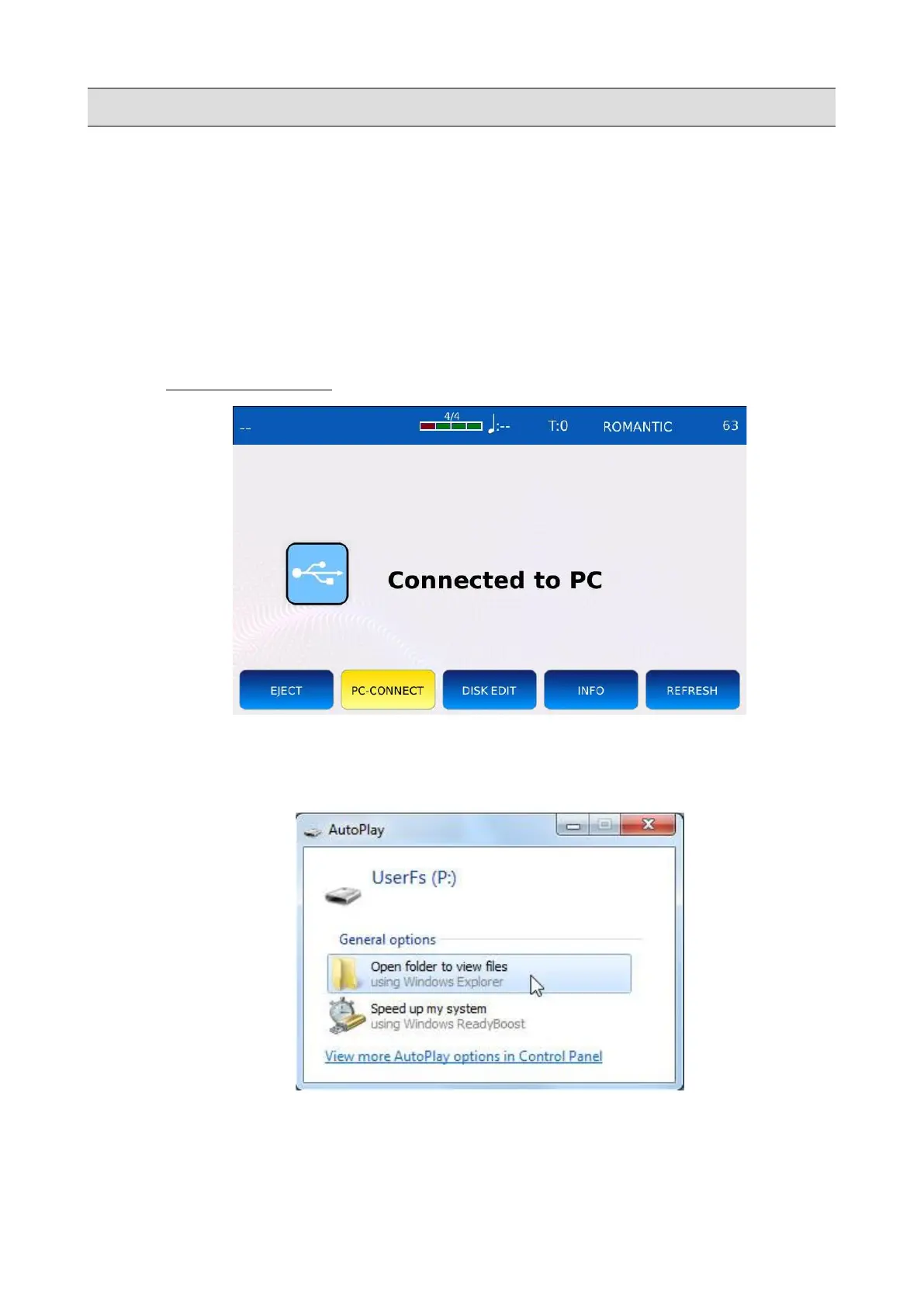
• Tap on the PC CONNECT button to open the connection. All other functionalities of the will
be temporarily disabled.
• A pop up window will appear on the screen of your computer. Choose the “Open folder to
view files” option. This will allow you to navigate the instrument memory devices as
removable disks.
• You can now copy any type of files form the computer to the instrument (and vice versa).
• Tap again on the PC CONNECT button to close the connection.
64 - KETRON - LOUNGE



 To Next Page