DRUM
Play a Rhythm
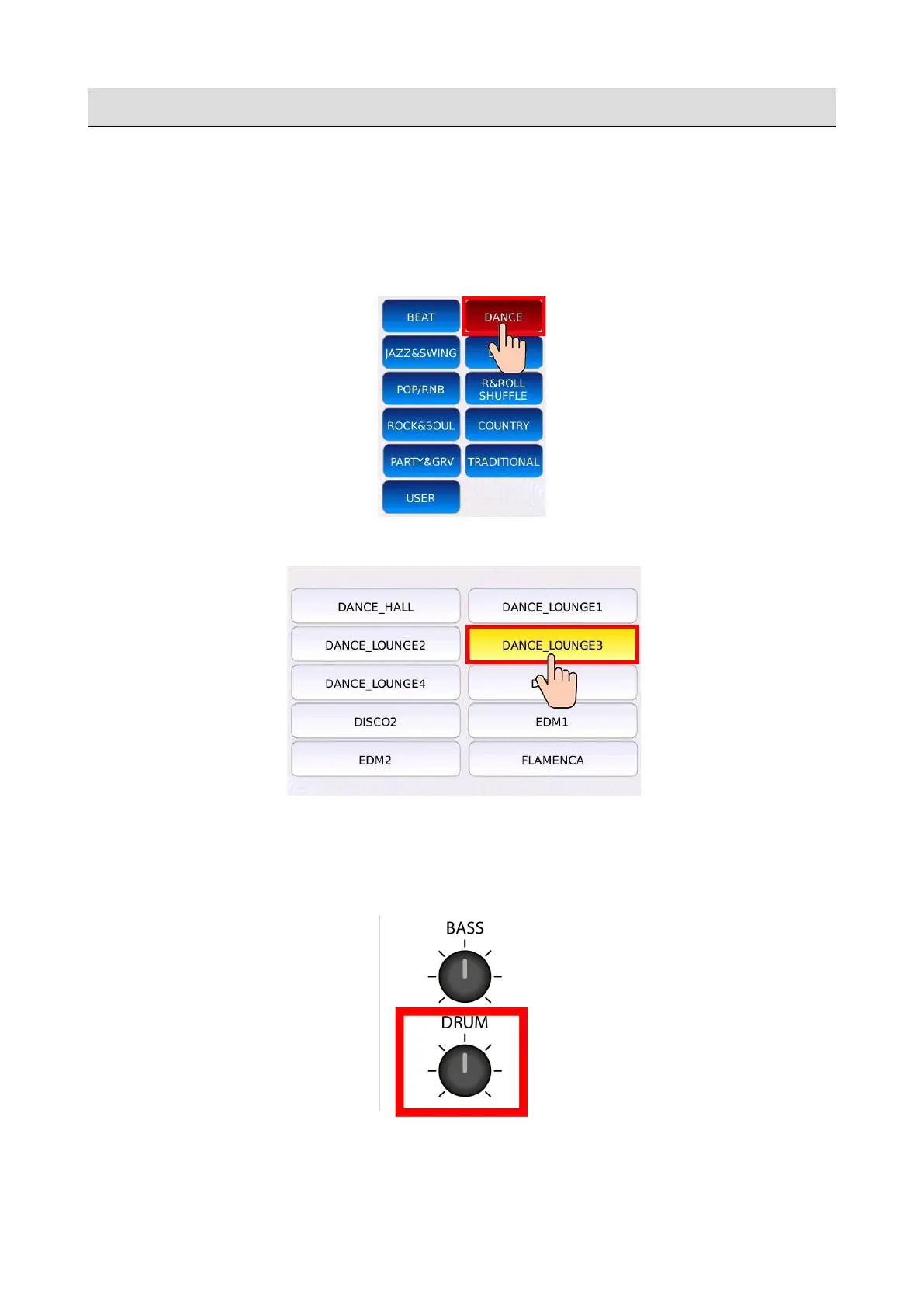
• Press DRUM. The DRUM button led will turn on and the DRUM page will be displayed on
screen.
• Tap on a Rhythm Family name to select the desired family.
• Tap on a Rhythm name to select the desired Rhythm.
• Press START to play the selected Rhythm. Press again START to stop.
• Press TEMPO and use the Value Dial to slow down or speed up the tempo.
• Use the DRUM potentiometer to adjust the volume of the Rhythm.
KETRON - LOUNGE 91



 To Next Page