PLAYER
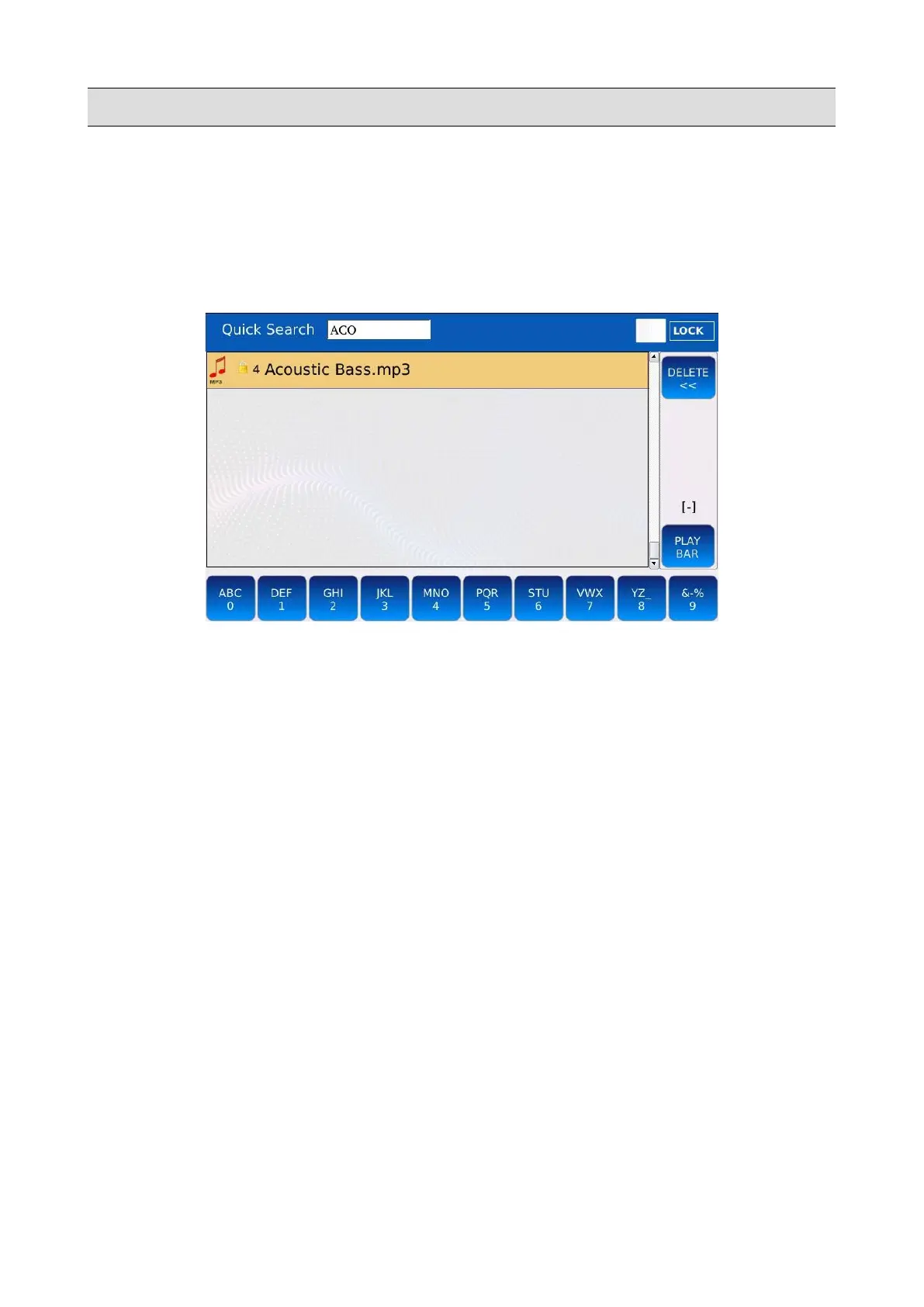
Quick search
Sometimes, the global search could be inconvenient and time consuming, especially if there are a
lot of files saved on the instrument memory. The quick search allows you to perform multiple
searches faster but limited only at the current folder.
• Tap on one of the buttons at the bottom of the SEARCH page.
• Compose on the buttons the name of the file or the title of the song to find. For example, if
you want to find all files containing the word “MAGIC”, follow this steps:
◦ tap one time on button 4 → “M”
◦ tap one time on button 0 → “A”
◦ tap one time on button 2 → “G”
◦ tap quickly three times on button 2→ “I”
◦ tap quickly three times on button 0→ “C”
• If you make an error, press the DELETE button to go back one step.
• Press SEARCH to quit the search.
LOCK: check to skip the search mode selection and jump directly into quick search mode, when the
SEARCH button is pressed.
NB: the quick search does not scan subfolders.
54 - KETRON - LOUNGE



 To Next Page