PLAYER
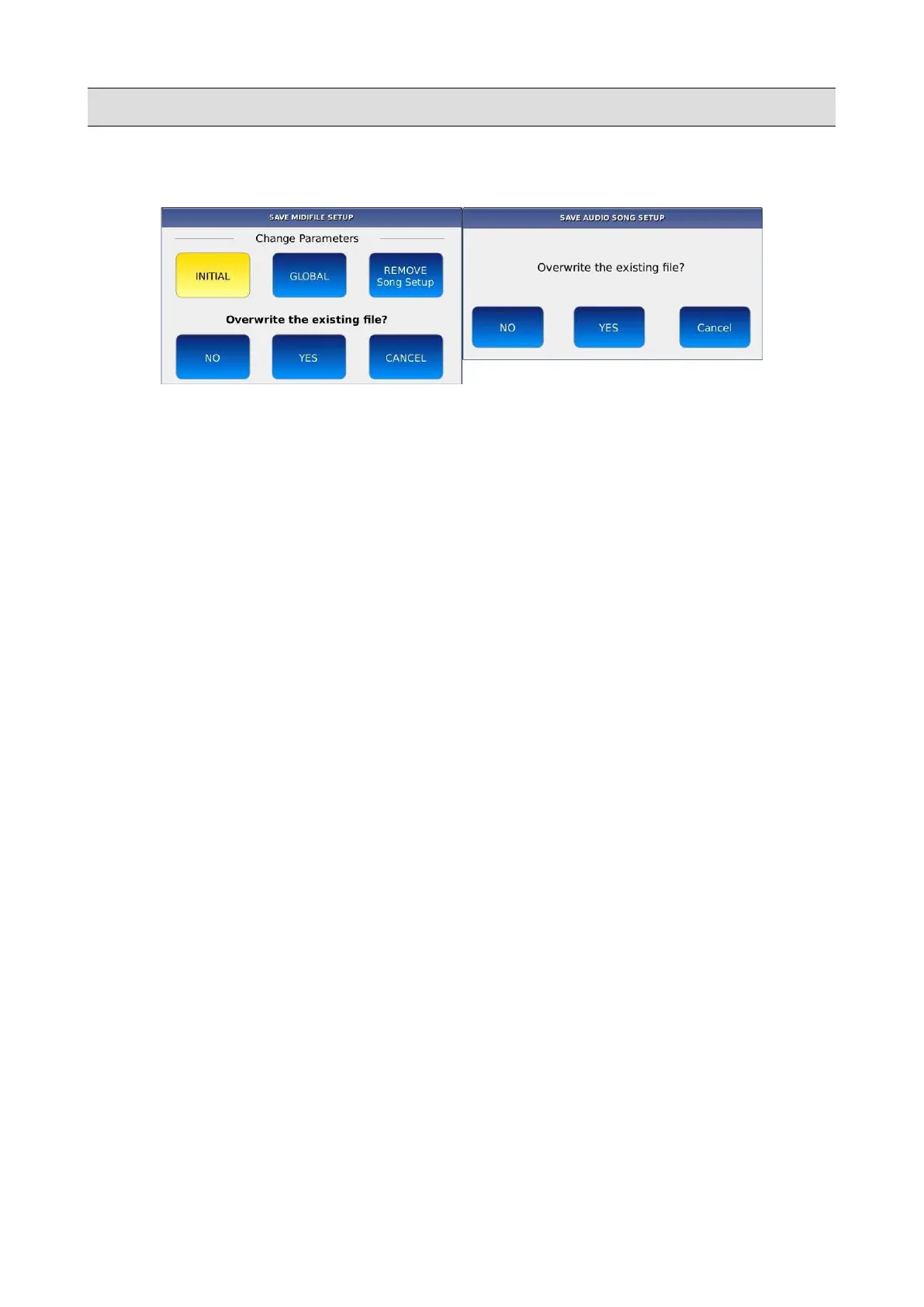
Press SAVE while the song is still playing, to save the transposition meta data into the song. A pop
up window will be displayed on screen:
• NO: a virtual alphanumeric keyboard will appear on screen. Compose the new name and
then tap on ENTER. The original file will be not modified.
• YES: overwrites the song.
• CANCEL: cancels operation.
Example – Apply transposition to a Song but not to the keyboard
• Play a song (mp3 or MIDI).
• Press the TRANSPOSE button.
• Press the GLOBAL button and use the Value Dial to set the GLOBAL transposition to the
desired value.
• Press the KEYBOARD button and use the Value Dial to set the KEYBOARD transposition
to 0.
NB: remember that the GLOBAL transposition value will reset to 0 when the song ends.
20 - KETRON - LOUNGE



 To Next Page