MEDIA
• Remember to safely remove the hardware device from the computer in order to avoid any
damage or data loss. Tap on OK to continue.
Disk Edit
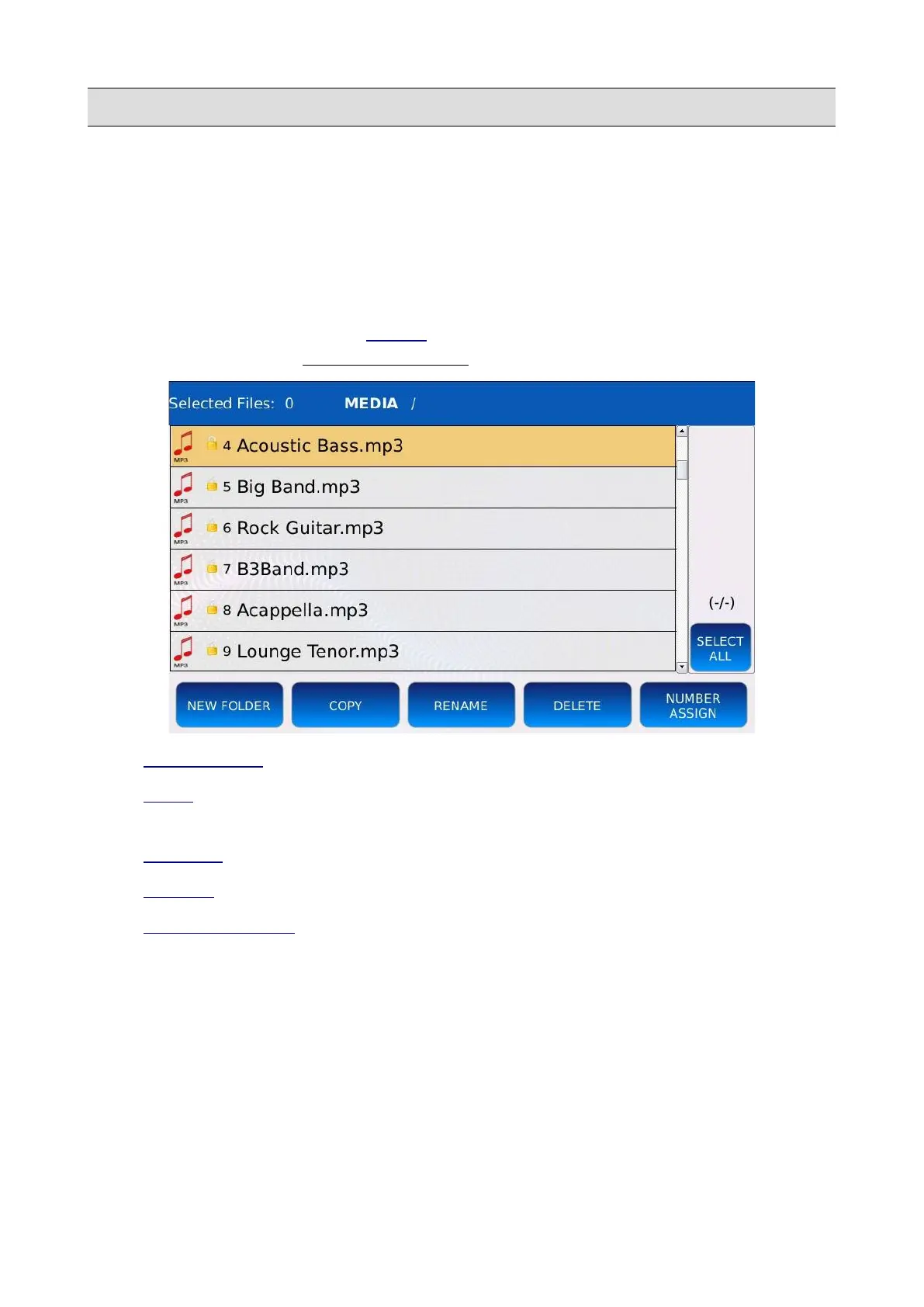
In DISK EDIT you can perform various file operation, such as creating new folders, copying,
pasting, deleting, renaming files and more.
Tap on the DISK EDIT button of the MEDIA page to enter in DISK EDIT mode. All other
functionalities of the will be temporarily disabled.
• NEW FOLDER : creates new directories.
• COPY : copy and paste files between directories or from external memory devices into the
instrument internal memory.
• RENAME : change files and folders names.
• DELETE : remove files and folders.
• NUMBER ASSIGN : assign or remove the file indexes.
• SELECT ALL: selects all file and folders in the current directory.
KETRON - LOUNGE 65



 To Next Page